Key Takeaways
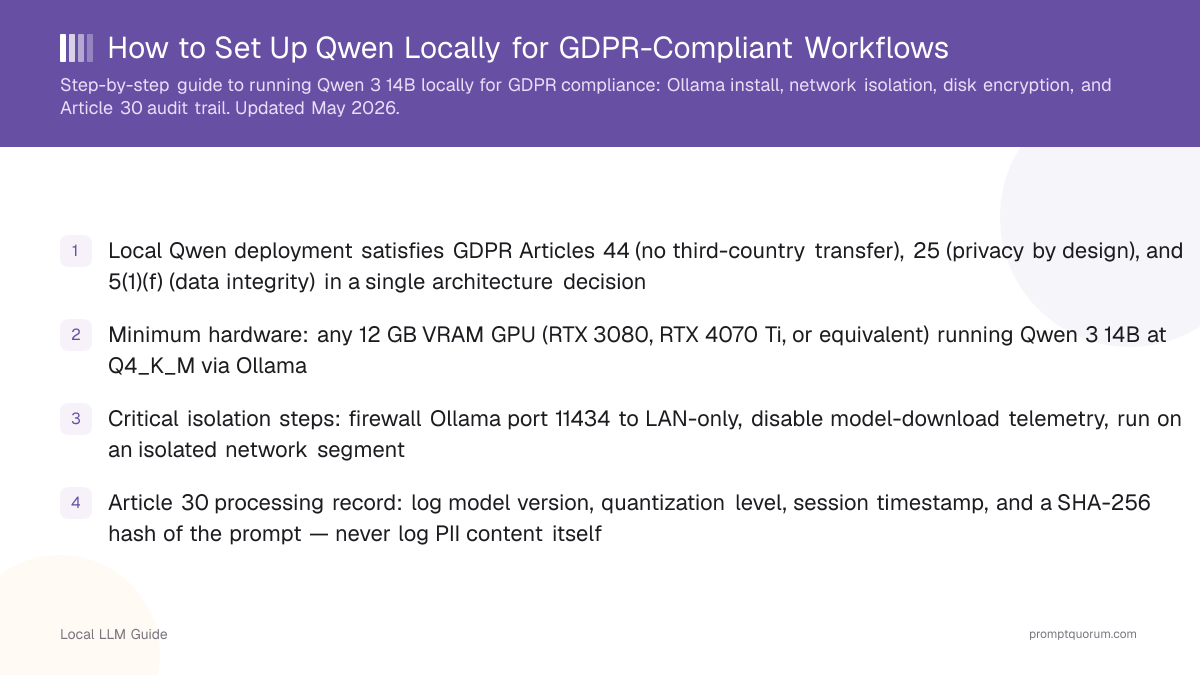
- Local Qwen deployment satisfies GDPR Articles 44 (no third-country transfer), 25 (privacy by design), and 5(1)(f) (data integrity) in a single architecture decision
- Minimum hardware: any 12 GB VRAM GPU (RTX 3080, RTX 4070 Ti, or equivalent) running Qwen3 14B at Q4_K_M via Ollama
- Critical isolation steps: firewall Ollama port 11434 to LAN-only, disable model-download telemetry, run on an isolated network segment
- Article 30 processing record: log model version, quantization level, session timestamp, and a SHA-256 hash of the prompt — never log PII content itself
- Total setup time from clean OS to first GDPR-safe inference: under 30 minutes
Why Local Deployment Satisfies GDPR
<strong>The three GDPR articles most directly implicated by AI usage are Article 44 (international data transfers), Article 25 (data protection by design and by default), and Article 5(1)(f) (integrity and confidentiality). Local LLM deployment addresses all three through a single architectural choice: the model runs on your hardware, inside your jurisdiction, with no outbound data transfer.</strong>
Article 44 is the hardest to satisfy for cloud AI. Every prompt containing personal data sent to OpenAI, Anthropic, or Alibaba Cloud requires a legal basis for the transfer — Standard Contractual Clauses at minimum, often plus a Transfer Impact Assessment. When the inference happens locally, no Article 44 transfer occurs. The legal question disappears.
Article 25 requires that processing be designed from the ground up to protect personal data. A local model is the textbook example: by default, no data leaves the building. Auditors and DPAs are familiar with this architecture. Documentation is straightforward.
📍 In One Sentence
Running Qwen locally satisfies GDPR Articles 44, 25, and 5(1)(f) through a single architectural choice: the model processes all data on your hardware, inside your jurisdiction.
💬 In Plain Terms
GDPR has strict rules about sending data to other countries. A local AI model keeps data on your own machines — no data crosses borders, so the international-transfer rules simply do not apply.
Hardware Requirements by Organisation Size
<strong>For a single DPO or legal ops analyst: any GPU with 12 GB VRAM handles Qwen3 14B Q4_K_M at practical inference speeds (~18 tok/s on RTX 3080). For a team of 5–10 users sharing a central server: 24 GB VRAM (RTX 3090 or RTX 4090) handles multiple simultaneous requests.</strong> Enterprise multi-user deployment requires multi-GPU setup — out of scope for this guide.
Minimum viable setup: RTX 3080, RTX 4070 Ti, or any GPU with 12 GB VRAM. Dedicated GPU recommended over shared workstation GPU — you want inference-only, not a GPU switching between gaming and LLM workloads. CPU fallback is possible via Ollama but inference speed drops to ~3 tok/s.
Team Size | Recommended GPU | Model | Expected Speed |
|---|---|---|---|
| 1 user | RTX 3080 (12 GB) | Qwen3 14B Q4 | ~18 tok/s |
| 2–5 users (queued) | RTX 4070 Ti (12 GB) | Qwen3 14B Q4 | ~22 tok/s |
| 5–10 users (shared) | RTX 3090 / 4090 (24 GB) | Qwen3 14B Q5 | ~28 tok/s |
| Long-document team | RTX 3090 (24 GB) | Llama 4 Scout (10M ctx) | ~15 tok/s |
Ollama Installation — Step by Step
<strong>Install Ollama on Linux, macOS, or Windows. Pull Qwen3 14B once over HTTPS. After that, inference is fully offline.</strong>
- 1Install Ollama
Why it matters: One-line install on Linux: <code>curl -fsSL https://ollama.com/install.sh | sh</code>. macOS: download the .app from ollama.com. Windows: download the .exe installer. Verify: <code>ollama --version</code> should return a version number. - 2Pull the model (one-time HTTPS download)
Why it matters: Run <code>ollama pull qwen3:14b</code>. This downloads ~9 GB from Hugging Face via HTTPS. This is the only time external network access is required. For an air-gapped environment: download on a networked machine, transfer the GGUF file via USB, and import with <code>ollama create qwen3:14b --from /path/to/file.gguf</code>. - 3Disable telemetry
Why it matters: Create or edit <code>~/.ollama/config.json</code> and add: <code>{"telemetry": false}</code>. Ollama does not send inference traffic externally, but telemetry pings on startup. Disabling it eliminates any residual network activity from the runtime. - 4Test inference
Why it matters: Run <code>ollama run qwen3:14b</code> and type a prompt. Confirm the response generates locally. Use <code>ss -tnp | grep ollama</code> (Linux) or Wireshark to verify no outbound connections occur during inference.
curl -fsSL https://ollama.com/install.sh | sh
ollama pull qwen3:14b
ollama run qwen3:14b
Network Isolation
<strong>Ollama serves an HTTP API on port 11434 by default. This port must be restricted to LAN access only — never exposed to the internet. Inference on a properly configured Ollama server generates zero outbound traffic.</strong>
On Linux with UFW: <code>ufw allow from 192.168.0.0/16 to any port 11434</code> followed by <code>ufw deny 11434</code>. This allows LAN clients and blocks all external access. For single-user local use, bind Ollama to localhost only by setting the environment variable: <code>OLLAMA_HOST=127.0.0.1 ollama serve</code>.
Additional hardening: run Ollama as a non-root system user, restrict the model directory to that user, and audit outbound connections monthly via <code>conntrack -L | grep ESTABLISHED</code> during an inference session to confirm no external calls.
•Important: If you use Open WebUI or any browser-accessible frontend for Ollama, ensure the frontend is also restricted to LAN-only access. The isolation of the Ollama API is not sufficient if the frontend is publicly accessible.
Disk Encryption — GDPR Article 5(1)(f)
<strong>GDPR Article 5(1)(f) requires that personal data is processed with appropriate security, including protection against unauthorised access. Full-disk encryption ensures that if a hardware asset is lost or stolen, the model files and any logged data cannot be accessed.</strong>
Linux: LUKS2 with dm-crypt is the standard. Enable at OS install time for best coverage. Existing systems: <code>cryptsetup</code> can encrypt specific partitions. macOS: FileVault is built-in — enable in System Settings → Privacy & Security → FileVault. Windows: BitLocker on Pro/Enterprise editions.
Encrypt both the OS drive and any external drives used to store model files or session logs. The Qwen model weights themselves do not contain personal data, but any session logs or fine-tuned models should be treated as potentially containing it.
Article 30 Audit Trail — What to Log and How
<strong>GDPR Article 30 requires organisations to maintain a record of processing activities involving personal data. For an LLM deployment, this means documenting: the purpose of processing, the categories of data processed, the technical and organisational measures, and retention periods.</strong>
What to log per inference session: (1) model name and version (e.g., qwen3:14b), (2) quantization level (Q4_K_M), (3) session timestamp (ISO 8601), (4) SHA-256 hash of the input prompt — not the raw text. The hash allows you to demonstrate consistency without retaining PII. (5) User identifier (pseudonymous) if applicable.
What NOT to log: the raw prompt text, the raw response text, any personally identifiable information extracted from the response. The purpose of the hash is to create a tamper-evident record without creating a new personal data retention problem.
💡Tip: One-line prompt hash in Python: <code>import hashlib; hashlib.sha256(prompt.encode()).hexdigest()</code>. Store this alongside the session metadata, not the original prompt.
What to Document for Your DPA or Internal Audit
<strong>If a Data Protection Authority audits your LLM deployment, four documents cover most questions: (1) Article 30 processing register entry, (2) Technical architecture diagram showing data flow, (3) Evidence of disk encryption, (4) Network monitoring log showing absence of outbound inference traffic.</strong>
Article 30 entry for local LLM: Controller identity, Purpose of processing (e.g., "Legal document summarisation"), Categories of personal data (e.g., "Contractual party names, financial terms"), Technical measures (local model, full-disk encryption, LAN-only access), Retention period for session logs (typically 30–90 days of hashes only).
The architecture diagram is the single most important document for a DPA. A one-page diagram showing: User → Ollama API (LAN-only) → Model inference → Response, with a clear "no outbound internet connection" annotation, answers the Article 44 question visually and efficiently.
Does a local LLM require a Data Protection Impact Assessment (DPIA)?
Possibly. A DPIA is required when processing is likely to result in a high risk to individuals — for example, processing medical records, employee performance data, or legal documents at scale. The "systematic and large-scale" threshold is the trigger, not the AI tool itself. A single analyst using Qwen3 14B for contract review likely does not trigger mandatory DPIA. A healthcare organisation processing hundreds of patient records per day likely does.
Can I use Open WebUI with Ollama for GDPR-compliant access?
Yes, if Open WebUI is also LAN-restricted. Run Open WebUI on the same isolated network as Ollama, bind its port to the internal interface only, and enable authentication. Open WebUI supports user accounts — this also gives you a user-level audit trail that maps to Article 30 requirements.
Which Qwen model variant is best for legal and HR text in European languages?
Qwen3 14B Q4_K_M is the recommended baseline: strong across German, French, Italian, Spanish, and English at the 14B tier. For code-heavy legal workflows (e.g., processing contracts with embedded code clauses or structured data), Qwen2.5-Coder 14B Q4_K_M. For organisations limited to 6–8 GB VRAM, Qwen3 8B performs well on multilingual text.
Do I need a Data Processing Agreement with Ollama?
No. Ollama is a local runtime with no server component. It does not process data on your behalf — the model weights run entirely on your hardware. There is no Ollama entity acting as a data processor under GDPR Article 28. You do not need a DPA.