Best Mini PC for Local LLM?
Quick Answer
Three mini PCs stand out for local LLM inference: Mac Mini M4 delivers ~18 tok/s with unified memory and zero VRAM bottleneck, Minisforum UM790 Pro scales to 64 GB DDR5 for larger models, and Beelink SER8 offers value at ~8 tok/s with Ryzen 9 8845HS. All three run 7–13B Q4 models without a discrete GPU.
- ▸Mac Mini M4: fastest for LLMs, ~18 tok/s on Llama 3 8B, power-efficient
- ▸Minisforum UM790 Pro: AMD Radeon 780M iGPU, up to 64 GB unified RAM
- ▸Beelink SER8: Ryzen 9 8845HS, ~8 tok/s, budget-friendly alternative
Key Takeaways
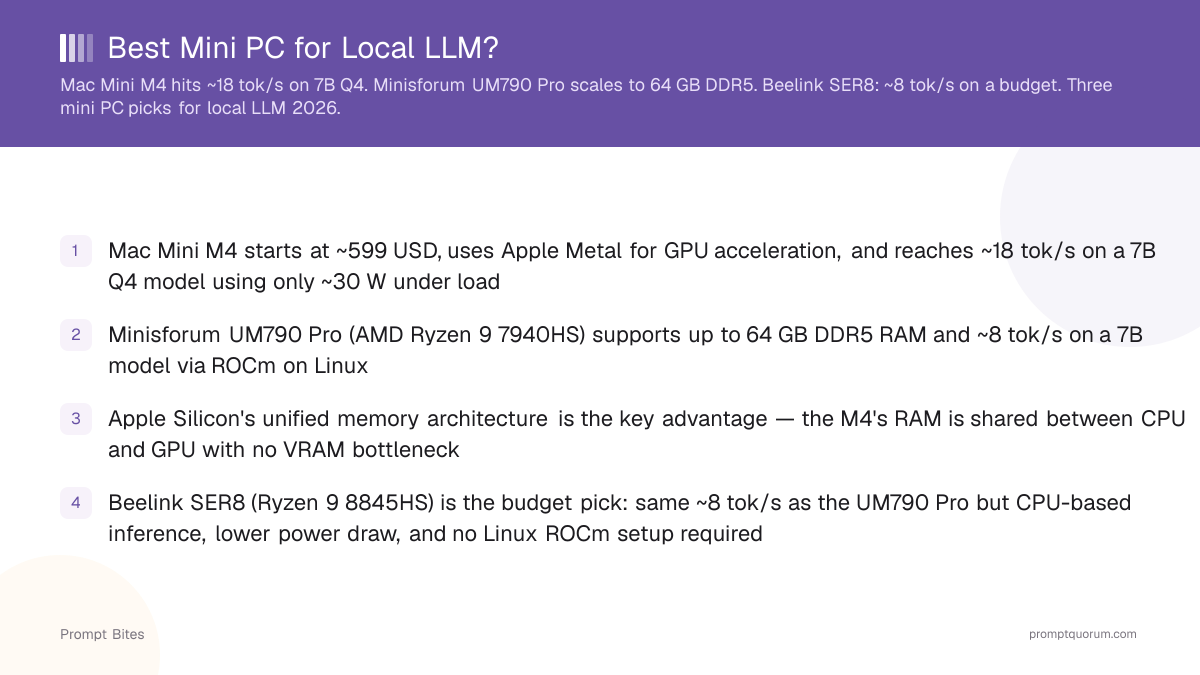
- ✓Mac Mini M4 starts at ~599 USD, uses Apple Metal for GPU acceleration, and reaches ~18 tok/s on a 7B Q4 model using only ~30 W under load
- ✓Minisforum UM790 Pro (AMD Ryzen 9 7940HS) supports up to 64 GB DDR5 RAM and ~8 tok/s on a 7B model via ROCm on Linux
- ✓Apple Silicon's unified memory architecture is the key advantage — the M4's RAM is shared between CPU and GPU with no VRAM bottleneck
- ✓Beelink SER8 (Ryzen 9 8845HS) is the budget pick: same ~8 tok/s as the UM790 Pro but CPU-based inference, lower power draw, and no Linux ROCm setup required
- ✓Apple announced a next-gen Mac mini on August 25, 2026: M6 (from $899, 32 GB max memory, ships Sept 22, 2026) and M5 Pro (from $1,699, 64 GB max memory) replace the outgoing M4 and M4 Pro lineup — note the base M6's 32 GB ceiling is lower than the old M4 Pro's 64 GB max
Mac Mini M4 Leads on Speed and Efficiency
The Mac Mini M4 achieves ~18 tokens per second on a 7B Q4 model, consumes ~30 W under load, and starts at approximately 599 USD — making it the fastest mini PC for local LLM inference. The M4 chip uses unified memory architecture, meaning the same physical RAM is shared between CPU and GPU with no memory copy overhead. For users prioritizing speed, the M4 is the top choice.
The Minisforum UM790 Pro is the scaling option: AMD Ryzen 9 7940HS with Radeon 780M iGPU, up to 64 GB DDR5 configured as unified memory, and ~8 tok/s on Linux with ROCm. The Beelink SER8 (Ryzen 9 8845HS) matches the UM790 Pro on throughput but uses CPU-only inference — no discrete GPU required — making it the budget-friendly choice for users on Windows or Linux who want to avoid ROCm setup.
Apple announced a next-generation Mac mini lineup on August 25, 2026, shipping September 22, 2026: the M6 chip starts at $899 with a 32 GB unified memory maximum, and the M5 Pro chip starts at $1,699 with a 64 GB unified memory maximum. Apple has not published independent LLM benchmarks for either chip; Apple's own marketing claims up to roughly 4x the AI performance of the M4, but that figure comes from Apple, not third-party testing. If you are buying today, compare the discounted M4's price against these new starting prices before deciding.
The table below compares the three mini PCs across CPU/GPU, best memory configuration, and measured LLM speed.
| Mini PC | CPU/GPU | Best Config | LLM Speed (7B Q4) |
|---|---|---|---|
| Mac Mini M4 | Apple M4 | 16 GB unified | ~18 tok/s |
| Minisforum UM790 Pro | Ryzen 9 7940HS | 64 GB DDR5 | ~8 tok/s |
| Beelink SER8 | Ryzen 9 8845HS | 64 GB DDR5 | ~8 tok/s |
Unified Memory Is the Key Differentiator for LLM Performance
Standard mini PCs with discrete GPU slots are not useful for LLM inference because the GPU VRAM is fixed at the factory — typically 4–8 GB — and cannot be expanded. The Mac Mini M4 and UM790 Pro solve this via GPU-based inference with unified memory. The Beelink SER8 takes a different approach: its Ryzen 9 8845HS uses CPU-only inference, which is slower but requires no GPU setup.
The Mac Mini M4 with 16 GB unified memory outperforms the UM790 Pro with 32 GB DDR5 on raw inference speed because Apple's memory bandwidth (~68 GB/s) and Metal GPU acceleration are more efficient than the Radeon 780M iGPU. The UM790 Pro's advantage is the ability to expand to 64 GB, which allows running larger models such as 13B and 30B Q4 that do not fit in 16 GB. Among the new Mac mini chips, only the M5 Pro reaches 64 GB — the base M6 tops out at 32 GB, a step down from the outgoing M4 Pro's 64 GB ceiling. Readers who want to match the UM790 Pro's 64 GB memory on a Mac mini now need the M5 Pro specifically, not the base M6.
For a full guide to hardware selection for local LLM, see the best Ollama frontend overview which covers the software side of local LLM setup.
For Japan-specific mini PC recommendations with Amazon.co.jp links and JPY prices, see our best mini PC for local LLMs in Japan guide.
Related Guides
- ▸Best SSD for Fast Model Loading -- best SSD for fast model loading
- ▸Strix Halo + Ollama + Vulkan: Performance Guide -- Strix Halo Ollama Vulkan setup
Quick Answers About Mini PCs for Local LLMs
Can the Mac Mini M4 run a 13B model locally?▾
Does the Minisforum UM790 Pro need ROCm for GPU acceleration?▾
Is the Mac Mini M4 good enough for coding with a 7B model?▾
What is the maximum model size the UM790 Pro can run at full speed?▾
When should I pick the Beelink SER8 over the Mac Mini M4 or UM790 Pro?▾
Should I buy the Mac Mini M4 now or wait for the new M6/M5 Pro Mac mini?▾
Want the full breakdown?
Read the complete guide →Related Prompt Bites