Best Frontend for Ollama?
Quick Answer
Open WebUI is the best Ollama frontend for most users, offering free access to a feature-rich interface with Docker deployment and RAG support. It is free, feature-rich, and runs as a Docker container. SillyTavern is better for roleplay. Jan adds a local model manager.
- ▸Open WebUI: best overall, Docker-based, ChatGPT-like UI
- ▸SillyTavern: best for creative writing and roleplay
- ▸Jan: built-in model downloader and local API server
Key Takeaways
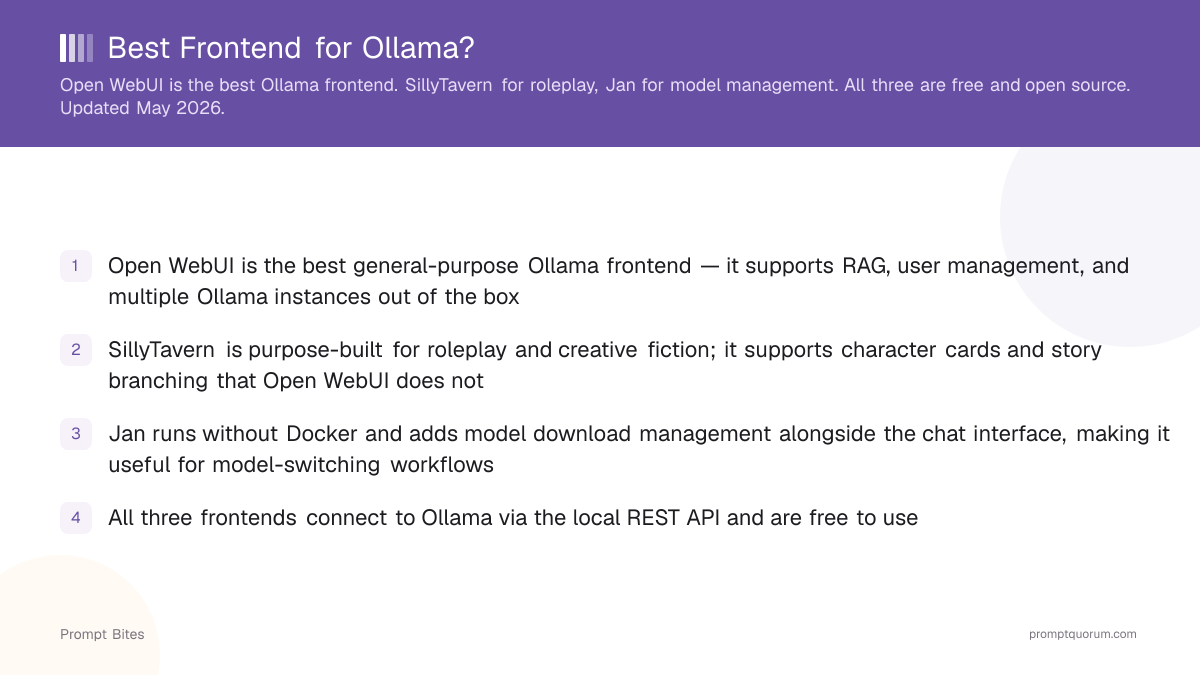
- ✓Open WebUI is the best general-purpose Ollama frontend — it supports RAG, user management, and multiple Ollama instances out of the box
- ✓SillyTavern is purpose-built for roleplay and creative fiction; it supports character cards and story branching that Open WebUI does not
- ✓Jan runs without Docker and adds model download management alongside the chat interface, making it useful for model-switching workflows
- ✓All three frontends connect to Ollama via the local REST API and are free to use
Open WebUI Is the Default Pick
Open WebUI is the recommended Ollama frontend for general use, with 150k+ GitHub stars and active development. It provides a ChatGPT-like chat interface, RAG document upload, user management, and support for connecting to multiple Ollama instances — all free and self-hosted as a Docker container accessible at localhost:3000.
SillyTavern is the right choice when the primary use case is roleplay or collaborative fiction. It supports character cards (PNG files with embedded persona definitions), story branching, and lorebook context injection — features that Open WebUI and Jan do not have.
The table below compares setup method and best use case for the three most popular Ollama frontends.
| Frontend | Setup | Best for |
|---|---|---|
| Open WebUI | Docker | General chat + dev |
| SillyTavern | git clone | Roleplay + fiction |
| Jan | Desktop app | Model management + chat |
Jan Adds Model Management Without Docker
Jan is the only frontend in this comparison that does not require Docker or a package manager to install. It is a native desktop application for Mac, Windows, and Linux that combines model download management with a chat interface.
Open WebUI requires Docker and an already-running Ollama instance. SillyTavern requires Node.js and npm. Jan is standalone — install it as a desktop app and it handles model downloads and the chat interface in a single window.
For a full breakdown of local LLM frontends including installation guides, see the best local LLM frontends guide.
Quick Answers About Ollama Frontends
Does Open WebUI work with Ollama?▾
Can I use SillyTavern with Ollama?▾
Is there an Ollama frontend that does not need Docker?▾
Does Open WebUI support RAG (retrieval-augmented generation)?▾
Want the full breakdown?
Read the complete guide →