Ollama vs LM Studio: Which Should You Pick?
Quick Answer
If you use a terminal and build with APIs, choose Ollama. If you prefer a GUI and just want to chat with models, use LM Studio. Both are free and run models locally.
- ▸Ollama: CLI-first, OpenAI-compatible API, developer tool
- ▸LM Studio: desktop GUI, drag-and-drop models, beginner-friendly
- ▸Both run on Mac, Windows, and Linux
Key Takeaways
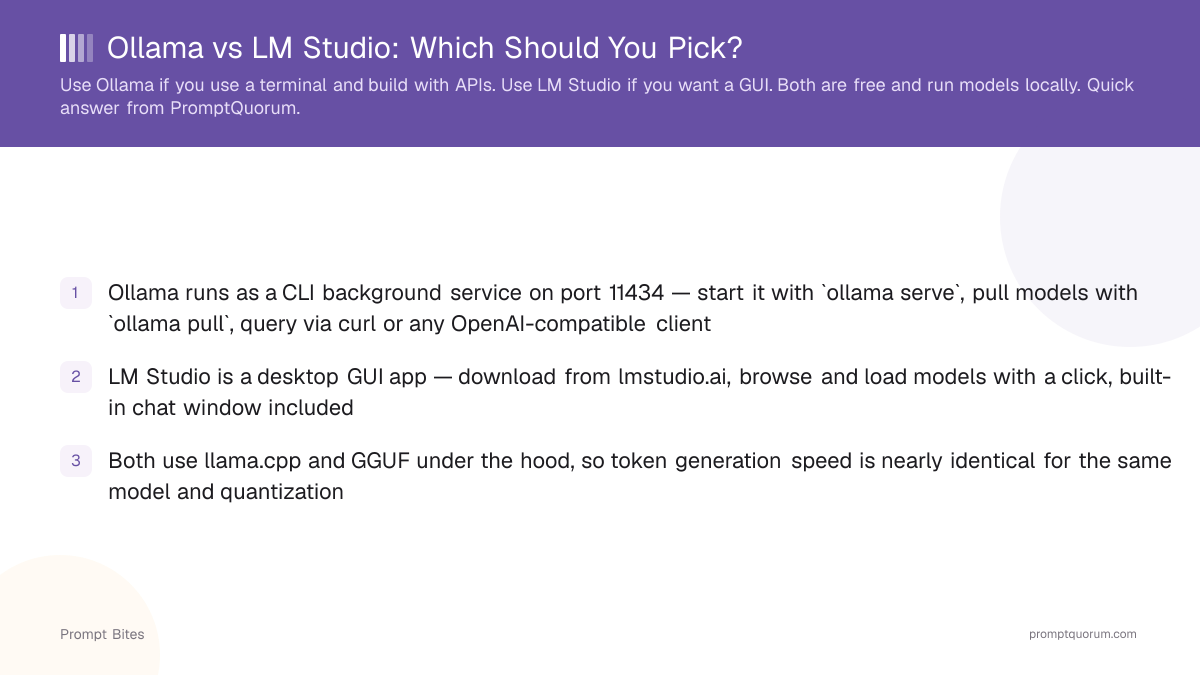
- ✓Ollama runs as a CLI background service on port 11434 — start it with `ollama serve`, pull models with `ollama pull`, query via curl or any OpenAI-compatible client
- ✓LM Studio is a desktop GUI app — download from lmstudio.ai, browse and load models with a click, built-in chat window included
- ✓Both use llama.cpp and GGUF under the hood, so token generation speed is nearly identical for the same model and quantization
Where Each Tool Wins
Ollama wins for developers: it has no GUI overhead, integrates with Python and JavaScript apps via its OpenAI-compatible REST API, and runs headless on Linux servers. LM Studio wins for beginners: its built-in model store lets you download and run a model in under three minutes without touching a terminal.
Both tools use llama.cpp under the hood, so the model itself runs identically. The choice is workflow: command line vs visual interface. The table below maps five practical dimensions to the tool that handles each better.
When to Use Both
You can run Ollama and LM Studio simultaneously. Use LM Studio to browse and test new models, then switch to Ollama once you know which model you want to integrate into a Python or JavaScript app.
Ollama defaults to port 11434, LM Studio defaults to port 1234 — they don't conflict by default. If you've customized either port, set the OLLAMA_HOST environment variable or change LM Studio's server port in Settings.
For the full guide covering installation, model selection, and performance tuning, see the Ollama vs LM Studio in-depth comparison.
Quick Answers About Ollama vs LM Studio
Can Ollama and LM Studio run at the same time?▾
Which is faster — Ollama or LM Studio?▾
Does LM Studio have a command-line interface?▾
Can I use Ollama without a GUI at all?▾
Want the full breakdown?
Read the complete guide →