Jan vs LM Studio: Which Is Better?
Quick Answer
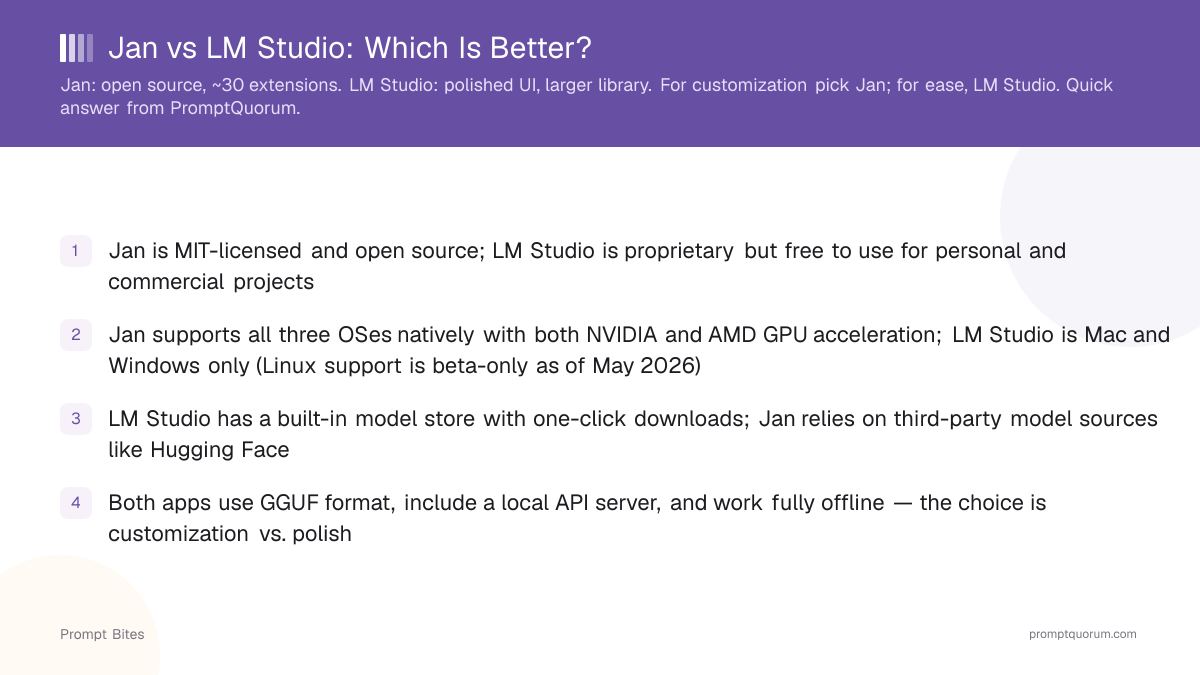
Jan is fully open source with an extension system. LM Studio has a more polished UI and a larger built-in model library. For power users who want customization, choose Jan. For ease of use, choose LM Studio.
- ▸Jan: open source, extensions, runs well on Linux
- ▸LM Studio: polished UI, larger model library, better UX
- ▸Both are free and work fully offline
Key Takeaways
- ✓Jan is MIT-licensed and open source; LM Studio is proprietary but free to use for personal and commercial projects
- ✓Jan supports all three OSes natively with both NVIDIA and AMD GPU acceleration; LM Studio is Mac and Windows only (Linux support is beta-only)
- ✓LM Studio has a built-in model store with one-click downloads; Jan relies on third-party model sources like Hugging Face
- ✓Both apps use GGUF format, include a local API server, and work fully offline — the choice is customization vs. polish
The Open Source vs Polish Trade-off
Jan ([github.com/janhq/jan](https://github.com/janhq/jan)) is MIT-licensed and fully open source — you can read, fork, and modify the code. LM Studio ([lmstudio.ai](https://lmstudio.ai)) is proprietary software that is free to use but closed source. Jan ships an extension system that lets developers add custom functionality, a feature LM Studio does not offer.
Real extension use cases include: connecting Jan to cloud APIs (OpenAI, Anthropic, Groq) for hybrid local/cloud workflows, adding custom prompt templates and chat presets, and integrating with external tools like Obsidian for note-taking. Around 30 community extensions exist.
LM Studio's main advantage is its built-in model store. You can browse, preview, and download hundreds of GGUF models without leaving the app. Jan requires you to find models on Hugging Face or import them manually — more friction for users who just want to get started quickly.
For developers who want to build on top of the application, Jan's open-source codebase and extension API are meaningful advantages. For everyone else, the choice comes down to which workflow matches your daily use.
Which Fits Your Workflow
Use Jan if you want to extend the app, run it on Linux, or need AMD GPU support. Use LM Studio if you want a polished experience with a built-in model library and do not need customization.
For the full comparison with setup steps and API details, see the Jan vs LM Studio in-depth guide.
Quick Answers About Jan vs LM Studio
Is Jan really free?▾
Does LM Studio work on Linux?▾
Can both Jan and LM Studio use AMD GPUs?▾
Which app has a larger model library?▾
Want the full breakdown?
Read the complete guide →Related Prompt Bites