Best Ollama Models for CPU Only?
Quick Answer
Without a GPU, Phi-4 Mini at Q4 is the best balance of quality and speed on CPU, delivering reasoning quality close to Llama 3.2 3B while needing only 4 GB RAM. Llama 3.2 3B Q4 works with 2+ GB RAM. Gemma 2B is the fastest CPU option.
- ▸Phi-4 Mini Q4: best quality/speed on CPU, needs 4 GB RAM
- ▸Llama 3.2 3B Q4: best quality, needs 2 GB RAM (balanced)
- ▸Gemma 2B: fastest CPU inference, 2 GB RAM
Key Takeaways
- ✓CPU inference is 5–10× slower than GPU — expect 3–6 tok/s on a modern 8-core desktop CPU
- ✓Phi-4 Mini Q4 is the best CPU-only pick: 4 GB RAM, ~5 tok/s, strong reasoning quality
- ✓Gemma 2B is fastest on CPU (~6 tok/s) but has lower reasoning quality than Phi-4 Mini
- ✓CPU inference is practical for batch jobs and single-query lookups; too slow for interactive chat
The CPU Speed Reality
CPU inference runs at 3–6 tokens per second on a modern 8-core desktop CPU — roughly 5–10× slower than a mid-range GPU. A 7B model at Q4 produces one word approximately every 200–300 milliseconds on CPU.
This speed is acceptable for two use cases: overnight batch processing such as summarizing documents or classifying data, and single-query lookups where a 30-second wait is acceptable. For interactive chat or real-time code completion, CPU inference is too slow to be practical.
The root constraint is memory bandwidth, not CPU clock speed. Consumer CPUs read RAM at 40–80 GB/s. A dedicated GPU reads VRAM at 400–900 GB/s. LLM inference scales directly with memory bandwidth — which is why even a mid-range GPU produces dramatically faster inference than a high-end CPU.
Top 3 Models for CPU-Only Use
The right CPU-only model depends on whether you prioritize quality or speed. Phi-4 Mini Q4 is the best balance — it delivers reasoning quality close to Llama 3.2 3B while needing only 4 GB RAM and running noticeably faster.
Gemma 2B is the only viable option when RAM is limited to 2 GB. It reaches ~6 tok/s on CPU but produces noticeably lower quality answers on multi-step reasoning tasks compared to Phi-4 Mini.
For the full breakdown of CPU-only configurations including RAM requirements and OS-level optimizations, see the best CPU-only LLM guide.
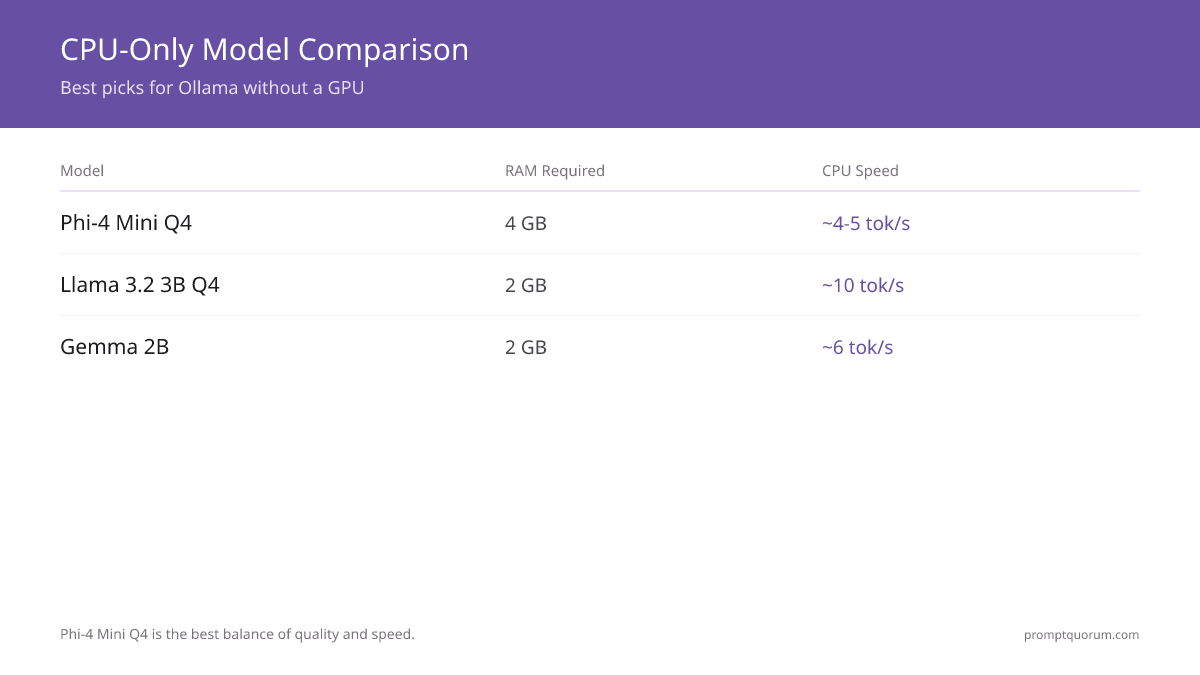
| Model | RAM Required | CPU Speed |
|---|---|---|
| Phi-4 Mini Q4 | 4 GB | ~4–5 tok/s |
| Llama 3.2 3B Q4 | 2 GB | ~10 tok/s |
| Gemma 2B | 2 GB | ~6 tok/s |
Related Guides
- ▸Radeon 6800M for Local LLM: Full Setup Guide -- Radeon GPU guide
- ▸Strix Halo + Ollama + Vulkan: Performance Guide -- Strix Halo guide
Quick Answers About CPU-Only LLMs
How much RAM do I need for CPU-only Ollama?▾
Why is CPU inference so much slower than GPU?▾
Can I use Ollama on a laptop without a dedicated GPU?▾
Which CPUs are fastest for local LLM inference?▾
Want the full breakdown?
Read the complete guide →Related Prompt Bites