Best Quantization for 6 GB VRAM: Which Level Fits?
Q4_K_M is the best quantization level for a 6 GB VRAM GPU — 7B and 8B models use 4.7–4.9 GB, leaving 1.1 GB free for the KV-cache at a 4k-token context. Q5_K_M also fits, but only if you cap context to 2k tokens to avoid running out of memory. Q6_K and higher exceed the 6 GB ceiling on any 7B+ model.
Quick Answer
Q4_K_M is the sweet spot — 7B/8B models at Q4_K_M use 4.7–4.9 GB, leaving 1.1 GB for the KV-cache. Q5_K_M fits but requires limiting context to 2k tokens. Avoid Q6_K and above on 6 GB cards.
- ▸Llama 3.1 8B / Mistral Small / Qwen3 8B at Q4_K_M: 4.7–4.9 GB — safe 6 GB fit with 4k context
- ▸Q5_K_M uses ~5.7 GB — fits but cap context to 2k tokens or risk OOM mid-session
- ▸14B models at Q4_K_M need 9.3 GB — no viable quantization fits 6 GB at acceptable quality
Key Takeaways
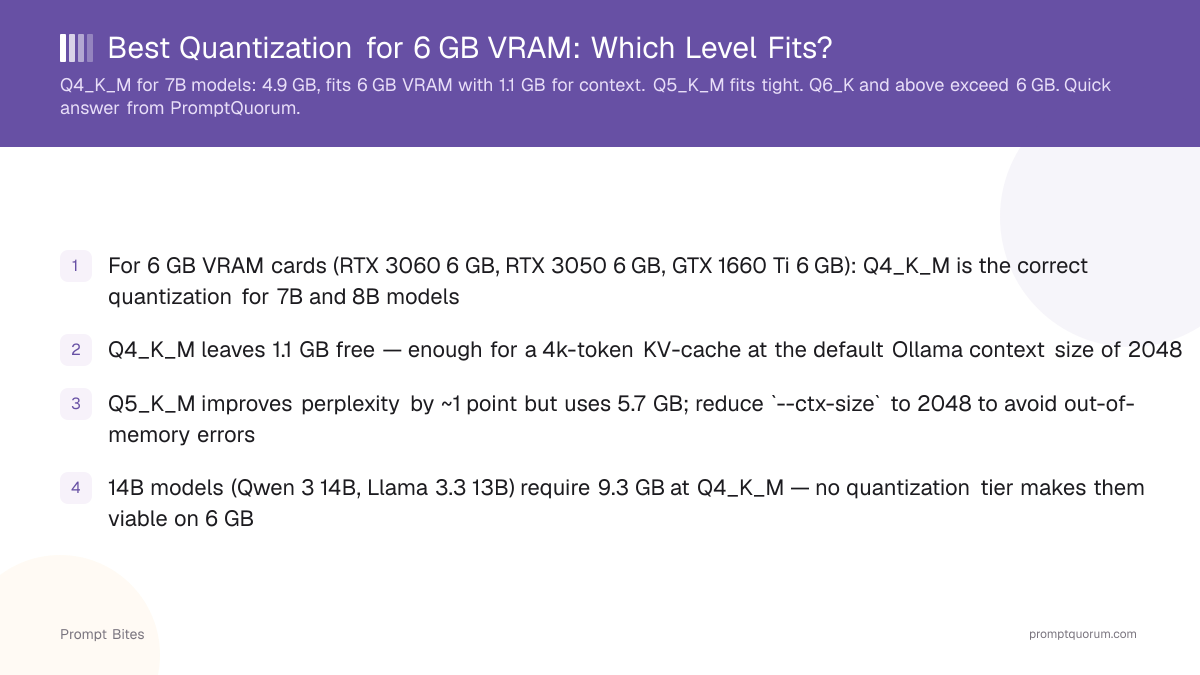
- ✓For 6 GB VRAM cards (RTX 3060 6 GB, RTX 3050 6 GB, GTX 1660 Ti 6 GB): Q4_K_M is the correct quantization for 7B and 8B models
- ✓Q4_K_M leaves 1.1 GB free — enough for a 4k-token KV-cache at the default Ollama context size of 2048
- ✓Q5_K_M improves perplexity by ~1 point but uses 5.7 GB; reduce `--ctx-size` to 2048 to avoid out-of-memory errors
- ✓14B models (Qwen3 14B, Llama 3.3 13B) require 9.3 GB at Q4_K_M — no quantization tier makes them viable on 6 GB
Quantization VRAM Usage for 7B/8B Models on 6 GB
Quantization level directly controls how much VRAM a model occupies. For 7B and 8B parameter models — the largest class that fits a 6 GB GPU — the practical options are Q3_K_M through Q5_K_M. Q2_K fits but degrades quality below useful levels; Q6_K and above exceed the 6 GB ceiling.
Q4_K_M is the recommended default: a 7B model uses approximately 4.7 GB and an 8B model uses 4.9 GB at this quantization. This leaves 1.1 GB for the KV-cache, which Ollama allocates for the context window. At the default 2048-token context, this is sufficient. Increasing context to 4096 tokens requires approximately 0.5 GB additional KV-cache on a 7B model — still within budget on most 6 GB cards.
Q5_K_M is the next step up. An 8B model at Q5_K_M uses approximately 5.7 GB, leaving only 300 MB free. This is enough for very short contexts (512–2048 tokens) but will cause OOM errors with longer conversations or system prompts. Use Q5_K_M only if you keep `num_ctx` at 2048 or below.
| Quantization | 7B VRAM | 8B VRAM | Fits 6 GB? | Max Context (approx) |
|---|---|---|---|---|
| Q2_K | ~2.8 GB | ~3.0 GB | ✓ (quality poor) | 8k+ |
| Q3_K_M | ~3.5 GB | ~3.7 GB | ✓ (acceptable) | 8k+ |
| Q4_K_M | ~4.7 GB | ~4.9 GB | ✓ recommended | 4k |
| Q5_K_M | ~5.5 GB | ~5.7 GB | ⚠ tight (2k ctx only) | 2k |
| Q6_K | ~6.4 GB | ~6.6 GB | ✗ OOM | — |
| Q8_0 | ~7.5 GB | ~7.7 GB | ✗ OOM | — |
📍 In One Sentence
Q4_K_M is the optimal quantization level for 7B/8B models on 6 GB VRAM, leaving 1.1 GB free for a 4k-token KV-cache.
💬 In Plain Terms
Higher quantization levels improve model quality but need more VRAM. Q4_K_M gives the best balance of quality and memory headroom on a 6 GB card.
Best Models to Run at Q4_K_M on 6 GB VRAM
Three 7B/8B models stand out at Q4_K_M on a 6 GB card. Qwen3 8B Instruct is the best all-rounder — strong coding (HumanEval ~60%), multilingual support, and 128k context architecture (though you will run at 4k due to VRAM). Run it with `ollama run qwen3:8b`.
Llama 3.1 8B is the fastest option. At Q4_K_M it runs at approximately 25 tokens per second on an RTX 3060 6 GB and handles general chat and instruction-following reliably. MMLU score of 66.6% is lower than Qwen3 8B but the speed advantage makes it the better pick for interactive sessions.
Phi-4 Mini (3.8B) is the wild card. At Q8_0 it fits in approximately 4.1 GB — comfortably within 6 GB — and punches above its weight on reasoning benchmarks relative to its size. Use it when you need sub-5 GB footprint with better reasoning than older 7B models. Run with `ollama run phi4-mini`.
Do not attempt 14B models on 6 GB. Qwen3 14B at Q4_K_M requires 9.3 GB. Q2_K brings it to approximately 5.5 GB but the perplexity penalty is severe — the model produces noticeably degraded output. Stick to 7B/8B at Q4_K_M or 3B/4B at Q8_0.
Related Guides
- ▸Best Local LLM for 6 GB VRAM -- 6GB VRAM guide
- ▸Best Ollama Models for 4 GB VRAM -- 4GB VRAM models
- ▸Q4_K_M vs Q8_0: Which Quantization to Use? -- quantization comparison
- ▸What Is Q4_K_M Quantization? -- quantization explainer
Quick Answers About Quantization on 6 GB VRAM
Can I run a 14B model on 6 GB VRAM?▾
Is Q4_K_M or Q4_K_S better for 6 GB VRAM?▾
Should I use Q5_K_M instead of Q4_K_M at 6 GB VRAM?▾
What happens if my model exceeds 6 GB VRAM?▾
Want the full breakdown?
Read the complete guide →Related Prompt Bites