Can You Run Qwen 3 on Ollama?
Quick Answer
Yes — Ollama supports all Qwen 3 model sizes from 0.6B to 32B, plus the 30B-A3B MoE variant, with native tool calling via the standard API, needing only a single command like ollama run qwen3:8b. The 8B model needs ~6 GB VRAM at Q4.
- ▸ollama run qwen3:0.6b — fits in 1 GB VRAM
- ▸ollama run qwen3:8b — needs ~6 GB VRAM
- ▸ollama run qwen3:32b — needs ~21 GB VRAM
Key Takeaways
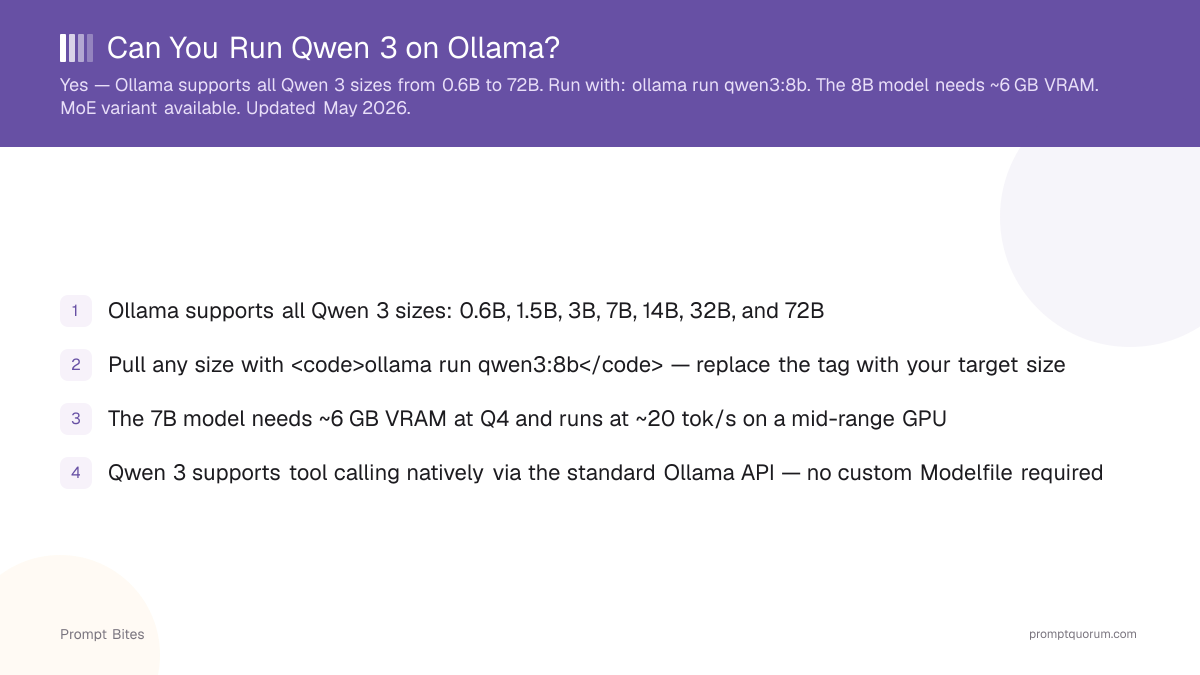
- ✓Ollama supports all Qwen 3 sizes: 0.6B, 1.7B, 4B, 8B, 14B, and 32B, plus the 30B-A3B MoE variant
- ✓Pull any size with <code>ollama run qwen3:8b</code> — replace the tag with your target size
- ✓The 8B model needs ~6 GB VRAM at Q4 and runs at ~20 tok/s on a mid-range GPU
- ✓Qwen 3 supports tool calling natively via the standard Ollama API — no custom Modelfile required
Yes — Here's What's Available
Ollama supports all major Qwen 3 model sizes from 0.6B to 32B, plus the 30B-A3B MoE variant. Pull any size with a single command: ollama run qwen3:8b. Replace 8b with 0.6b, 1.7b, 4b, 14b, 32b, or 30b-a3b for other sizes.
Each size is available in multiple quantizations. Q4_K_M is the default and recommended starting point — it delivers the best quality-to-file-size ratio. Q8_0 is available for 8B and 14B if you have the VRAM headroom.
Tool calling is supported natively on all Qwen 3 sizes via the standard Ollama API. No custom Modelfile or special prompt template is required.
ollama run qwen3:8bWhich Qwen 3 Size to Pick
The right Qwen 3 size depends entirely on available VRAM. For most users on a mid-range GPU (6–8 GB VRAM), the 8B model at Q4_K_M is the practical choice — it needs ~6 GB and runs at ~20 tok/s.
The 14B model at Q4 is the recommended coding tier: it outperforms the 8B on code generation and fits comfortably in 10–12 GB VRAM. For a full comparison of Qwen 3 coding performance versus other local models, see the guide to running Qwen locally in 2026.
| VRAM | Qwen 3 Size | Best For |
|---|---|---|
| < 4 GB | 0.6B / 1.7B | Edge devices, testing, CPU-only |
| 4–6 GB | 4B | Budget GPU or low-RAM CPU |
| 6–12 GB | 8B / 14B | General use and coding |
| 12–24 GB | 32B / 30B-A3B (MoE) | High-quality coding and reasoning |
Quick Answers About Qwen 3 on Ollama
How do I install Qwen 3 on Ollama?▾
ollama run qwen3:8b in a terminal. Ollama downloads the model automatically on first run. Replace 8b with your target size: 0.6b, 1.7b, 4b, 14b, 32b, or 30b-a3b.Is Qwen 3 better than Llama 3 for coding?▾
Does Qwen 3 support tool calling on Ollama?▾
What is the largest Qwen 3 model you can run locally?▾
Want the full breakdown?
Read the complete guide →Related Prompt Bites