How to Convert Ollama Models to MLX Format
Quick Answer
You cannot directly convert Ollama models to MLX. Instead, download the original GGUF or SafeTensors weights from Hugging Face, then convert with mlx-lm convert. For most popular models (Llama 3, Qwen, Mistral), pre-converted MLX versions already exist on Hugging Face under the mlx-community organization.
- ▸You cannot convert Ollama models directly — the model format is different
- ▸Pre-converted MLX models exist at huggingface.co/mlx-community for most popular models
- ▸To convert yourself: download from Hugging Face, then run mlx_lm.convert
Key Takeaways
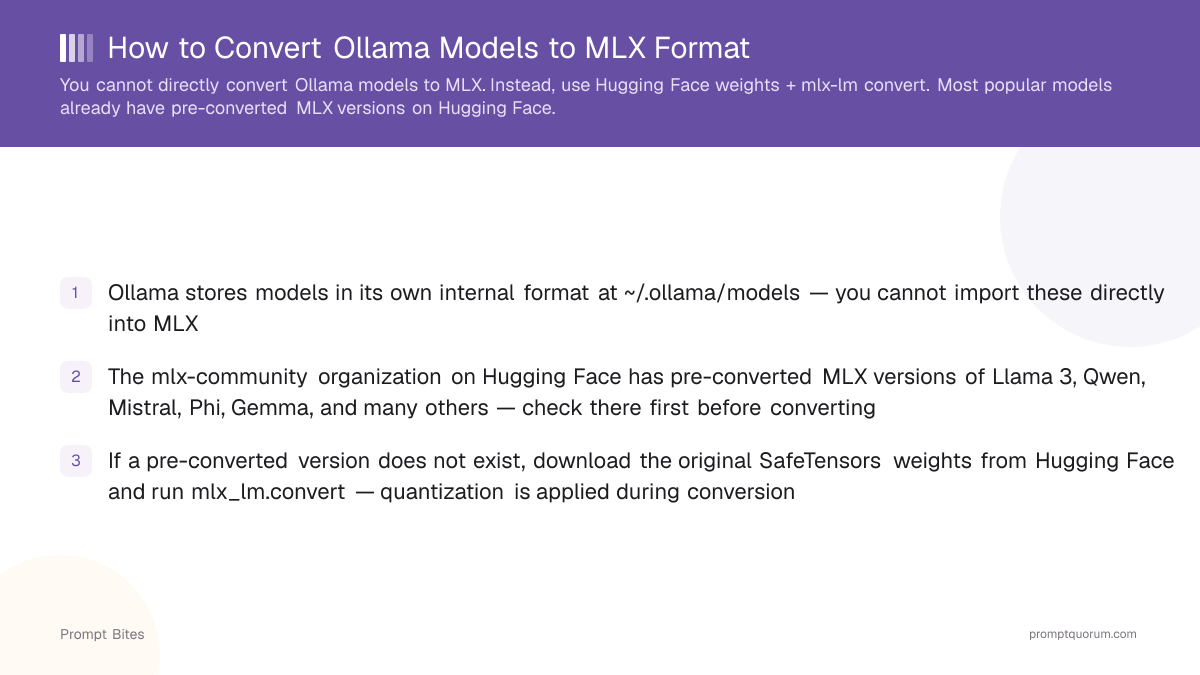
- ✓Ollama stores models in its own internal format at ~/.ollama/models — you cannot import these directly into MLX
- ✓The mlx-community organization on Hugging Face has pre-converted MLX versions of Llama 3, Qwen, Mistral, Phi, Gemma, and many others — check there first before converting
- ✓If a pre-converted version does not exist, download the original SafeTensors weights from Hugging Face and run mlx_lm.convert — quantization is applied during conversion
Step 1: Check for a Pre-Converted MLX Model
Before converting anything, visit huggingface.co/mlx-community. The community maintains hundreds of models already converted and quantized for MLX. Search by model name — if it exists there, installing it takes one command and no conversion.
If a pre-converted version exists, run the model directly with mlx-lm:
pip install mlx-lm
mlx_lm.generate --model mlx-community/Meta-Llama-3-8B-4bit --prompt "Hello"
Step 2: Convert a Model Yourself (if not pre-converted)
If the model you want is not in mlx-community, download the original SafeTensors weights from the model author's Hugging Face repo (not from mlx-community), then run the converter. The -q flag applies 4-bit quantization during conversion:
Conversion takes 2–10 minutes depending on model size. The output is a directory of .safetensors shards plus an mlx-compatible tokenizer config.
pip install mlx-lm
mlx_lm.convert --hf-path original-org/model-name --mlx-path ./converted-model -q
Related Guides
- ▸Ollama + MLX on Apple Silicon -- Ollama + MLX on Apple Silicon
- ▸MLX vs Ollama vs llama.cpp on Mac -- MLX vs Ollama vs llama.cpp on Mac
- ▸Best Ollama Models CPU-Only -- best Ollama models CPU-only
- ▸Best eGPU Setup for MacBook Local LLM 2026 -- eGPU setup for MacBook
Quick Answers About MLX Model Conversion
Can I export a model from Ollama and import it into MLX?▾
Does mlx-lm support GGUF files as conversion input?▾
Which models have pre-converted MLX versions?▾
What quantization should I use when converting to MLX?▾
-q flag). For a 7B model, this produces a ~4 GB model that runs well on M1/M2/M3/M4 chips. Use 8-bit only if you have 32 GB or more and need higher output quality.Want the full breakdown?
Read the complete guide →