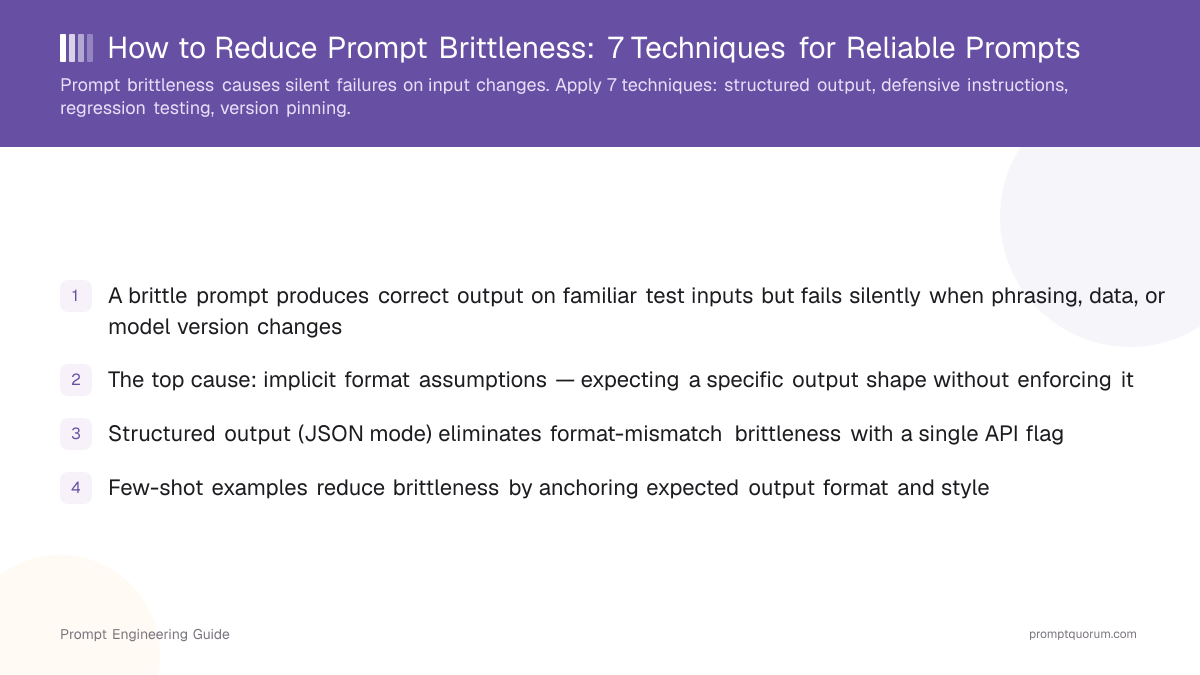
Prompt Brittleness Is a Silent Failure Mode
📍 In One Sentence
A brittle prompt is one whose output degrades silently when input phrasing, model version, or execution context changes outside its original test conditions.
💬 In Plain Terms
Think of a brittle prompt like a lock that works perfectly with one key but jams with any key cut even slightly differently — and gives no error message when it jams.
Prompt brittleness is when a prompt produces expected results on test inputs but breaks silently when inputs change slightly. A brittle prompt breaks on rephrased questions, edge case inputs, model version updates, or stacked system prompts. The output does not error — it is just wrong, making brittleness invisible until it reaches production.
Failures are silent because the model returns a plausible-sounding answer instead of throwing an exception. Users see a result and trust it. Teams don't discover brittleness until end-users report incorrect outputs, which can happen weeks after deployment.
🔍 Silent failures
Brittle prompts do not throw exceptions. The model returns an output — it is just wrong. This makes brittleness harder to detect than a code bug.
🔍 Brittleness vs. hallucination
Hallucination is a model generating false facts. Brittleness is a prompt design flaw: the same model, given slightly different input, stops following the intended instruction pattern.
The Five Root Causes of Prompt Brittleness
Most prompt brittleness comes from five patterns in how prompts are written and tested. The two most common — implicit format expectations and happy-path-only testing — account for the majority of production failures. Understanding these causes is the first step toward evaluating and improving your prompt quality.
- Implicit format expectations — The prompt asks for a specific output format (JSON, bullet list, yes/no) without enforcing it. Any input variation that causes the model to add a preamble or rephrase breaks downstream parsing.
- Happy-path-only testing — Prompts are validated on 3–5 manually curated examples that always work. Edge cases — empty inputs, very long text, ambiguous phrasing — are never tested.
- Model version sensitivity — LLM providers update models silently. A prompt tuned on one checkpoint may behave differently after a provider update, with no error signal.
- Context contamination — When a prompt is combined with a system prompt, memory injection, or tool output, the combined context can override or dilute the original instruction.
- Over-specific trigger phrasing — Prompts that depend on exact wording ("respond only if the user asks about X") fail when the user's phrasing is semantically equivalent but lexically different.
🔍 Context contamination compounds
In multi-turn conversations or agentic pipelines, each additional injection point adds a new brittleness vector. Test the prompt in its actual runtime context, not in isolation.
Seven Techniques That Reduce Prompt Brittleness
Seven techniques address the five root causes above and cover the full failure-mode surface. Apply them in order — earlier techniques address the most common failures. In production codebases, format-related brittleness — prompts that parse free text expecting a specific shape — accounts for the majority of silent failures in classification and extraction tasks. Structured output enforcement (Technique 1) addresses this class entirely.
- 1Enforce structured output — Use JSON mode or native structured output APIs instead of asking the model to "respond in JSON". Format enforcement moves the reliability burden from the prompt to the API layer.
- 2Add explicit few-shot examples — Include 2–3 input/output pairs that demonstrate correct behavior, including one edge case. Examples anchor the model's behavior more reliably than instruction-only prompts. See zero-shot vs. few-shot prompting for more guidance.
- 3Write defensive instructions — Specify what the model should do when the input is missing, ambiguous, or outside scope. Example: "If no date is found, return `null`. Do not guess." Without this, the model fills gaps with plausible-sounding defaults.
- 4Parameterise inputs — Replace hardcoded values and inline examples with named variables (`{{customer_name}}`, `{{document_text}}`). Parameterised prompts are easier to test systematically and prevent accidental over-fitting to example values.
- 5Build a regression test set before deploying — Assemble 20+ test cases covering the expected distribution plus 5+ edge cases. Run the test set before every model upgrade or prompt change.
- 6Pin model versions in production — Use versioned model identifiers (e.g., `gpt-5-2025-08-07`) in production. Update only after running the full regression suite against the new version.
- 7Add an output validation layer — Validate model output programmatically before passing it downstream. Check type, schema, length, or required field presence. Return a controlled fallback — not the raw model output — on validation failure.
Technique | Brittleness Type Addressed | Effort |
|---|---|---|
| Structured output (JSON mode) | Format mismatch | Low — single API flag |
| Few-shot examples | Style and format drift | Low — 2–3 examples |
| Defensive instructions | Missing or null input | Low — add fallback clauses |
| Input parameterisation | Over-fitted phrasing | Medium — refactor prompt |
| Regression test set | All types | Medium — 20+ test cases |
| Model version pinning | Silent model drift | Low — config change |
| Output validation layer | Content correctness | Medium — code validation |
🔍 Techniques 1 and 7 together
Structured output (technique 1) prevents most format errors. Output validation (technique 7) catches the residual cases where the model returns valid JSON but with wrong field values. Use both in production pipelines.
Brittle vs. Robust Prompts: Three Examples
The three examples below show how each source of brittleness is eliminated by applying a specific technique. Each pair demonstrates a brittle prompt on the left (producing inconsistent or incorrect output) and a robust equivalent on the right (enforcing format, handling edge cases, or anchoring behavior).
🔍 What to copy
The JSON enforcement pattern in Example 1 and the null-return pattern in Example 2 are copy-pasteable into any extraction or classification prompt without further modification.
❌ Brittle: free-text output
Classify this support ticket as urgent or routine: {{ticket}}
✅ Robust: enforced JSON
Classify the support ticket below. Return exactly one of these two JSON objects: {"priority": "urgent"} or {"priority": "routine"}. Do not add explanation. Ticket: {{ticket}}
❌ Brittle: no null case
Extract the customer's email address from this message: {{message}}
✅ Robust: explicit null handling
Extract the customer's email address from the message below. Return a JSON object: {"email": "<address>"}. If no email address is present, return {"email": null}. Do not guess or infer. Message: {{message}}
❌ Brittle: output length and style vary
Summarise this article in one sentence: {{article}}
✅ Robust: few-shot anchors format
Summarise the article in exactly one sentence. Examples: Article: [short tech news] → Summary: Researchers released a new benchmark measuring LLM reasoning speed across five tasks. Article: [short legal doc] → Summary: The regulation requires data processors to report breaches within 72 hours of discovery. Article: {{article}} → Summary:
How to Test Prompts for Brittleness
Testing for brittleness means deliberately stressing the prompt beyond its happy path. Five patterns cover the most common failure modes and can be run before every deployment.
- Paraphrase testing — Restate 5–10 test inputs using different wording and measure whether outputs stay consistent. Brittle prompts show high variance across paraphrases.
- Edge case testing — Test empty inputs, maximum-length inputs, non-English text, special characters, and inputs that are in-scope but unusual. These expose implicit assumptions.
- Temperature variation — Run the same inputs at temperature 0.0, 0.5, and 1.0. Robust prompts show consistent structure across the range; brittle prompts break format at higher temperatures.
- Model swap tests — Run the same prompt and test cases on at least two models. Divergent outputs signal model-specific over-fitting. See how to test prompts across models for a framework.
- Regression runs before every update — Run the full test set after each model version change, system prompt update, or prompt edit. Log pass rates per test category (format, content, edge case) to track regression patterns.
🔍 Minimum viable test set
A test set of 20 cases — 10 typical inputs, 5 paraphrase variants, 5 edge cases — is the minimum for detecting common brittleness patterns before deployment.
Common Mistakes That Create Brittle Prompts
The four mistakes below are the most common causes of silent production failures in prompt-based systems. Each one is preventable with a single design principle.
❌ Testing only the happy path
Why it hurts: Developers validate prompts against 3–5 examples that always work, then deploy. Edge cases — ambiguous inputs, missing fields, unusual formatting — are never tested and fail in production.
Fix: Assemble a test set before deployment. Include at least 5 edge cases explicitly designed to break the prompt. Run this set before every change.
❌ Parsing free-text output with string matching
Why it hurts: Code that checks `if "Yes" in response` breaks when the model responds "Yes, " or "Certainly, yes" — both semantically correct but lexically non-matching. This is the most common source of silent production failures.
Fix: Enforce structured output at the API level. Parse the returned JSON object, not the raw response string.
❌ No model version pinning
Why it hurts: Using an alias like `gpt-5` instead of a versioned model ID means any provider update silently changes model behavior. Teams discover the regression only when users report wrong outputs.
Fix: Use versioned model identifiers in production deployments. Document which version the prompt was tuned on. Upgrade only after running the regression suite against the new version.
❌ Writing prompts without a null or fallback case
Why it hurts: A prompt that asks "extract the phone number" with no instruction for the missing-number case causes the model to hallucinate a plausible number when none exists in the input.
Fix: Every extraction or classification prompt must include a `null` or `N/A` return path with an explicit instruction: "If not found, return null."
🔍 String matching is the #1 silent failure
`if "Yes" in response` is the most common brittle parsing pattern in production codebases. It breaks on "Yes," or "Yes." without raising any exception.
How to Start Reducing Prompt Brittleness
Start with the three highest-risk prompts in production — this gives the highest return on the first hour of work. The following 8-step process can be completed in a single afternoon.
- 1Identify your three highest-traffic or highest-risk prompts in production
- 2For each prompt, write 5 paraphrase variants of a typical input and run them — compare outputs for consistency
- 3Add 5 edge case inputs: empty input, maximum length, non-English text, input missing an expected field, input with unexpected characters
- 4If any prompt parses free-text output, switch to structured output or JSON mode in the next deployment
- 5Add a defensive instruction for each gap or null case you identified in step 2–3
- 6Commit your test cases to version control alongside the prompt — treat them as the prompt's specification
- 7Set up a CI step that runs the test suite before any prompt or model change is deployed
- 8Pin the model version identifier in your production config and document the version the prompt was tuned on
🔍 Start small
Auditing 3 prompts completely takes less than 2 hours. A partial audit of 10 prompts misses the edge cases that matter. Depth over breadth.
Frequently Asked Questions
The questions below cover the most common points of confusion around prompt brittleness, testing cadence, and when to pin model versions.
What is a brittle prompt?
A brittle prompt is a prompt that produces correct output on its test inputs but fails silently when input phrasing, model version, or runtime context changes. Unlike a code bug, brittleness produces a plausible-looking output — it is just wrong — making it hard to detect without explicit testing.
How do I know if my prompt is brittle?
Rephrase 5 of your standard test inputs and measure whether outputs stay consistent in format, content, and correctness. If any paraphrase breaks the expected output structure or produces a hallucinated answer, the prompt is brittle in that dimension. Temperature variation (0.0 vs 1.0) and edge case inputs (empty, max-length, non-English) are the fastest additional checks.
How many test cases do I need to catch brittleness?
A minimum of 20 cases is enough to detect the most common brittleness patterns: 10 typical inputs covering the expected distribution, 5 paraphrase variants of 2–3 inputs, and 5 edge cases explicitly designed to stress the prompt. More cases improve coverage but the first 20 catch the majority of production failures.
Is JSON mode enough to prevent brittleness?
JSON mode eliminates format-mismatch brittleness — the prompt can no longer return free text when JSON is expected. However, it does not prevent content brittleness: the model can return valid JSON with incorrect field values, missing fields, or wrong data types. Output validation (checking schema, required fields, and value types) is required alongside JSON mode for full protection.
Does few-shot prompting reduce brittleness compared to zero-shot?
Yes. Few-shot examples anchor the model's output format and style more reliably than instruction-only prompts. A zero-shot prompt that says "respond in JSON" is more brittle than a few-shot prompt that shows JSON input/output pairs. For production prompts, include at least 2–3 examples — one of which demonstrates an edge case.
Should I use the same prompt across all models?
Not without testing. Models differ in instruction following, default output format, and refusal behavior. A prompt tuned on one model can produce structurally different output on another. Run your regression test set on any new model before switching production traffic. See how to test prompts across models for a cross-model testing framework.
How often should I test prompts for regression?
Run the regression suite on every prompt change, every model version upgrade, and every system prompt update. For high-volume production prompts, run a subset of 5–10 representative cases on a weekly schedule to catch silent drift from model provider updates that occur between planned upgrades.
What is the difference between prompt brittleness and prompt injection?
Prompt brittleness is a reliability failure: the prompt breaks on legitimate input variations outside its test distribution. Prompt injection is a security failure: a malicious actor deliberately crafts input to override prompt instructions. Both are prompt design flaws, but brittleness is addressed by robustness techniques, while injection requires input sanitization and privilege separation. See prompt injection and security for injection-specific mitigations.
Sources & Further Reading
- Anthropic: Prompt Engineering
- OpenAI: Structured Outputs
- arXiv: Quantifying Language Models' Sensitivity to Spurious Features in Prompt Design (Sclar et al., 2023)
- PromptBench: Towards Evaluating the Robustness of Large Language Models on Adversarial Prompts (Zhu et al., 2023)
- Promptfoo: Open-Source Prompt Testing and Evaluation Framework