How Much RAM Does a 7B Model Need?
Quick Answer
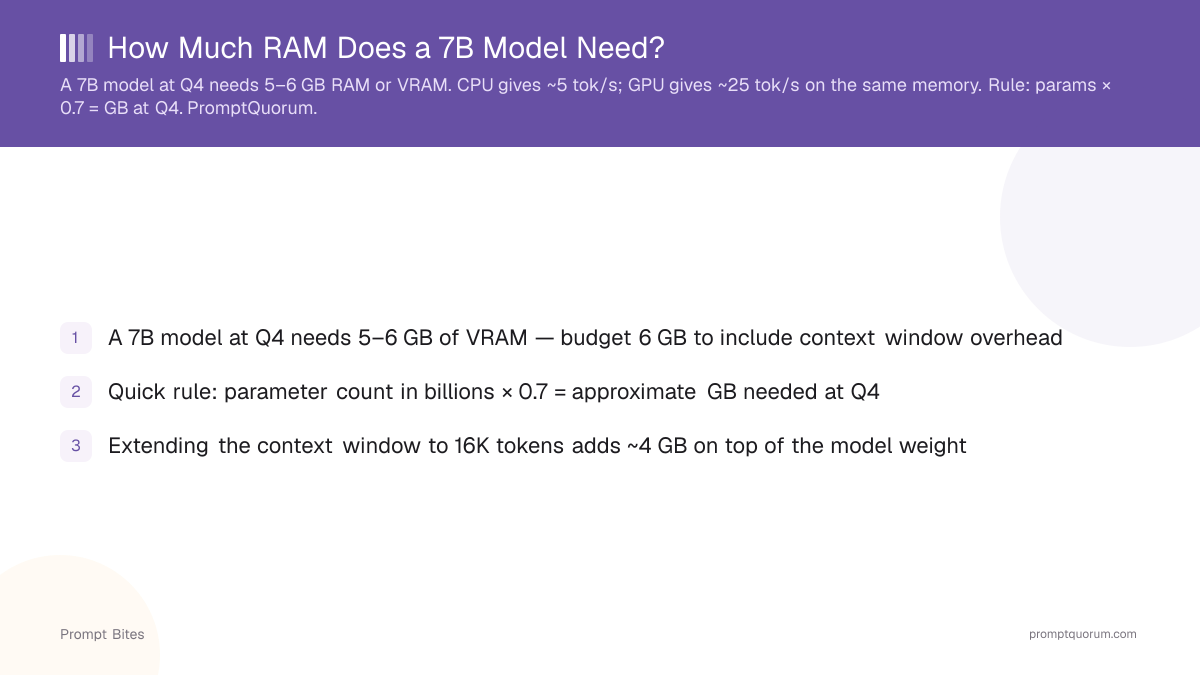
A 7B model at Q4 quantization needs 5–6 GB of VRAM or RAM for efficient inference performance. Rule of thumb: model parameters in billions × 0.7 = approximate GB needed at Q4. GPU delivers ~25 tok/s; CPU delivers ~5 tok/s on same memory.
- ▸7B Q4: 5–6 GB VRAM or unified memory
- ▸7B Q5: 6–7 GB VRAM
- ▸7B Q8: 8–9 GB VRAM
Key Takeaways
- ✓A 7B model at Q4 needs 5–6 GB of VRAM — budget 6 GB to include context window overhead
- ✓Quick rule: parameter count in billions × 0.7 = approximate GB needed at Q4
- ✓Extending the context window to 16K tokens adds ~4 GB on top of the model weight
The Quick Rule for CPU and GPU
As of May 2026, a 7B model at Q4 needs 5–6 GB of memory — either system RAM (CPU-only inference) or VRAM (GPU inference). The amount is the same; what changes is speed. CPU inference runs at ~5 tokens per second on a modern 8-core processor. GPU inference runs at 20–25 tokens per second on a card with adequate VRAM.
On CPU-only, divide the GPU speed column by 5× for an 8-core processor estimate. A 7B model at Q4 runs at ~5 tok/s on CPU, ~25 on GPU. This 5× gap is why a budget GPU is worth buying for interactive use.
| Model Size | Q4 Memory | GPU Speed |
|---|---|---|
| 3B | ~2 GB | ~40 tok/s |
| 7B | ~5 GB | ~25 tok/s |
| 8B | ~5.5 GB | ~22 tok/s |
| 13B | ~9 GB | ~15 tok/s |
When to Choose CPU vs GPU
Choose CPU-only when you have 16+ GB of system RAM and your tasks are batch or background (overnight document analysis, scheduled summarization). The ~5 tok/s rate is acceptable for non-interactive work and avoids GPU costs entirely.
Choose GPU when you need interactive chat or coding. The 5× speed difference matters in real-time use. Even a budget RTX 3050 6 GB delivers ~22 tok/s on Llama 3 8B Q4_K_M — fast enough for chat that feels instant.
For the GPU-side full VRAM breakdown by tier, see how much VRAM a local LLM needs. For the complete hardware reference, see the complete VRAM guide for local LLMs.
Related Guides
- ▸Mistral Small 24B vs Qwen 14B vs Llama 8B Comparison -- Mistral Small 24B vs Qwen 14B vs Llama 8B comparison
- ▸Best SSD for Fast Model Loading -- best SSD for fast model loading
- ▸Can You Run RAG on 2 GB RAM? -- can you run RAG on 2 GB RAM?
Quick Answers About 7B Model RAM
Is 8 GB of system RAM enough to run a 7B model without a GPU?▾
How much VRAM does Llama 3 8B need exactly?▾
What happens when a model exceeds available VRAM?▾
--num-ctx 2048.Is GPU inference always better than CPU?▾
Want the full breakdown?
Read the complete guide →Related Prompt Bites