How Much VRAM Do You Need for a Local LLM?
Quick Answer
4 GB VRAM handles Llama 3.2 3B and Phi-3.5-mini comfortably with safe headroom for context expansion. 6 GB runs Llama 3.1 8B at Q4. 12 GB fits Qwen3 14B Q4 efficiently. 16+ GB is needed for 70B models at Q4.
- ▸4 GB: Llama 3.2 3B Q4, Phi-3.5-mini Q4
- ▸6 GB: Llama 3.1 8B Q4_K_M
- ▸8–12 GB: Llama 3.1 8B Q5_K_M, Qwen3 14B Q4
Key Takeaways
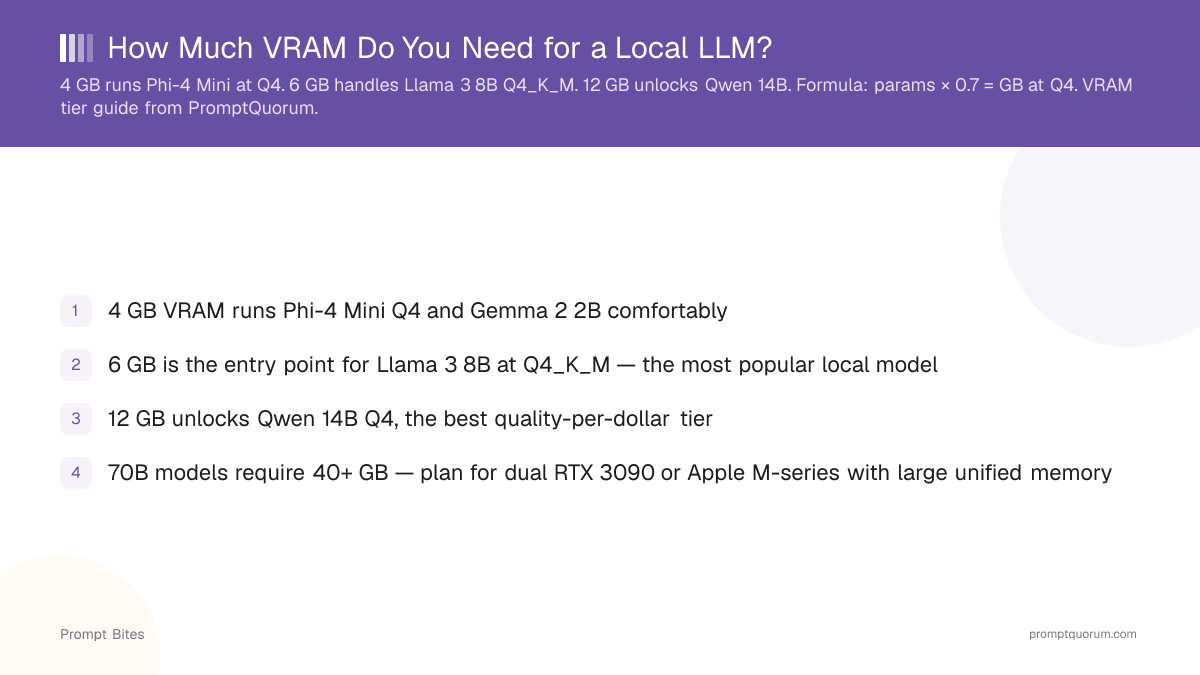
- ✓4 GB VRAM runs Llama 3.2 3B and Phi-3.5-mini Q4 comfortably
- ✓6 GB is the entry point for Llama 3.1 8B at Q4_K_M — the most popular local model size
- ✓12 GB unlocks Qwen3 14B Q4, the best quality-per-dollar tier
- ✓70B models require 40+ GB — plan for dual RTX 3090 or Apple M-series with large unified memory
VRAM Requirements by Model Size
A model's VRAM need follows a simple formula, verified against real GGUF file sizes: parameter count in billions × 0.6 = approximate GB at Q4 quantization. An 8B model needs ~4.8 GB for weights, plus 0.5–1 GB of context overhead. This is why 6 GB is the minimum for the 7–8B tier, and why 12 GB unlocks the 14B tier with breathing room.
Use the table below as a quick decision reference. The "Speed" column assumes Ollama on a desktop GPU running at default context (2048 tokens).
Always keep 1–2 GB of VRAM free above your model's stated needs. Operating systems, browser tabs, and Ollama's runtime consume 500 MB–1 GB even with no model loaded. A 6 GB card running Llama 3.1 8B Q4_K_M (~4.8 GB) leaves only about 1.2 GB headroom — you'll hit out-of-memory errors if you increase --num-ctx much beyond 2048 tokens. For the 6 GB tier with safe headroom, see best local LLMs for 6 GB VRAM.
| VRAM | Best Model at Q4_K_M | Speed |
|---|---|---|
| 4 GB | Llama 3.2 3B or Phi-3.5-mini Q4 | ~25 tok/s |
| 6 GB | Llama 3.1 8B Q4_K_M | ~20 tok/s |
| 8 GB | Llama 3.1 8B Q5_K_M | ~18 tok/s |
| 12 GB | Qwen3 14B Q4_K_M | ~15 tok/s |
| 16+ GB | Qwen3 32B Q4 or Llama 3.3 70B partial | ~8 tok/s |
When Your VRAM Is Not Enough
If a model exceeds your VRAM, you have three options: lower the quantization (Q4_K_M instead of Q5), reduce the context window with --num-ctx 2048, or let Ollama offload layers to system RAM.
CPU offload works but is slow — each layer moved to RAM adds latency. For interactive use, stay within your GPU's VRAM limit. Reducing context from 4096 to 2048 tokens saves approximately 2 GB on a 7-8B model.
For a full breakdown of model sizes and the math behind VRAM estimates, see the complete VRAM guide for local LLMs. For the 7B tier specifically, see how much RAM a 7B model needs.
Quick Answers About VRAM
Is 8 GB VRAM enough for local LLMs?▾
Can I run a 7B model on 4 GB VRAM?▾
Does context window size affect VRAM usage?▾
What should I do if my model uses more VRAM than expected?▾
--num-ctx 2048 in your Ollama command. This reduces VRAM by up to 2 GB on 7B models without changing the model file.Want the full breakdown?
Read the complete guide →