Q4_K_M vs Q8_0: Which Should You Pick?
Quick Answer
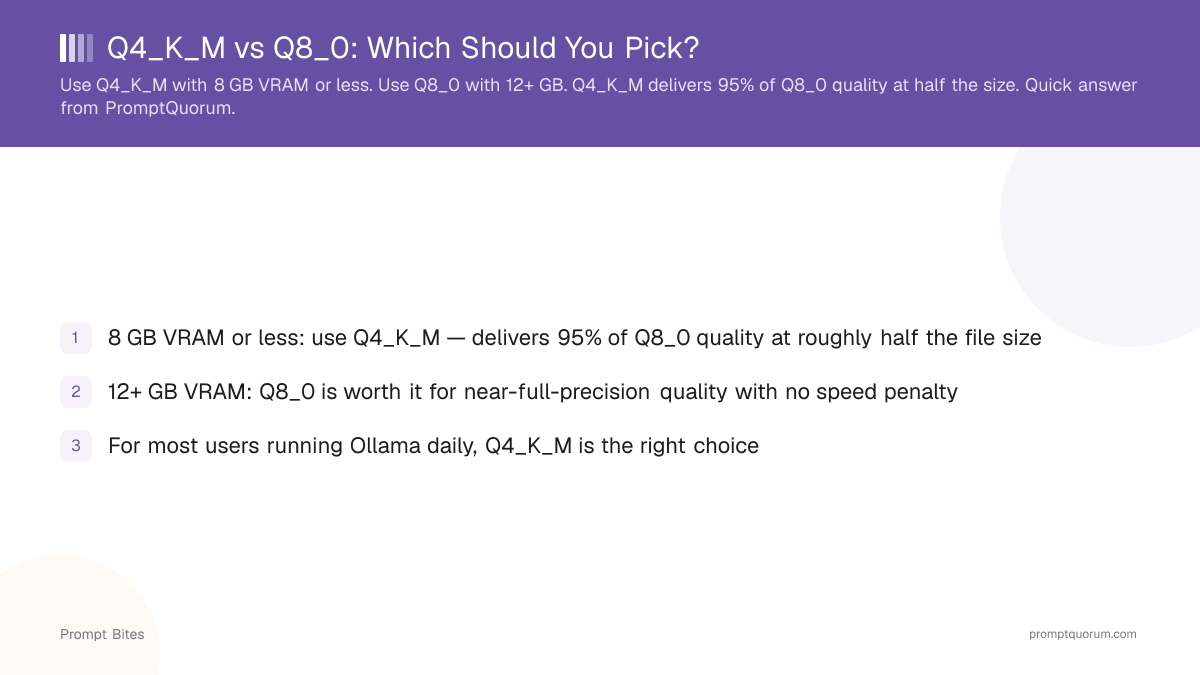
Use Q4_K_M if you have 8 GB VRAM or less. Use Q8_0 if you have 12+ GB. Q4_K_M delivers 95% of Q8_0 quality at roughly half the file size.
- ▸Q4_K_M: ~5–6 GB for 7B models, ideal for 8 GB VRAM
- ▸Q8_0: ~8–9 GB for 7B models, needs 12+ GB VRAM
- ▸Quality difference is under 5% in real-world use
Key Takeaways
- ✓8 GB VRAM or less: use Q4_K_M — delivers 95% of Q8_0 quality at roughly half the file size
- ✓12+ GB VRAM: Q8_0 is worth it for near-full-precision quality with no speed penalty
- ✓For most users running Ollama daily, Q4_K_M is the right choice
The Quick Verdict
Q8_0 preserves ~99% of full-precision quality. Q4_K_M preserves ~92%. The 7-point gap is invisible in chat, coding, and summarization — three tasks that cover 95% of local LLM use. Q8_0 only pulls ahead on long-form factual recall, multi-step math, and code requiring exact syntax over 500+ lines.
Q4_K_M is the right default because the extra quality from Q8_0 only shows up in edge cases: long-form generation with exact factual recall, or mathematical reasoning that requires higher precision. For everything else, Q4_K_M matches Q8_0 in practice.
If you are already using Q4_K_M and your results feel wrong, the issue is almost never the quantization — it is the model size or prompt structure.
Side-by-Side Comparison
The table below compares Q4_K_M and Q8_0 for a 7B model. Both formats work with Ollama, LM Studio, and llama.cpp without any special configuration.
For context on what Q4_K_M means and how k-quant compression works, see the Q4_K_M explained guide. For the full quantization reference, see quantization levels compared.
Three tasks reveal Q4_K_M's quality gap: long-document recall (50+ pages), multi-step math with intermediate state, and code generation over 300+ lines. For these, Q8_0's extra precision prevents the small drift errors that compound across long outputs. For everything else — chat, code under 200 lines, Q&A, summarization — the gap is invisible. For a refresher before deciding, see what Q4_K_M means.
| Metric | Q4_K_M | Q8_0 |
|---|---|---|
| File size (7B model) | ~4.1 GB | ~7.7 GB |
| VRAM needed (7B) | 5–6 GB | 8–9 GB |
| Quality vs full precision | ~92% | ~99% |
| Best for | 6–8 GB VRAM | 12+ GB VRAM |
Quick Answers About Q4_K_M vs Q8_0
Is Q8_0 noticeably better than Q4_K_M?▾
Does Q8_0 run faster than Q4_K_M?▾
Can I switch between Q4_K_M and Q8_0 for different tasks?▾
ollama pull llama3:8b-q4_K_M and ollama pull llama3:8b-q8_0 are separate downloads. You switch by specifying the tag in ollama run.What about Q4_K_S — is it worth using instead of Q4_K_M?▾
Want the full breakdown?
Read the complete guide →Related Prompt Bites