Can You Run Local LLMs on a Radeon RX 6800M?
Quick Answer
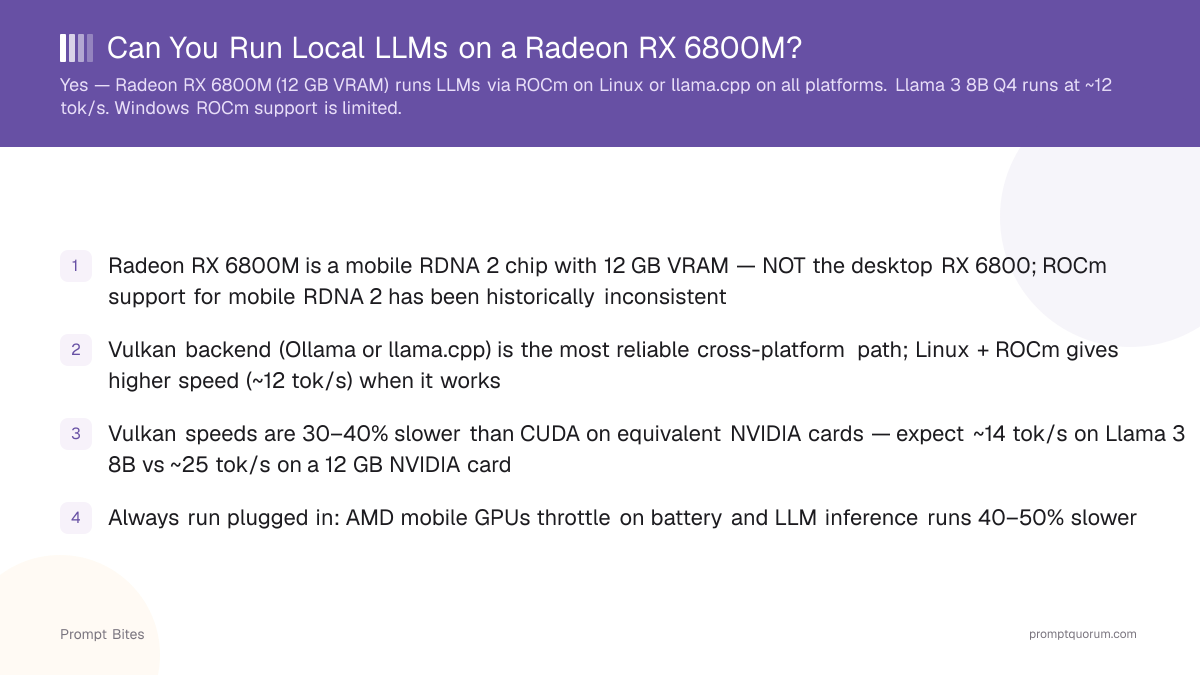
Yes. The Radeon RX 6800M has 12 GB GDDR6 VRAM and can run local LLMs. On Linux, use ROCm for GPU acceleration. On Windows, use llama.cpp with Vulkan or CPU fallback. Llama 3 8B Q4_K_M runs at ~12 tok/s on Linux with ROCm.
- ▸Linux + ROCm: full GPU acceleration, ~12 tok/s on Llama 3 8B Q4
- ▸Windows: use llama.cpp with Vulkan backend for partial GPU offload
- ▸12 GB VRAM supports models up to 14B at Q4_K_M
Key Takeaways
- ✓Radeon RX 6800M is a mobile RDNA 2 chip with 12 GB VRAM — NOT the desktop RX 6800; ROCm support for mobile RDNA 2 has been historically inconsistent
- ✓Vulkan backend (Ollama or llama.cpp) is the most reliable cross-platform path; Linux + ROCm gives higher speed (~12 tok/s) when it works
- ✓Vulkan speeds are 30–40% slower than CUDA on equivalent NVIDIA cards — expect ~14 tok/s on Llama 3 8B vs ~25 tok/s on a 12 GB NVIDIA card
- ✓Always run plugged in: AMD mobile GPUs throttle on battery and LLM inference runs 40–50% slower
What the Radeon 6800M Can Actually Run
As of May 2026, the Radeon RX 6800M is a mobile RDNA 2 chip with 12 GB GDDR6 VRAM — this is not the desktop RX 6800, which uses a different GPU die with different ROCm support coverage. With 12 GB, the 6800M fits models up to 14B at Q4_K_M without layer offloading, matching the capacity of a desktop RTX 3060 12 GB.
ROCm support for mobile RDNA 2 chips has been historically inconsistent — check AMD's official ROCm GPU support matrix for current status before relying on it. On Linux where ROCm works, Ollama auto-detects the 6800M and Llama 3 8B Q4_K_M reaches approximately 12 tok/s. The Vulkan backend in Ollama or llama.cpp runs on both Windows and Linux without a ROCm dependency and is the most reliable cross-platform path.
Vulkan speeds are 30–40% lower than CUDA on equivalent NVIDIA hardware: the same model that runs at ~25 tok/s on an RTX 3060 12 GB reaches ~14 tok/s on the 6800M via Vulkan. For a comparison with a CUDA rig at 8 GB VRAM, see the AMD 5700X + RTX 3070 Ti rig comparison.
| Model | VRAM Q4 | Tested Speed |
|---|---|---|
| Llama 3 8B Q4_K_M | ~5 GB | ~14 tok/s (Vulkan) |
| Mistral Small Q5_K_M | ~6 GB | ~13 tok/s (Vulkan) |
| Phi-4 14B Q4 | ~9 GB | ~10 tok/s (Vulkan) |
| Qwen3 14B Q4_K_M | ~9 GB | ~9 tok/s (Vulkan) |
Setting Up Local LLMs on the 6800M
On Linux, install Ollama — it includes Vulkan support by default and auto-detects the 6800M. If ROCm is working on your specific chip (check the AMD ROCm GPU support matrix), Ollama will use it automatically and deliver approximately 12 tok/s on Llama 3 8B Q4_K_M instead of the Vulkan baseline.
On Windows, native ROCm is not reliably available for the 6800M. Use Ollama with its Vulkan support or download a prebuilt Vulkan binary of llama.cpp and load your GGUF with -ngl 33 to offload layers to the GPU. WSL2 with GPU passthrough is another option for accessing Linux-only ROCm benefits without dual-booting.
Always run plugged in — AMD mobile GPUs throttle aggressively on battery and LLM inference speed drops 40–50% unplugged. For the full GPU comparison across NVIDIA and AMD, see the best GPUs for local LLMs guide.
ollama run llama3:8b and verify GPU use with rocm-smi (if ROCm) or check ollama ps. If the model falls back to CPU, confirm GPU detection with ollama info.Related Guides
- ▸Strix Halo + Ollama + Vulkan: Performance Guide -- Strix Halo Ollama Vulkan setup
Quick Answers About Radeon 6800M and Local LLMs
Does the Radeon 6800M support ROCm officially?▾
Is the 6800M faster than RTX 3070 Mobile for LLMs?▾
Can I use Apple Silicon-style unified memory tricks on AMD mobile?▾
How hot does the 6800M get running LLMs continuously?▾
Want the full breakdown?
Read the complete guide →