Strix Halo (Ryzen AI Max) + Ollama Vulkan: Setup and Performance
Yes — Ryzen AI Max 395 (Strix Halo) runs Ollama with GPU acceleration via the Vulkan backend on Linux. Install the standard Ollama binary, verify GPU detection with ollama ps, and set OLLAMA_FLASH_ATTENTION=1 for large-model sessions. The 96 GB unified memory pool lets you run 70B models that are impossible on any single desktop GPU. On context length there is no hard 64K limit — the ceiling is memory: set it with Ollama's num_ctx, run a 30B model comfortably at 64K–96K context (~36–45 GB total), and push 128K–200K only when you have the memory to spare (it is memory-bound and slower on Vulkan; a tuned ROCm build is ~3× faster at very long context).
This page contains links to third-party products for reference. PromptQuorum is not enrolled in any affiliate program — these are plain links that earn no commission. Clicking links and your next steps are entirely your own responsibility. These links do not represent any endorsement or verification by PromptQuorum.
Quick Answer
Yes — Ryzen AI Max (Strix Halo, RDNA 3.5) runs Ollama via Vulkan on Linux. With 96 GB unified memory on the MAX 395, it fits Qwen 32B and even Llama 70B Q4_K_M — models no single desktop GPU can hold.
- ▸Linux: Ollama detects Strix Halo Vulkan automatically; set OLLAMA_FLASH_ATTENTION=1 for long context sessions
- ▸Ryzen AI Max 395 (96 GB): fits Llama 70B Q4_K_M (~41 GB) and Qwen 32B Q4_K_M (~19 GB) simultaneously in memory
- ▸Context: no hard 64K cap — num_ctx sets it; 64K–96K is comfortable on a 30B model, 128K+ is memory-bound and slower on Vulkan
- ▸Windows Vulkan path for Strix Halo is experimental; Linux is the stable platform for GPU-accelerated Ollama
Key Takeaways
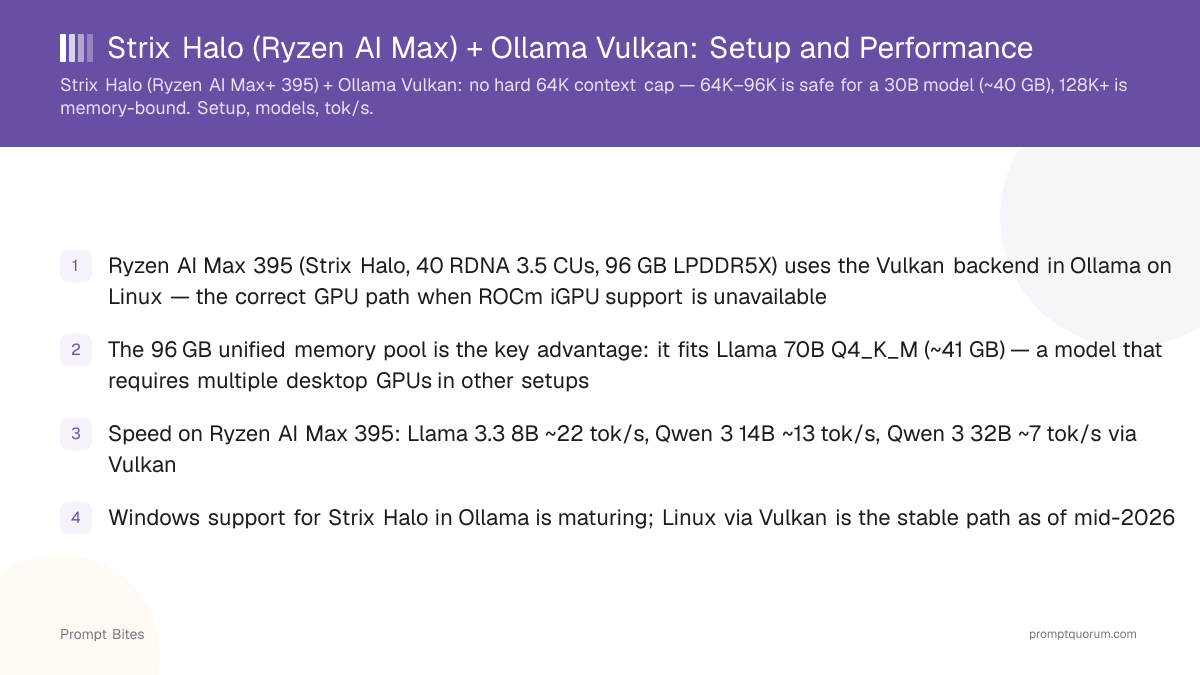
- ✓Ryzen AI Max 395 (Strix Halo, 40 RDNA 3.5 CUs, 96 GB LPDDR5X) uses the Vulkan backend in Ollama on Linux — the correct GPU path when ROCm iGPU support is unavailable
- ✓The 96 GB unified memory pool is the key advantage: it fits Llama 70B Q4_K_M (~41 GB) — a model that requires multiple desktop GPUs in other setups
- ✓Speed on Ryzen AI Max 395: Llama 3.1 8B ~22 tok/s, Qwen3 14B ~13 tok/s, Qwen3 32B ~7 tok/s via Vulkan
- ✓Windows support for Strix Halo in Ollama is maturing; Linux via Vulkan is the stable path as of mid-2026
How to Run Ollama with Vulkan on Strix Halo
On Linux, installing the standard Ollama binary is sufficient — it uses llama.cpp with the Vulkan backend, which supports RDNA 3.5 (gfx1151) out of the box. No additional ROCm installation is required for the Vulkan path. Run `curl -fsSL https://ollama.com/install.sh | sh` as usual.
After installation, set the flash attention flag for better memory efficiency on long sessions: `OLLAMA_FLASH_ATTENTION=1 ollama run qwen2.5:14b`. This reduces KV-cache memory usage and is particularly important when running 32B+ models that approach the full 96 GB pool.
To verify that Ollama is using the GPU (not CPU), run `ollama ps` while a model is active. The output shows "GPU" in the PROCESSOR column and a non-zero VRAM value. If you see "CPU", the Vulkan backend did not initialize — check that the `vulkan-icd-loader` package is installed on your Linux distribution.
| Model | VRAM at Q4_K_M | Speed (MAX 395 Vulkan) | Fits 96 GB? |
|---|---|---|---|
| Llama 3.1 8B | 4.9 GB | ~22 tok/s | ✓ |
| Qwen3 14B | 9.3 GB | ~13 tok/s | ✓ |
| Qwen3 32B | 19.4 GB | ~7 tok/s | ✓ |
| Llama 3.3 70B | ~41 GB | ~3 tok/s | ✓ |
| Qwen 3 72B | ~43 GB | ~3 tok/s | ✓ |
Strix Halo vs RTX 4090: Memory Wins, Speed Loses
The Ryzen AI Max 395 trades GPU speed for memory capacity. An RTX 4090 runs Llama 3.1 8B at ~45 tok/s versus ~22 tok/s on Strix Halo Vulkan. For 7B and 14B models, the RTX 4090 is faster. But the RTX 4090 is capped at 24 GB VRAM — Strix Halo MAX 395 holds 96 GB, enabling model sizes that are simply impossible on a desktop GPU.
The practical use case for Strix Halo is running 32B–70B models locally without cloud APIs. Qwen3 32B at Q4_K_M (~19 GB) runs at ~7 tok/s — slow for interactive chat but fine for batch summarization, document processing, or overnight fine-tuning jobs. Llama 3.3 70B at Q4_K_M (~41 GB) is achievable at ~3 tok/s, suitable for high-quality single queries.
On Windows, Ollama for Strix Halo falls back to CPU inference by default as of mid-2026, since ROCm iGPU support for gfx1151 is not yet complete in the official Ollama Windows build. The Vulkan path requires building llama.cpp from source with `-DGGML_VULKAN=ON`. Linux is recommended for GPU-accelerated Strix Halo inference until the Windows ROCm path matures.
Model architecture matters as much as size for real-world speed. Mixture-of-experts (MoE) models like Qwen 3 30B-A3B run at roughly 86 tok/s on Strix Halo Vulkan — dramatically faster than a similarly-sized dense model like Qwen3 32B (~7 tok/s), because only a fraction of parameters activate per token. GPT-OSS 120B, also MoE, runs at roughly 55 tok/s despite its much larger total size. If interactive speed matters more than squeezing in the largest possible dense model, an MoE model is usually the better fit for this hardware.
For comparison with other Apple Silicon APU hardware, see the Mac Mini M4 for local LLMs bite, which covers the alternative unified-memory approach on macOS.
Related Reading
- ▸Mac Mini M4 for Local LLMs — Apple unified-memory alternative to Strix Halo
- ▸Best Mini PC for Local LLM — mini PC comparison with AMD and Apple options
- ▸Best Budget GPUs for Local LLM — discrete GPU options for Linux desktop builds
Quick Answers About Strix Halo and Ollama Vulkan
Does AMD Strix Halo support ROCm in Ollama?▾
How does Ryzen AI Max 395 handle a 64K context window on Windows with Ollama?▾
Can I use Ollama with Strix Halo Vulkan on Windows?▾
What is the largest model that fits on Ryzen AI Max 395?▾
What context window can Strix Halo handle in Ollama — is there a 64K limit?▾
How does Strix Halo compare to Mac Studio M4 Ultra for Ollama?▾
Want the full breakdown?
Read the complete guide →