Key Takeaways
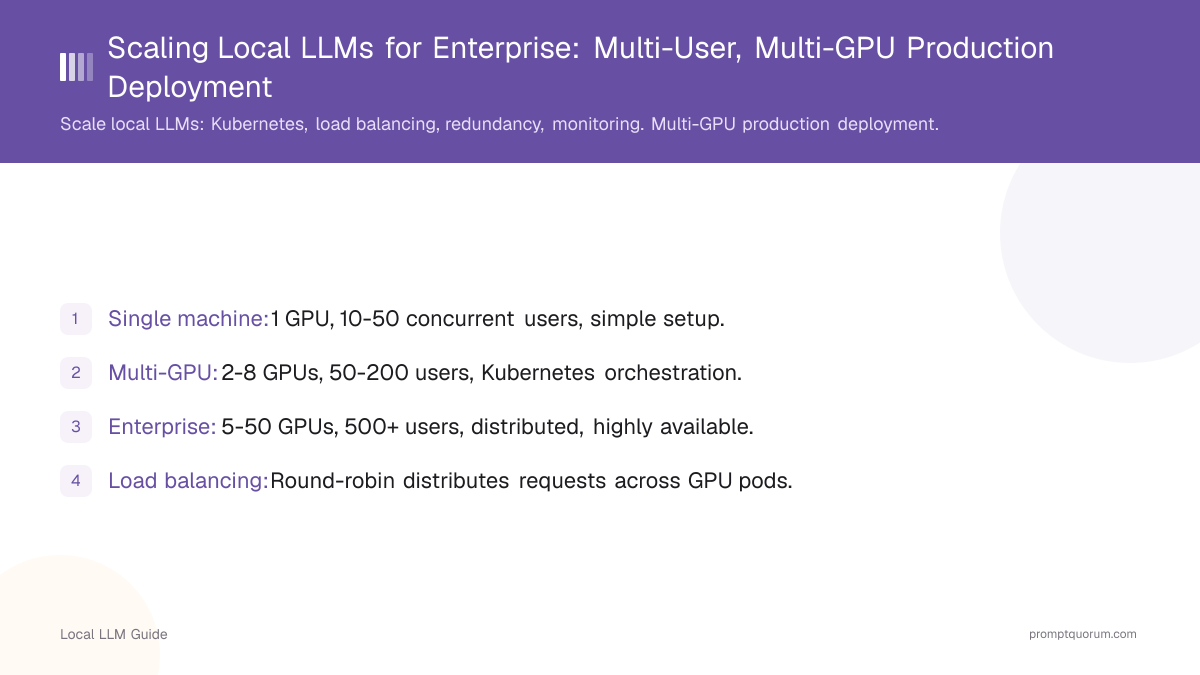
- Single machine: 1 GPU, 10-50 concurrent users, simple setup.
- Multi-GPU: 2-8 GPUs, 50-200 users, Kubernetes orchestration.
- Enterprise: 5-50 GPUs, 500+ users, distributed, highly available.
- Load balancing: Round-robin distributes requests across GPU pods.
- Monitoring: Track latency, queue depth, GPU utilization, error rates.
- Kubernetes is the standard orchestration tool for enterprise LLM deployment.
📍 In One Sentence
Scaling a local LLM from a single machine to enterprise production means adding multi-user load balancing, GPU redundancy, monitoring, and disaster recovery -- typically orchestrated with Kubernetes across 5-50 GPUs to serve 50-500 concurrent users at 99.9% uptime.
💬 In Plain Terms
Running one AI model on one computer for yourself is simple. Running it for hundreds of employees at once is a different engineering problem: you need multiple GPUs working together, a system that routes each request to a free GPU, backups in case one server fails, and dashboards that tell you when something is going wrong. Kubernetes (a tool for managing many servers at once) is the standard way enterprises solve this.
How Do You Scale From Single Machine to Distributed System?
Progression from single machine to production:
Deployment Stage | Number of GPUs | Concurrent Users | SLA Uptime | Infrastructure Setup |
|---|---|---|---|---|
| Prototype | 1 | 1-10 | Not required | Ollama on laptop |
| Small production | 2-4 | 10-50 | 95% | Docker, basic monitoring |
| Medium enterprise | 5-16 | 50-200 | 99% | Kubernetes, load balancer |
| Large enterprise | 20-100 | 200-1000 | 99.9% | Kubernetes multi-zone, auto-scaling |
How Do You Implement Load Balancing?
Load balancer routes requests to least-busy inference pod.
Round-robin: Distribute equally across pods (simplest).
Least-loaded: Send to pod with shortest queue (better latency).
Sticky sessions: Same user always uses same pod (for context, but risky if pod fails).
# Kubernetes Service with load balancing
apiVersion: v1
kind: Service
metadata:
  name: llm-inference
spec:
  selector:
    app: vllm-inference
  ports:
  - port: 8000
    targetPort: 8000
  type: LoadBalancer
  sessionAffinity: None  # Round-robin across pods
How Do You Implement Redundancy and Failover?
High availability requires redundant components:
Pod replicas: Multiple inference pods. If one dies, others handle requests.
Health checks: Kubernetes automatically removes unhealthy pods.
Storage redundancy: Model files replicated across nodes.
DNS failover: If entire data center fails, route to backup facility.
What Should You Monitor?
Enterprise deployments must monitor:
- Latency: Per-request time (p50, p95, p99 percentiles).
- Queue depth: How many requests waiting. >10 = overloaded.
- GPU utilization: Should be 70-90%. <50% = oversized. >95% = undersized.
- Error rate: % of failed requests. Should be <0.1%.
- Throughput: Tokens/sec across all pods.
- Uptime: % of time service is available (target 99.9%).
- Cost per query: $/request (amortized hardware).
How Do You Optimize Costs at Scale?
At scale, focus on:
- GPU utilization: Higher is cheaper per request. Target 80-90%.
- Model quantization: Q4 vs FP16 uses 4× less VRAM, same speed. Reduces GPU count needed.
- Batch size: Larger batches = lower cost per request (but higher latency).
- Auto-scaling: Scale down at night, scale up during day (saves 30-50% cloud costs).
- Multi-tenancy: Run 2-3 models per GPU (if VRAM allows). Higher utilization.
Common Enterprise Scaling Mistakes
- Ignoring latency requirements. Agree on p99 latency SLA before deploying. 2-second latency may seem OK until users complain.
- Over-provisioning for peak. If peak is 100 users for 2 hours/day, don't buy hardware for 100 concurrent users all day. Use auto-scaling.
- Poor failure isolation. If one pod crashing takes down load balancer, architecture is wrong. Test failure scenarios.
- Not monitoring right metrics. Monitoring GPU utilization but not latency is backwards. Latency impacts users.
- Assuming open-source tools scale to enterprise. Ollama works great for 1 user. For 500 concurrent users, need enterprise monitoring and orchestration.
What Are Common Questions About Scaling Local LLMs?
How many GPUs do we need for enterprise deployment?
Depends on concurrency and latency requirements. 100 concurrent users on 7B model: ~5-8 GPUs. 500 concurrent users: 20-30 GPUs. Formula: (concurrent users × expected latency) / (tokens/sec per GPU).
What is the difference between load balancing and auto-scaling?
Load balancing distributes requests across existing pods. Auto-scaling adds/removes pods based on load. Both are needed: load balancing spreads work now, auto-scaling adjusts capacity.
How do we handle GPU failures?
Kubernetes automatically reschedules pods to healthy GPUs. If one GPU dies, Kubernetes marks it as unavailable and routes traffic to others. Have redundancy: if you need 8 GPUs, provision 10.
What latency SLA should we target?
p99 latency <2 seconds is standard for chatbots. p99 <500ms for real-time autocomplete. Define SLA based on user experience, then choose hardware/batch size to meet it.
How do we monitor a distributed inference cluster?
Monitor per-pod and cluster-wide: GPU utilization, queue depth, latency (p50/p95/p99), error rate, throughput, and uptime. Use Prometheus + Grafana or equivalent.
Is on-premises scaling cheaper than cloud?
Yes, at scale. Break-even is ~500k tokens/month. On-premises: high upfront cost ($500k-2M hardware), then low per-request cost. Cloud: no upfront cost, high per-request cost ($0.15-60/1M tokens).
Sources
- Kubernetes Documentation -- kubernetes.io/docs
- vLLM Deployment Guide -- docs.vllm.ai/en/serving/distributed_serving.html
- Prometheus Monitoring -- prometheus.io