Key Takeaways
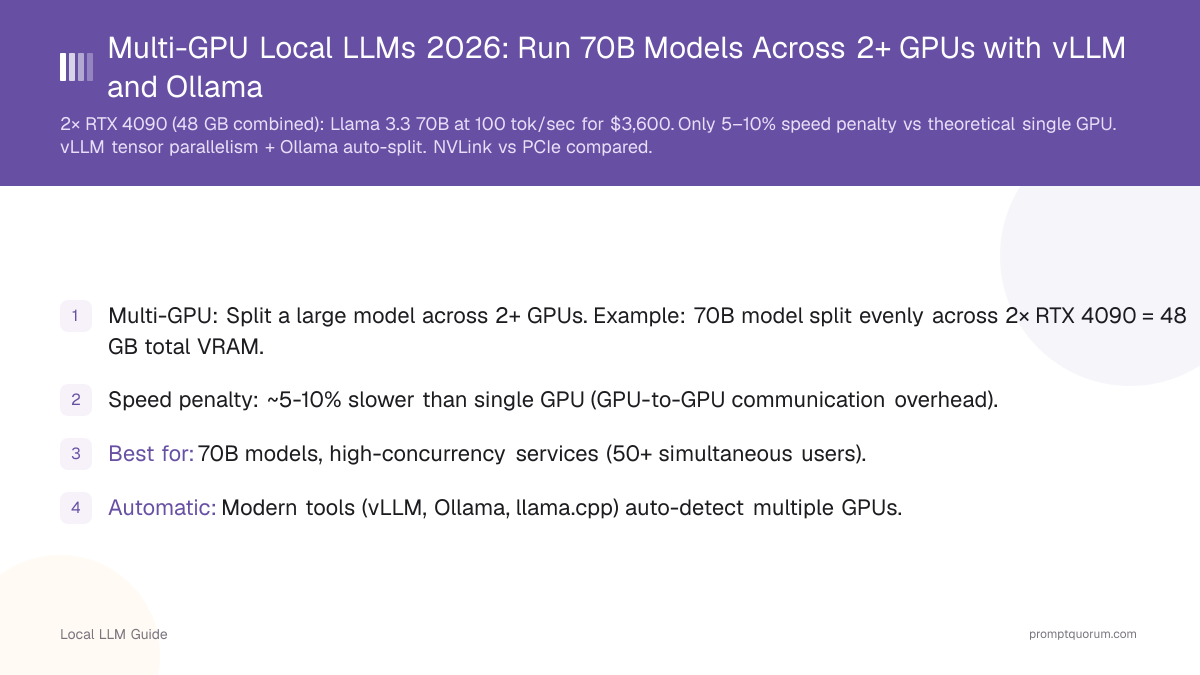
- Multi-GPU: Split a large model across 2+ GPUs. Example: 70B model split evenly across 2× RTX 4090 = 48 GB total VRAM.
- Speed penalty: ~5-10% slower than single GPU (GPU-to-GPU communication overhead).
- Best for: 70B models, high-concurrency services (50+ simultaneous users).
- Automatic: Modern tools (vLLM, Ollama, llama.cpp) auto-detect multiple GPUs.
- This is standard for production deployments.
📍 In One Sentence
Using multiple GPUs lets you run 70B+ models that don't fit in one card's VRAM -- dual RTX 4090s (48 GB combined) run Llama 3.3 70B at ~100 tok/sec, only 5-10% slower than a theoretical single 48 GB GPU, and both vLLM and Ollama support multi-GPU splitting out of the box.
💬 In Plain Terms
If a model is too big for one graphics card, you can split it across two or more. Two RTX 4090s combined give you 48 GB of usable memory, enough for a 70B model, and you lose only a small amount of speed to the overhead of the cards talking to each other. You don't need special hardware like NVLink for this -- a normal PCIe connection works fine, and both major tools (vLLM and Ollama) handle the splitting automatically.
How Layer Splitting and Tensor Parallelism Work?
A 70B Transformer model has 80 layers. With layer splitting, Ollama might place:
- GPU 1: Layers 1-40
- GPU 2: Layers 41-80
When a token is generated, it flows through GPU 1, then GPU 2, then back for next token. Minimal communication overhead.

•💡: Pro Tip: Layers are lightweight — what matters is GPU-to-GPU communication speed. Layer 1–40 on GPU1, layer 41–80 on GPU2 means one GPU transfer per token. This is why NVLink matters.
Multi-GPU Setup With vLLM
vLLM supports tensor parallelism out-of-the-box with a single command. Use the `--tensor-parallel-size` flag to specify the number of GPUs:
# Run 70B model across 2 GPUs
vllm serve meta-llama/Llama-3.1-70B \
  --tensor-parallel-size 2 \
  --gpu-memory-utilization 0.95 \
  --port 8000

# API is now at http://localhost:8000/v1
# Same API, automatic multi-GPU handling
•⚠️: Warning: Both GPUs must have the same VRAM. If pairing RTX 4090 (24 GB) + RTX 4080 (16 GB), vLLM will be bottlenecked to 16 GB per GPU. Use matching GPUs for optimal performance.
Multi-GPU Setup With Ollama
Ollama auto-detects multiple GPUs and splits automatically:
1. Run Ollama normally: `ollama serve`
2. Ollama detects 2+ GPUs and automatically splits models
3. No configuration needed -- it just works.
Verify with `nvidia-smi` or `rocm-smi` to see both GPUs loading.
•🛠️: Best Practice: Verify multi-GPU setup is working by running `nvidia-smi` and checking both GPU memory usage. If only one GPU is loaded, Ollama may not have detected the second GPU. Check driver versions and upgrade if needed.
Performance With 2 GPUs
Setup | Model | Speed | Cost |
|---|---|---|---|
| 1× RTX 4090 (24GB) | 7B | 150 tok/sec | $2,300 |
| 1× RTX 4090 (24GB) | 70B | Cannot fit | $2,300 |
| 2× RTX 4090 (48GB) | 70B Q4 | 100 tok/sec | $4,600 |
| 2× RTX 4090 (48GB) | 70B Q5 | 90 tok/sec | $4,600 |
| 1× RTX 5090 (32GB) | 70B Q4 | 40–50 tok/sec | $2,000 |
| 2× RTX 5090 (64GB) | 70B Q8 | 120 tok/sec | $4,000 |
| 2× RTX 5090 (64GB) | 405B Q4 | 25–35 tok/sec | $4,000 |
| RTX 6000 Ada + RTX 4090 | 70B FP16 | 110 tok/sec | $6,800 |

•📌: Key Point: Two RTX 4090s deliver ~100 tok/sec on 70B models — roughly 90% of single-GPU speed due to 5–10% communication overhead. The RTX 5090 (32 GB GDDR7, launched January 2026) changed the equation: a single 5090 runs 70B Q4 without splitting at 40–50 tok/sec. Dual 5090s (64 GB combined) are the first consumer setup to handle 405B Q4 models.
When to Use Multi-GPU?
Multi-GPU is cost-effective when you need 70B+ models or high-concurrency services. Use multiple GPUs when:
- You need to run 70B+ models.
- You serve 50+ concurrent users (batch processing).
- You want to run multiple 13B models simultaneously.
- You run production services (not experimentation).

•💡: Pro Tip: For experimentation with 70B models, try single-GPU CPU offloading first (8–10 tok/sec on RTX 4090). Once production demand is confirmed, invest in a second RTX 4090 for multi-GPU setup (100 tok/sec).
Common Multi-GPU Mistakes
- Expecting 2× speedup with 2 GPUs. You get ~90% of single-GPU speed (5-10% overhead from GPU communication).
- Assuming GPUs must be identical. You can mix RTX 4090 + RTX 4080, but vLLM will be limited by the slower GPU.
- Not using NVLink for communication. Without NVLink, multi-GPU communication is slower. NVLink is rare on consumer GPUs.
- Forgetting about PCIe bandwidth. GPU-to-GPU communication goes through PCIe, which limits bandwidth (~16 GB/sec on PCIe 4.0).
- Buying a second GPU before trying single-GPU options. Before investing $2,300+ in a second RTX 4090, try: (1) Q4 quantization instead of Q5/Q8 (halves VRAM), (2) CPU offloading via Ollama (8–10 tok/sec for 70B on single 4090), (3) RTX 5090 32 GB single-card (runs 70B Q4 without splitting for $2,000). Multi-GPU should be the last optimization, not the first.
•⚠️: Warning: Matching GPU models is essential for consistent performance. Mismatched GPUs (e.g., 4090 + 4080) create bottlenecks where the slower card dictates system speed. In production, always pair identical GPUs.
Frequently Asked Questions
•💬: Did You Know? NVLink bandwidth (900 GB/sec) vs PCIe bandwidth (64 GB/sec) is the hidden factor in multi-GPU performance. A100/H100 professional GPUs with NVLink can achieve near-linear scaling (e.g., 2× speedup with 2 GPUs). Consumer RTX cards are limited to PCIe, causing 5–10% overhead.
When should I use multiple GPUs for local LLMs?
Use multiple GPUs when a single GPU lacks VRAM for your target model. Two RTX 4090s (48 GB combined) run 70B models at Q5 quantization at ~100 tokens/sec. Single GPU with offloading achieves only 8–10 tokens/sec for the same model. Multi-GPU is cost-effective for 70B+ models when you already have or can acquire a second GPU.
How does vLLM tensor parallelism work across GPUs?
vLLM splits model layers across GPUs using tensor parallelism (`--tensor-parallel-size 2`). Each GPU holds half the model's weight matrices; computations happen in parallel with results communicated via NVLink or PCIe. NVLink (NVLink 4.0: 900 GB/sec bidirectional) is significantly faster than PCIe (64 GB/sec) for inter-GPU communication.
Does NVLink make a significant difference for LLM inference?
NVLink improves throughput by 10–30% vs PCIe for large models requiring frequent GPU-to-GPU communication. For 70B models split across two GPUs, NVLink reduces communication overhead from ~15% to ~3–5%. Consumer RTX cards use PCIe; NVLink is available on professional A100/H100 GPUs. For home use, PCIe is sufficient.
Can I mix different GPU models (e.g., RTX 4090 + RTX 4080) for layer splitting?
Technically yes — vLLM and llama.cpp support mixed GPU setups. In practice, the slower GPU bottlenecks the pair. A 4090+4080 pair performs closer to two 4080s than two 4090s. Matching GPU models is strongly recommended for production deployments.
How many GPUs do I need for 70B and 405B models?
70B at Q4: fits in 2× RTX 4090 (35 GB needed, 48 GB available). 70B at Q8: needs 4× RTX 4090 (70 GB needed). 405B at Q4: needs 4× RTX 4090 (200 GB needed — barely fits). For 405B, professional A100 80GB×4 (320 GB combined) is the recommended platform.
What is the speed penalty for layer splitting vs a single GPU?
Layer splitting adds 5–10% overhead from inter-GPU communication. Two RTX 4090s running a 70B model achieve ~100 tokens/sec — roughly 90% of what a single theoretical 48 GB GPU would achieve. This is far better than CPU offloading (8–10 tokens/sec) or a single 4090 running an impossible 70B model.
Can I run 70B on a single RTX 5090 without multi-GPU?
Yes — the RTX 5090 (32 GB GDDR7, January 2026) fits Llama 3.3 70B at Q4_K_M (~40 GB with KV cache at short context, tight fit at 32 GB with 4K context). Performance: 40–50 tok/sec. For 70B at longer context (32K+) or higher quantization (Q5+), dual GPUs are still needed. The 5090 eliminated the need for multi-GPU for 70B Q4 at short context.
Is PCIe 5.0 worth it for multi-GPU LLM setups?
PCIe 5.0 doubles bandwidth to ~128 GB/sec vs 64 GB/sec on PCIe 4.0. For dual-GPU 70B inference, this reduces communication overhead from ~10% to ~6–7%. The improvement is noticeable but not transformative — NVLink (900 GB/sec) remains the only way to achieve near-linear scaling. For consumer builds, PCIe 5.0 motherboards are recommended if buying new, but upgrading from PCIe 4.0 solely for multi-GPU is not cost-effective.
Sources
- vLLM Tensor Parallelism Documentation -- Official vLLM documentation on distributed serving and tensor parallelism.
- Ollama Multi-GPU Support -- Ollama GitHub documentation for GPU detection and layer splitting.
- PyTorch Distributed Tensors -- Core framework documentation for distributed tensor operations.