How Much VRAM for a 70B Model?
Quick Answer
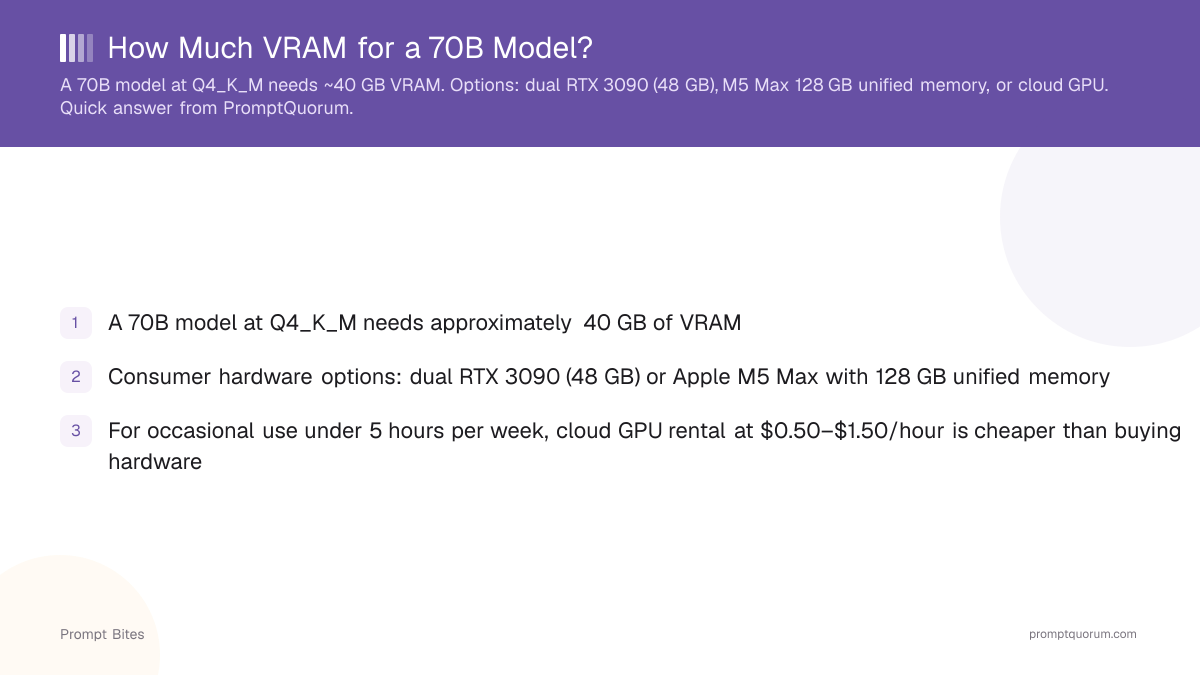
A 70B model at Q4_K_M needs approximately 40 GB of VRAM. Consumer options: dual RTX 3090 (48 GB total), M5 Max with 128 GB unified memory, or cloud GPU rental.
- ▸Q4_K_M 70B: ~40 GB VRAM required
- ▸Dual RTX 3090 (48 GB total): consumer desktop option
- ▸M5 Max 128 GB unified memory: best single-machine experience
Key Takeaways
- ✓A 70B model at Q4_K_M needs approximately 40 GB of VRAM
- ✓Consumer hardware options: dual RTX 3090 (48 GB) or Apple M5 Max with 128 GB unified memory
- ✓For occasional use under 5 hours per week, cloud GPU rental at $0.50–$1.50/hour is cheaper than buying hardware
Hardware Options for Running a 70B Model
As of May 2026, a 70B model at Q4_K_M is approximately 40 GB of compressed weights — 1.7× a single RTX 4090 and 1.6× a single RTX 3090. This is why 70B is the hardest tier to run locally: it crosses the boundary between consumer GPUs (max 24 GB) and workstation hardware. Three paths exist, each with different trade-offs.
Apple M5 Max with 128 GB unified memory is the smoothest single-machine option — no PCIe transfer bottleneck between CPU and GPU memory, and macOS manages allocation automatically. Dual RTX 3090s work but require a workstation-class desktop and careful driver configuration.
| Hardware | Total VRAM | Speed |
|---|---|---|
| Dual RTX 3090 | 48 GB | ~8 tok/s |
| RTX 3090 + CPU offload | 24 GB + 32 GB RAM | ~3 tok/s |
| Apple M5 Max 128 GB | 128 GB unified | ~15 tok/s |
| RunPod H100 (cloud) | 80 GB | ~50 tok/s |
When Cloud Makes More Sense Than Local
Cloud GPU rental for 70B inference runs $0.50–$1.50 per hour on RunPod and Lambda Labs. A dual RTX 3090 setup costs $1,700–$2,100 in hardware, which amortizes to cloud costs only after 1,500–3,000 hours of use. See the single-card buy-vs-rent breakdown for the same math on one RTX 3090.
For teams or individuals using 70B models fewer than 5 hours per week, cloud rental is both cheaper and easier to maintain. Local 70B is justified for privacy-sensitive use cases (no data leaving your hardware) or sustained high-frequency inference where cloud costs compound quickly. For smaller models that fit on consumer GPUs, see the VRAM tier guide.
For a full breakdown of 70B deployment strategies, see how to run 70B models with 24 GB VRAM.
Related Guides
- ▸RTX 3090 for Local LLMs: Buy Used or Rent? — should you buy the card this page recommends, or rent it by the hour?
- ▸How Much VRAM Do You Need for a Local LLM? — VRAM tier table for all model sizes
- ▸Cheapest Way to Run a 70B Model Locally — cost path when hardware exceeds budget
- ▸Local LLM Hardware Guide 2026 — full hardware guide for 70B-capable builds
- ▸Best Local LLMs 2026 — which 70B models are worth the hardware cost
Quick Answers About 70B Model VRAM
Can a single RTX 3090 run a 70B model?▾
Can I run a 70B model on a MacBook?▾
Is there a cheaper way to run 70B models locally?▾
How does 70B VRAM compare to a 13B model?▾
Want the full breakdown?
Read the complete guide →Related Prompt Bites