Key Takeaways
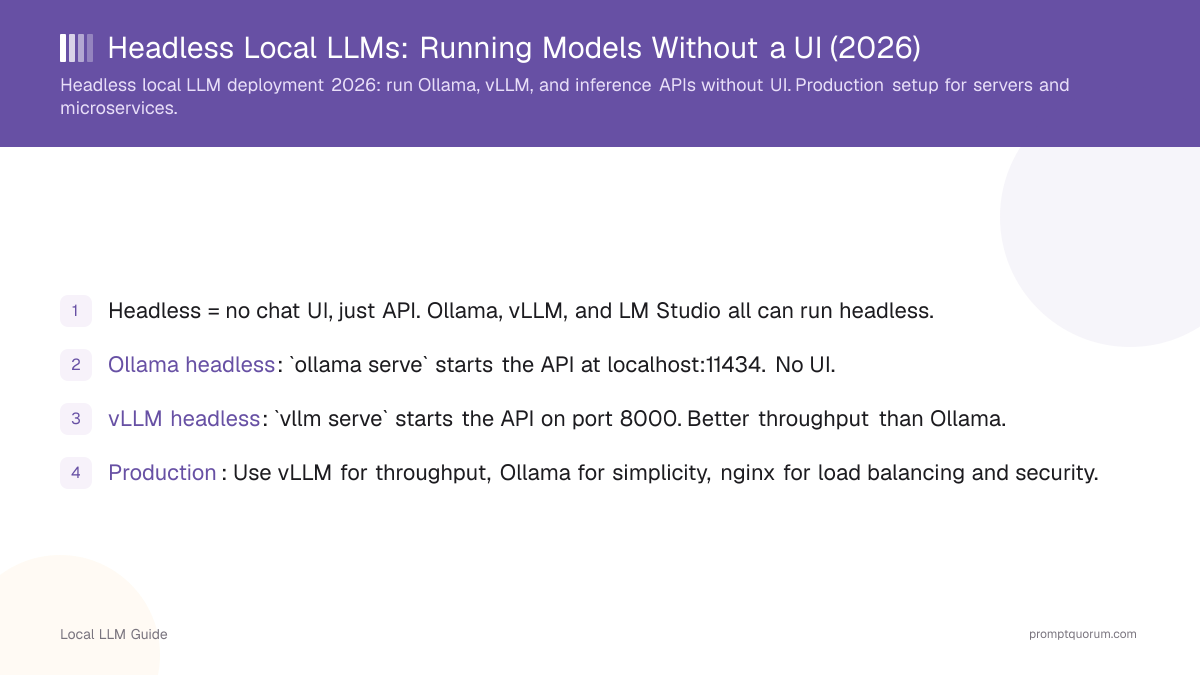
- Headless = no chat UI, just API. Ollama, vLLM, and LM Studio all can run headless.
- Ollama headless: `ollama serve` starts the API at localhost:11434. No UI.
- vLLM headless: `vllm serve` starts the API on port 8000. Better throughput than Ollama.
- Production: Use vLLM for throughput, Ollama for simplicity, nginx for load balancing and security.
- vLLM is the production standard for high-throughput services.
📍 In One Sentence
A headless local LLM runs as a background service with no chat window, reachable only through a REST API from Python, Node.js, or curl -- this is the standard setup for production servers, batch processing jobs, and automation pipelines.
💬 In Plain Terms
Headless just means there's no window to click around in -- the model runs quietly in the background and other programs talk to it over an API, the same way a website's backend talks to its database. This is how you'd deploy a local model on a server: no screen needed, just requests coming in and responses going out.
What Does Headless Mean?
Headless means the software runs as a service without a graphical user interface. You interact via API calls (REST, gRPC) instead of clicking buttons.
Advantages: lighter resource usage (no UI overhead), easier to automate, suitable for servers, easier to scale.
Disadvantages: no visual feedback, requires API knowledge, harder to debug without logs.
How to Run Ollama Headless?
Ollama can run as a pure API service:
# Run Ollama headless
ollama serve

# This starts the API at http://localhost:11434/v1
# No chat UI, just a background service

# Use the API from Python
from openai import OpenAI
client = OpenAI(base_url="http://localhost:11434/v1", api_key="ollama")
response = client.chat.completions.create(
  model="llama3.2:3b",
  messages=[{"role": "user", "content": "Hello"}]
)
print(response.choices[0].message.content)

# Or from curl
curl http://localhost:11434/v1/chat/completions \
  -H "Content-Type: application/json" \
  -d '{{"model": "llama3.2:3b", "messages": [{{"role": "user", "content": "Hello"}}]}}'
How to Run vLLM Headless?
vLLM is optimized for headless, high-throughput deployments:
# Install vLLM
pip install vllm

# Run headless with API
vllm serve llama-3.1-8b-instruct \
  --host 0.0.0.0 \
  --port 8000 \
  --gpu-memory-utilization 0.9

# Access at http://localhost:8000/v1
# Supports 50+ concurrent requests

# Use from Python (same as Ollama)
from openai import OpenAI
client = OpenAI(base_url="http://localhost:8000/v1", api_key="anything")
response = client.chat.completions.create(
  model="meta-llama/Llama-2-7b-chat-hf",
  messages=[{"role": "user", "content": "Hello"}]
)
print(response.choices[0].message.content)
How to Deploy for Production?
1. Use vLLM for high throughput (50+ concurrent users).
2. Use Ollama for simplicity (single-user or small teams).
3. Add nginx reverse proxy for load balancing and authentication.
4. Monitor GPU memory -- models should not exceed 80% VRAM.
5. Set up logging -- track errors and performance.
6. Use systemd or Docker for service management (auto-restart on crash).
# Example: Deploy vLLM on a server via Docker
docker run --gpus all -p 8000:8000 \
  --env VLLM_API_KEY="your-secret-key" \
  vllm/vllm-openai:latest \
  --model meta-llama/Llama-2-13b-chat-hf \
  --tensor-parallel-size 2  # Use 2 GPUs

# Nginx reverse proxy config (optional)
# server {
#   listen 80;
#   location / {
#     proxy_pass http://localhost:8000;
#     proxy_set_header Authorization "Bearer $http_authorization";
#   }
# }
How to Monitor Headless Deployments?
Monitor GPU memory, request latency, and error rates:
# Monitor GPU usage (nvidia-smi)
watch nvidia-smi  # Updates every 2 seconds

# Monitor request latency
# Add logging to your client code
import time
start = time.time()
response = client.chat.completions.create(...)
latency = time.time() - start
print(f"Request took {latency:.2f} seconds")

# Monitor vLLM logs
docker logs -f <container_id>

# Check error rates
# Parse logs for errors or use a monitoring tool (Prometheus + Grafana)
Common Mistakes With Headless Deployments
- Not monitoring VRAM. Models can silently run out of memory. Monitor GPU before deploying to production.
- Exposing API without authentication. Headless services are often exposed to networks. Always add authentication (API key, firewall).
- Not setting resource limits. A model can consume 100% GPU, blocking other tasks. Use `--gpu-memory-utilization` in vLLM.
- Expecting Ollama to scale to 100+ users. Use vLLM for high concurrency. Ollama can handle single-digit concurrent users.
- Not testing failover. If your model server crashes, requests hang. Use a load balancer and health checks.
Common Questions About Headless Deployments
Can Ollama and vLLM run on the same GPU?
Not simultaneously. They will compete for VRAM. Run one or the other, or use multiple GPUs.
Is it safe to expose the API to the internet?
No, not without authentication. Always put an API key, firewall, or reverse proxy in front. Never expose localhost:11434 directly.
How many concurrent users can Ollama handle?
Typically 1-3 without queuing. For more, use vLLM or add request queuing.
What is the difference between Ollama and vLLM performance?
Single request: similar speed. Multiple concurrent requests: vLLM is 5-10× better because it batches requests.
Sources
- Ollama GitHub -- github.com/ollama/ollama
- vLLM GitHub -- github.com/vllm-project/vllm
- vLLM Deployment Guide -- docs.vllm.ai/en/serving/deploying_with_docker.html
- Ollama API Docs -- github.com/ollama/ollama/blob/main/docs/api.md