Best Ollama Models for RTX 3060 12 GB?
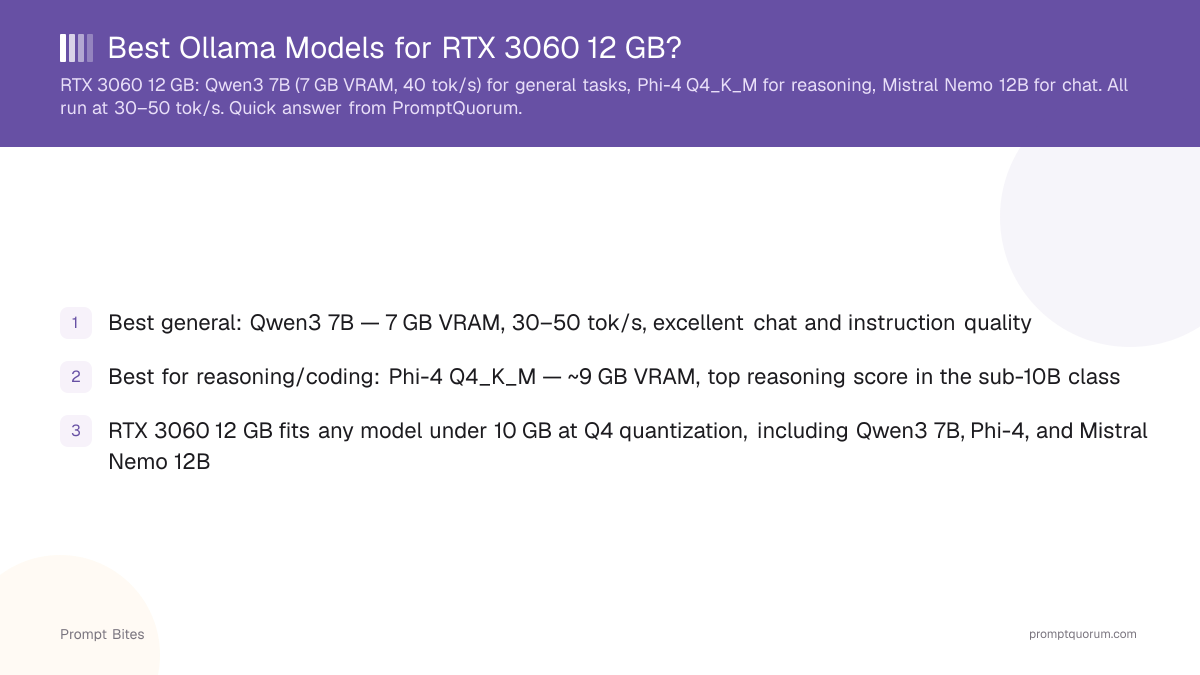
Quick Answer
The best Ollama models for an RTX 3060 12 GB are **Qwen3 8B** (general tasks, 6 GB VRAM), **Phi-4** in Q4_K_M (reasoning, ~9 GB VRAM), and **Mistral Nemo 12B** (8 GB VRAM). All run at 30–40 tokens/second on this GPU.
- ▸Qwen3 8B: best general purpose on RTX 3060 — 6 GB VRAM, ~40 tok/s
- ▸Phi-4 Q4_K_M: best for reasoning and coding — ~9 GB VRAM
- ▸Mistral Nemo 12B: strong chat alternative — 8 GB VRAM
Key Takeaways
- ✓Best general: Qwen3 8B — 6 GB VRAM, ~40 tok/s, excellent chat and instruction quality
- ✓Best for reasoning/coding: Phi-4 Q4_K_M — ~9 GB VRAM, top reasoning score in the sub-10B class
- ✓RTX 3060 12 GB fits any model under 10 GB at Q4 quantization, including Qwen3 8B, Phi-4, and Mistral Nemo 12B
Top 3 Ollama Models for RTX 3060 12 GB
As of September 2026, the RTX 3060 12 GB is the best-value GPU for running 6–12B models locally. Its 12 GB VRAM handles any model under 10 GB at Q4 quantization, including the current Qwen3 and Phi-4 generations. On a used card, you get 30–40 tokens per second on the top picks below.
All three models below run with Ollama out of the box. Speed figures are at default 2048-token context on a desktop PC with no CPU offload.
| Model | VRAM Used | Speed |
|---|---|---|
| Qwen3 8B | 6.0 GB | ~40 tok/s |
| Phi-4 Q4_K_M | ~9.0 GB | ~35 tok/s |
| Mistral Nemo 12B Q4_K_M | ~8.0 GB | ~30 tok/s |
📍 In One Sentence
For an RTX 3060 12 GB, Qwen3 8B is the best general model — 6 GB VRAM, ~40 tok/s, available via `ollama pull qwen3:8b`.
💬 In Plain Terms
The RTX 3060 12 GB handles any model under 10 GB in Q4 quantization, including Qwen3 8B, Phi-4, and Mistral Nemo 12B.
How to Get the Best Performance on RTX 3060
For the general-use pick, run Qwen3 8B with a 4096-token context window. This uses ~6 GB VRAM and leaves 6 GB of headroom — enough to avoid VRAM overflow when switching between models.
For reasoning and coding tasks, Phi-4 at Q4_K_M is the clear choice: it fits in ~9 GB VRAM and handles Python, TypeScript, and Go without fine-tuning.
Leave at least 1.5–2 GB of VRAM free at all times. Loading two models back-to-back without unloading the first triggers VRAM overflow and forces slow CPU offload. For the full GPU benchmark context, see the best GPUs for local LLMs. If your GPU has less than 12 GB, see the best models for 6 GB VRAM. To install all three top picks:
ollama pull qwen3:8b
ollama pull phi4
ollama pull mistral-nemo--num-ctx 4096 if you need a larger context window.Quick Answers About RTX 3060 Models
Can the RTX 3060 run a 70B model?▾
Is RTX 3060 12 GB good for local LLMs?▾
What quantization should I use on RTX 3060 12 GB?▾
Does Ollama automatically use the RTX 3060 GPU?▾
ollama run modelname and it loads entirely to GPU if VRAM is sufficient.Want the full breakdown?
Read the complete guide →Related Prompt Bites