When Should You Combine Local and Cloud LLM Inference?
A hybrid local-cloud strategy makes sense when your workload has spiky demand: run a default model locally for everyday use, and burst to a rented cloud GPU only for occasional larger models or batch jobs that exceed your local hardware. Pure local-only setups waste money on idle cloud capacity you never provisioned; pure cloud-only setups pay for every single request even during long low-traffic periods. Hybrid setups avoid both failure modes, at the cost of extra routing complexity.
Quick Answer
A hybrid strategy is worth the added complexity when demand is spiky rather than steady: everyday requests run on local hardware you already own, and only the requests that exceed local capacity — larger models, batch jobs, traffic spikes — burst to a rented cloud GPU. If demand is steady and predictable, a single environment (all local or all cloud) is usually simpler and cheaper to run.
- ▸Best fit: spiky or unpredictable demand, occasional need for a larger model than your local hardware can run
- ▸Route by request size or model requirement — send only what exceeds local capacity to the cloud
- ▸Route by queue depth — burst only when the local queue backs up beyond a threshold
- ▸Skip hybrid entirely if demand is steady and predictable — one environment is simpler
Key Takeaways
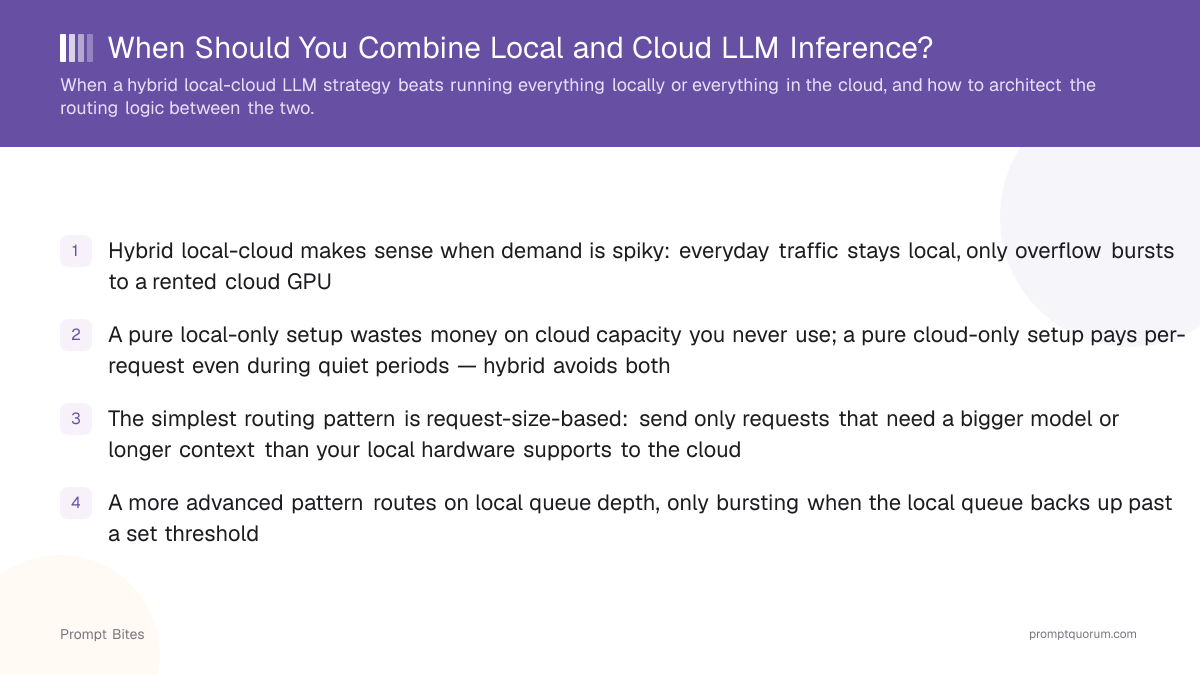
- ✓Hybrid local-cloud makes sense when demand is spiky: everyday traffic stays local, only overflow bursts to a rented cloud GPU
- ✓A pure local-only setup wastes money on cloud capacity you never use; a pure cloud-only setup pays per-request even during quiet periods — hybrid avoids both
- ✓The simplest routing pattern is request-size-based: send only requests that need a bigger model or longer context than your local hardware supports to the cloud
- ✓A more advanced pattern routes on local queue depth, only bursting when the local queue backs up past a set threshold
- ✓Skip hybrid if traffic is steady and predictable — a single environment is simpler to operate and debug
When Hybrid Beats Local-Only or Cloud-Only
The deciding factor is demand variability, not raw cost per request. If your traffic is steady — roughly the same number of requests, roughly the same model size, every day — pick whichever single environment is cheaper for that steady load and stop there. Hybrid setups only pay off when demand genuinely varies enough that provisioning for the peak locally would sit idle most of the time.
A second factor is occasional need for a model larger than your local hardware can run. If 95% of your workload fits comfortably on local hardware but a handful of requests each week need a much larger model, buying enough local hardware to cover that rare case is usually wasteful — routing just those requests to a rented cloud GPU is cheaper overall.
Data residency requirements can also justify hybrid, in the opposite direction from cost: keep anything sensitive strictly local, and only route non-sensitive, less time-critical workloads to the cloud. In that case the split is driven by policy, not by hardware limits.
How to Architect the Routing Logic
Three routing patterns cover most real setups, roughly in order of increasing complexity.
- ▸Request-size-based routing: the simplest pattern. Inspect each incoming request — required model size, context length, or an explicit priority flag — and send anything exceeding a fixed threshold to the cloud, everything else to local hardware. Easy to reason about and debug, but doesn't adapt to how busy the local system already is.
- ▸Queue-depth-based bursting: only send requests to the cloud once the local queue backs up past a set threshold. This adapts to actual load instead of a static per-request rule, but needs monitoring and a bit more application logic to track queue state and make the routing decision.
- ▸Local-first with cloud fallback: attempt every request locally first, and only fall back to the cloud on a timeout or explicit local failure (e.g., out-of-memory on a large request). Simple to implement on top of an existing local-only setup, but adds latency for the requests that do end up falling back, since they wait out the local attempt first.
- ▸In all three patterns, an API-compatibility layer between your application and both inference backends keeps the routing decision invisible to the rest of your app — the application code just calls one endpoint, and the routing logic decides behind that endpoint which backend actually serves the request.
- ▸For the cost side of this decision — what a cloud GPU actually costs per hour, and how that compares to your local hardware's amortized cost — see Cloud GPU Cost Per Hour and RunPod vs. Vast.ai Pricing for provider-specific numbers to plug into the threshold decisions above.