Key Takeaways
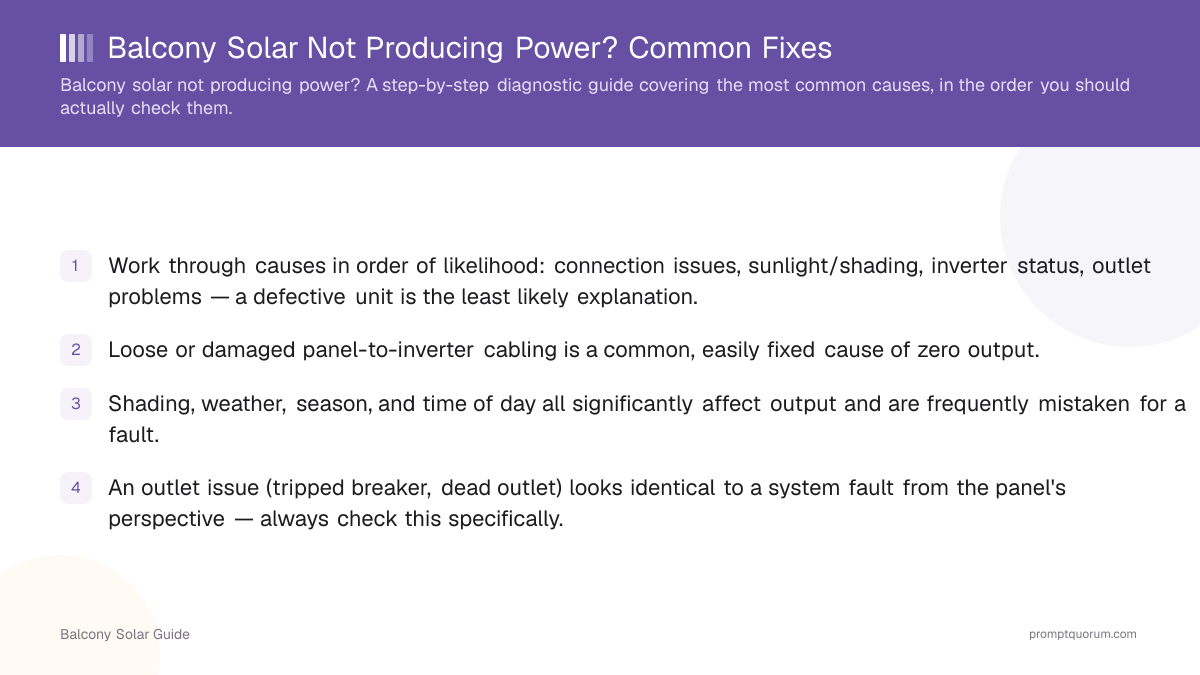
- Work through causes in order of likelihood: connection issues, sunlight/shading, inverter status, outlet problems — a defective unit is the least likely explanation.
- Loose or damaged panel-to-inverter cabling is a common, easily fixed cause of zero output.
- Shading, weather, season, and time of day all significantly affect output and are frequently mistaken for a fault.
- An outlet issue (tripped breaker, dead outlet) looks identical to a system fault from the panel's perspective — always check this specifically.
- A monitoring or app-side glitch can make a genuinely working system appear to be producing zero power — don't assume the hardware is at fault based on the app alone.
- If you've worked through all common causes and the system still isn't producing power, contact the manufacturer's support before attempting any repair yourself.
Check the Connection First
Confirm the cabling between your panel and micro-inverter is fully seated and undamaged — this is the single most common cause of a system that produces zero power despite otherwise looking fine. A connector that's worked loose from vibration, weather exposure, or an initial imperfect installation is a simple, safe fix in most cases.
Rule Out Sunlight and Shading
Low or zero output is frequently just a sunlight problem, not a fault — check the time of day, season, weather, and whether anything (a new tree branch, a parked vehicle, a nearby structure) is newly shading the panel. This is especially easy to mistake for a hardware issue if the shading pattern changed gradually and you didn't notice the cause.
📍 In One Sentence
Low balcony solar output is often just insufficient sunlight, not a hardware fault — check shading and weather before assuming something is broken.
Check Your Inverter's Status
Most micro-inverters have a status light or an app/dashboard that reports error states — check this before assuming a silent failure. If you've set up local monitoring through Home Assistant, check there directly rather than relying solely on the vendor's app, since local monitoring can be more reliable during a vendor cloud outage.
Check the Outlet Itself
Confirm the outlet your micro-inverter is plugged into is actually working and hasn't tripped a breaker — from the panel's perspective, a dead outlet looks identical to an inverter fault. Test the outlet with another device if you're unsure, rather than assuming the solar hardware is the problem.
When It's a Monitoring Problem, Not a Power Problem
Sometimes the panel is producing power correctly but your monitoring app or dashboard shows zero — this is a reporting failure, not an actual power problem, and it happens most often with cloud-dependent monitoring during a vendor outage. If your production seems to have stopped exactly when you noticed an app or website issue, suspect monitoring before suspecting the hardware itself.
💡Tip: If you can physically observe your panel's indicator light showing normal operation while the app shows an error or zero output, the issue is very likely monitoring-side, not the actual power system.
When to Contact Support
If you've confirmed the connection, ruled out shading and weather, checked the inverter status, and verified the outlet works — and the system still isn't producing power — contact the manufacturer's support rather than attempting to open or repair the unit yourself. Never open a micro-inverter; treat it as a sealed, non-serviceable unit per the installation safety guide.
Frequently Asked Questions
My balcony solar panel suddenly stopped producing power — what's the most likely cause?
A loose or damaged connection between the panel and micro-inverter, or a sunlight/shading change, are the two most common causes — check these before assuming a hardware defect.
Is a dead outlet a common cause of balcony solar issues?
Yes — from the panel's perspective, a dead outlet or tripped breaker looks identical to an inverter fault. Always test the outlet directly with another device.
My app shows zero production but the panel looks fine — what's wrong?
This is likely a monitoring-side issue, not an actual power problem — cloud-dependent apps can show incorrect data during a vendor outage even though the hardware is working normally.
Can weather affect my balcony solar output significantly?
Yes — cloud cover, season, and time of day all meaningfully affect output, and low output during poor weather is normal, not a fault.
Should I open my micro-inverter to check for a problem myself?
No — treat it as a sealed, non-serviceable unit. Opening or modifying it yourself is a safety risk and will likely void your warranty.
How do I know if the issue is shading rather than a hardware fault?
Check whether anything new (a tree branch, a parked vehicle, a nearby structure) is casting shade on the panel, and observe whether output correlates with sun angle throughout the day rather than being consistently zero regardless of conditions.
Does local monitoring help with troubleshooting?
It can — if you've set up local monitoring through Home Assistant, it can remain accessible during a vendor cloud outage, helping you distinguish a monitoring problem from an actual power problem.
When should I contact the manufacturer instead of troubleshooting further?
After you've checked the connection, ruled out shading/weather, confirmed the inverter status, and verified the outlet works — if the system still isn't producing power at that point, contact support rather than attempting a repair yourself.