Key Takeaways
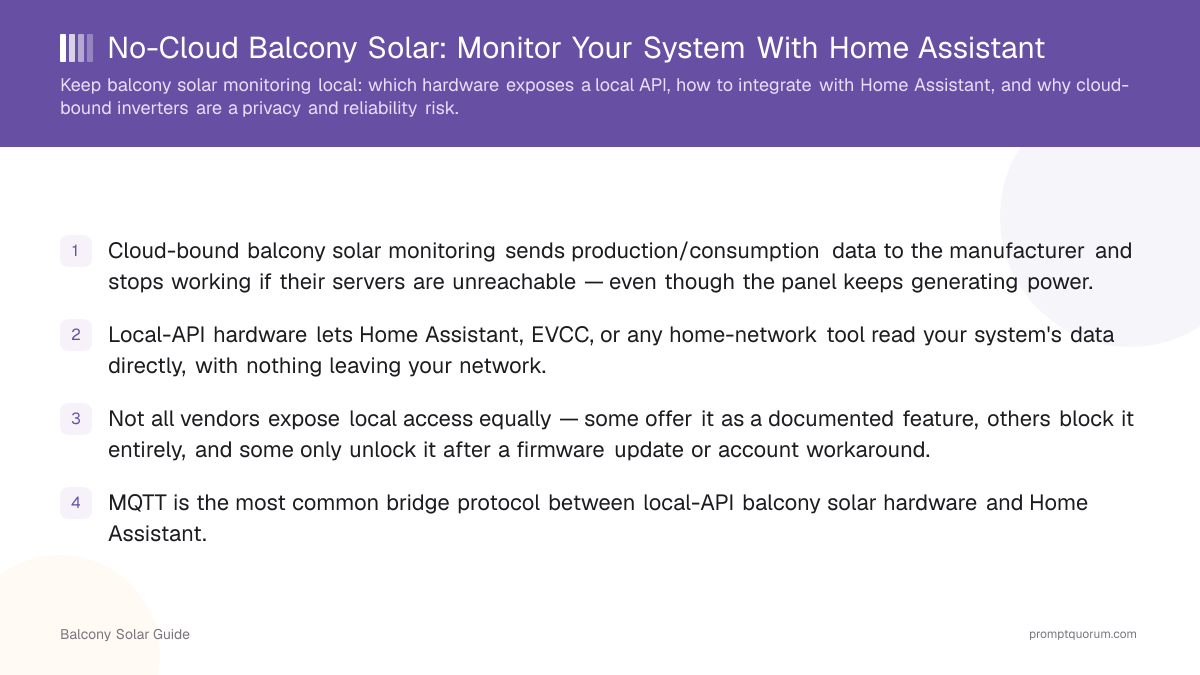
- Cloud-bound balcony solar monitoring sends production/consumption data to the manufacturer and stops working if their servers are unreachable — even though the panel keeps generating power.
- Local-API hardware lets Home Assistant, EVCC, or any home-network tool read your system's data directly, with nothing leaving your network.
- Not all vendors expose local access equally — some offer it as a documented feature, others block it entirely, and some only unlock it after a firmware update or account workaround.
- MQTT is the most common bridge protocol between local-API balcony solar hardware and Home Assistant.
- EVCC can use local balcony solar production data to time EV charging or other loads to daylight hours, extending the no-cloud thesis beyond just monitoring.
- Verify local-API support against the specific model you're buying, not the brand in general — capability varies by product line and sometimes by firmware version.
Why Is Cloud-Bound Solar Monitoring a Problem?
A cloud-bound inverter routes your energy data through the manufacturer's servers before you can see it — meaning a third party has visibility into your household's power generation and usage patterns, and your monitoring dashboard stops working if their service has an outage. For a device that's physically inside your home and connected to your electrical system, that's a meaningfully larger trust surface than most people realize when they unbox the kit.
The practical failure mode is simple: the panel keeps producing power regardless of whether the vendor's app can reach its servers, but you lose visibility into what it's doing. For anyone trying to automate around solar production — running a dishwasher when output is high, for example — a monitoring outage breaks the automation even though the underlying hardware is fine.
This mirrors a broader pattern across connected home hardware: why local-first smart home control beats cloud dependency applies just as directly to solar inverters as it does to thermostats and cameras.
📍 In One Sentence
Cloud-bound balcony solar monitoring depends on the vendor's servers being online, even though the physical hardware works independently of them.
💬 In Plain Terms
If the company's app goes down, you go dark — even though your panel is still making electricity right outside your window.
Which Hardware Exposes a Local API?
Local-API support varies by brand and by specific product line — verify it against the exact model, not just the brand name, since capability is inconsistent even within one manufacturer's catalog. See the best microinverters buyer's guide for verified per-model local-control status, since this is exactly the kind of detail that changes with firmware updates and new product releases.
A general pattern in the market: some vendors treat local access as a first-class feature and document it clearly; others require their cloud app for any monitoring at all, with no documented local alternative. A minority sit in between — local access exists but is unofficial, community-reverse-engineered, or gated behind a specific firmware version.
💡Tip: Before buying, search "[product name] local API" or "[product name] Home Assistant" rather than relying on marketing copy — community forums surface the real, verified answer faster than spec sheets.
How Do You Integrate Balcony Solar With Home Assistant?
For hardware with a documented local API, Home Assistant integration typically works through either a native/official integration, a community-maintained HACS (Home Assistant Community Store) integration, or a generic REST/MQTT sensor pointed at the device's local endpoint. The setup path depends entirely on which of those three your specific hardware supports.
- 1Confirm local API availability
Why it matters: Check the manufacturer's documentation or community forums for your exact model before assuming local access exists. - 2Check for an official or HACS integration
Why it matters: A maintained integration saves significant setup time versus building your own sensor configuration from scratch. - 3Fall back to REST or MQTT sensors
Why it matters: If no integration exists, most local-API devices still expose readable data over REST or MQTT that Home Assistant can poll directly. - 4Build automations around real-time production data
Why it matters: Once data flows into Home Assistant, you can trigger high-draw appliances during peak production or log historical output for your own records.
What About EVCC and MQTT?
MQTT is the lightweight messaging protocol most local-API balcony solar devices and Home Assistant use to exchange data, and EVCC (an open-source EV charging controller) can consume that same local data stream to time EV charging to daylight production hours. This extends the no-cloud thesis beyond passive monitoring into active automation — using your balcony solar output to directly influence when other devices draw power, entirely on your local network.
Building a Recommended No-Cloud Stack
A no-cloud balcony solar stack starts with hardware selection, not software — pick a panel/microinverter combination with confirmed local API support first, since no amount of Home Assistant configuration can add local access to a device that doesn't expose it. From there, layer in Home Assistant for monitoring and automation, and optionally EVCC if EV charging is part of your setup.
Frequently Asked Questions
Does every balcony solar inverter require a cloud account?
No, but many do by default. Some vendors document local API access as a supported feature; others require their cloud app for any monitoring, with no official local alternative.
Can I still monitor my system if the vendor's cloud service shuts down?
Only if your hardware exposes a local API that Home Assistant or another local tool is already reading from. Cloud-only devices lose all monitoring capability if the vendor's service goes offline, even though the panel keeps generating power.
What is MQTT and why does it matter for balcony solar?
MQTT is a lightweight messaging protocol widely used to bridge local-API smart-home and solar devices into platforms like Home Assistant, without routing data through an external server.
Do I need programming experience to set this up?
Basic Home Assistant configuration (YAML or the UI-based integrations) is usually sufficient for devices with an official or HACS integration. Devices without one may require manually configuring REST or MQTT sensors, which is more technical.
Can EVCC use balcony solar data even without an EV?
EVCC is built around EV charging control specifically, so its core value depends on having an EV to charge. For non-EV automation, Home Assistant alone is the more direct tool for reacting to local solar production data.
Does choosing local-control hardware limit my product options?
It narrows them, since not every balcony solar brand supports local access. See the linked microinverter and kit buyer's guides for verified per-model status rather than assuming any specific brand.
Is local monitoring less accurate than the vendor's cloud app?
No — local monitoring reads the same underlying data the device produces. The difference is where that data is processed and displayed, not its accuracy.
Will a firmware update break my local API access?
It can. Some vendors have removed or restricted local access in firmware updates after launch, which is another reason to check community reports rather than relying solely on the original spec sheet.