Key Takeaways
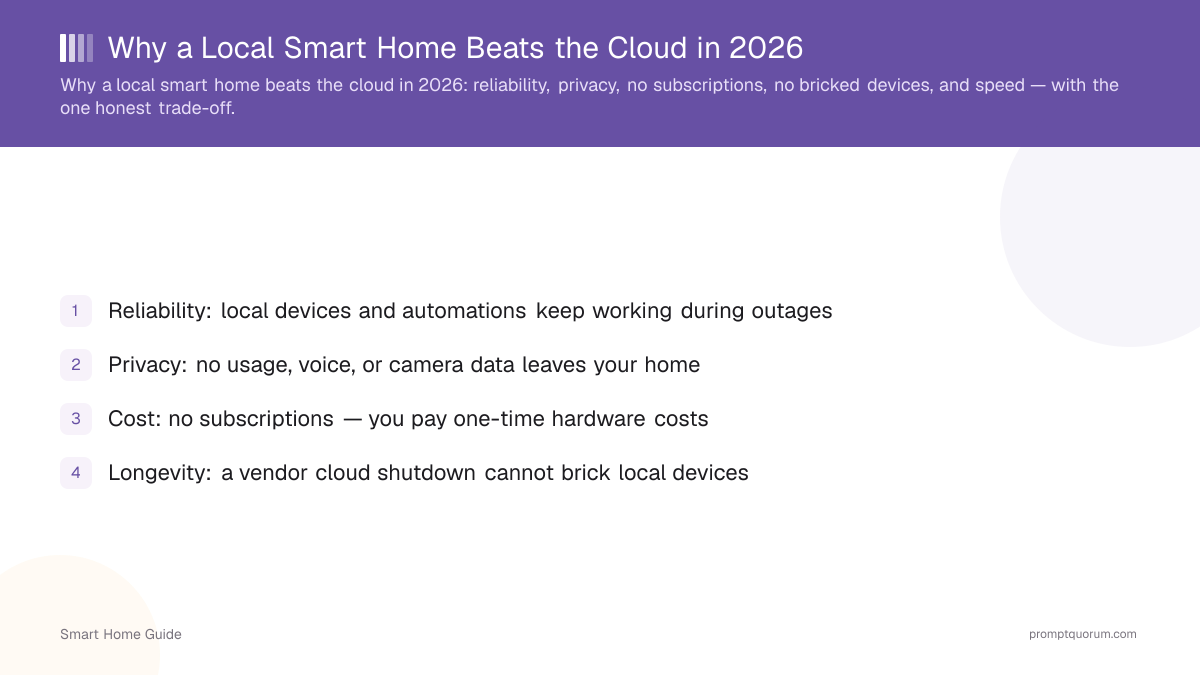
- Reliability: local devices and automations keep working during outages
- Privacy: no usage, voice, or camera data leaves your home
- Cost: no subscriptions — you pay one-time hardware costs
- Longevity: a vendor cloud shutdown cannot brick local devices
- Speed: local commands skip the internet round-trip
- Trade-off: more upfront setup effort than plug-and-play cloud
Reliability: It Works Offline
A local smart home keeps working when the internet or a vendor cloud goes down, because commands never leave your network. Cloud setups lose most functions in an outage.
- Lights, locks, sensors, and automations run on your local hub.
- No dependence on a remote server being online.
- Choose local if reliability during outages matters — see the complete local smart home guide.
Privacy: Data Stays Home
Local control keeps usage data, voice recordings, and camera feeds on your own hardware, removing the third-party processor. Cloud devices send that data to vendor servers.
- No usage logs or recordings uploaded — see smart home privacy risks.
- Local voice and AI keep even your spoken commands at home.
- Choose local if privacy is a priority.
No Subscriptions
Local setups avoid the recurring fees that cloud ecosystems attach to camera storage and premium features. You pay once for hardware instead of monthly.
- Local camera recording (Frigate) has no subscription — see local AI security cameras.
- Automations and control are free on a local hub.
- Smart lock maker Nuki tried moving basic Wi-Fi connectivity behind a monthly paywall in 2025, a feature that had already shipped with the device — a pattern that cannot happen with a purely local setup.
- For the full no-fee approach, see smart home without subscriptions.
No Forced Obsolescence
A local device cannot be bricked by a vendor shutting down its cloud, because it does not depend on that cloud to function. Cloud devices can lose core features overnight.
- Local devices keep working regardless of vendor business decisions.
- No risk of a discontinued service disabling your hardware.
- Belkin shut down Wemo cloud services in January 2026, turning app-dependent plugs and connected appliances into little more than manual switches — locally controlled devices were unaffected.
- Norwegian smart-home vendor Futurehome required existing customers to accept a new annual subscription, with a firmware update reducing functionality for those who did not pay — a risk that cannot happen to a device with no cloud dependency.
- This longevity is a core reason users move to local control.
Speed
Local commands skip the internet round-trip to a vendor server, so they often respond faster. The difference is most noticeable for automations and direct controls.
- No cloud hop means lower latency for local actions.
- Automations trigger on local sensor events instantly.
- Local voice latency depends on hardware — see local vs cloud voice assistants.
The Honest Trade-off: Setup Effort
The real downside of local is more upfront setup effort: you run the hub, pair devices, and build automations yourself. For many, the privacy and reliability are worth it.
Aspect | Local | Cloud |
|---|---|---|
| Reliability | Works offline | Needs internet/cloud |
| Privacy | Data stays home | Data on vendor servers |
| Cost | One-time hardware | Possible subscriptions |
| Longevity | Not cloud-dependent | Shutdown risk |
| Speed | No cloud round-trip | Cloud latency |
| Setup effort | Higher | Lower |
Frequently Asked Questions
What happens when a smart home cloud shuts down?
Cloud-dependent devices can lose core functions when a vendor discontinues the product cloud, sometimes becoming unusable — Belkin's January 2026 shutdown of Wemo cloud services left many smart plugs and connected appliances working as little more than manual switches. Local devices are unaffected because they do not rely on that cloud to operate, which is a key reason to choose local control.
Is a local smart home faster?
Often, yes. Local commands skip the internet round-trip to a vendor server, so direct controls and automations respond quickly. Local voice latency depends on your hardware and model size rather than network conditions.
Is local really cheaper long-term?
Usually. Local setups avoid recurring subscriptions for camera storage and premium features, so after the one-time hardware cost they are cheaper over time than cloud ecosystems that charge monthly fees.
What is the downside of going local?
The main downside is more upfront setup effort — you install the hub, pair devices, and build automations yourself. Once configured, a local system is low-maintenance and not dependent on any vendor cloud.