Meilleur SSD pour charger les modèles vite en 2026 ?
Un SSD NVMe PCIe Gen4 de 2 To est le meilleur choix pour charger rapidement des modèles LLM en local — le Samsung 990 Pro 2 To est le choix numéro un, avec le WD Black SN850X 2 To comme alternative quasi équivalente. Un NVMe rapide réduit l'attente au démarrage ou au changement de modèle de plusieurs dizaines de secondes à quelques secondes. En revanche, il ne change rien au nombre de tokens par seconde une fois le modèle en cours d'exécution — cela dépend du GPU et de la bande passante mémoire, pas du disque.
Cette page contient des liens de référence vers des produits tiers. PromptQuorum n'est inscrit à aucun programme d'affiliation — ce sont de simples liens qui ne génèrent aucune commission. Cliquer sur les liens et vos prochaines étapes relèvent entièrement de votre responsabilité. Ces liens ne représentent aucune approbation ou vérification par PromptQuorum.
Réponse rapide
Un NVMe PCIe Gen4 de 2 To, comme le Samsung 990 Pro, charge un modèle 7B en environ une seconde grâce à sa lecture séquentielle annoncée à ~7 450 Mo/s. Le WD Black SN850X 2 To offre des performances quasi identiques — achetez celui qui coûte le moins cher chez un revendeur fiable, les prix des SSD ayant fortement varié en 2026.
- ▸Un NVMe Gen4 de 2 To charge un modèle 7B en environ une seconde et un modèle 14B en quelques secondes — 7 à 10x plus vite qu'un SSD SATA.
- ▸La vitesse du SSD ne change que le temps de chargement et de changement de modèle. Elle ne change rien aux tokens par seconde une fois le modèle lancé — c'est une question de GPU/VRAM.
- ▸Placez le dossier de modèles Ollama ou LM Studio sur le NVMe, pas sur le disque système, pour profiter pleinement du gain.
Points clés
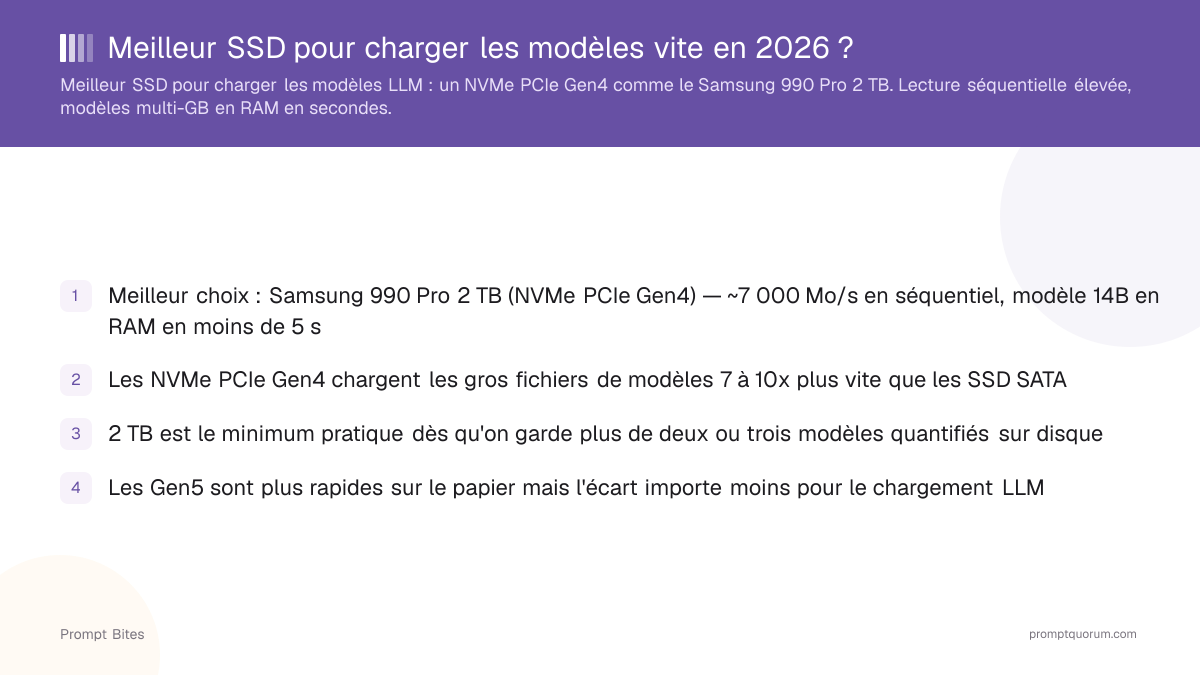
- ✓Meilleur choix : Samsung 990 Pro 2 TB (NVMe PCIe Gen4). Meilleure alternative : WD Black SN850X 2 TB — achetez celui qui coûte le moins cher chez un revendeur fiable
- ✓Le fait le plus important de cette page : un SSD plus rapide accélère le chargement et le changement de modèle, pas la génération de texte — les tokens par seconde dépendent du GPU et de la bande passante mémoire, pas du stockage
- ✓2 TB est le minimum pratique dès qu'on garde plus de deux ou trois modèles quantifiés sur disque
- ✓N'achetez pas un disque Gen5 seulement pour le chargement LLM — le gain réel par rapport au Gen4 est plus faible que les chiffres du constructeur ne le suggèrent, sauf s'il est déjà au même prix qu'un disque Gen4
Meilleur choix : Samsung 990 Pro 2 TB (NVMe PCIe Gen4)
Le Samsung 990 Pro 2 TB est le meilleur SSD pour charger rapidement les modèles LLM : sa lecture séquentielle annoncée à ~7 450 Mo/s charge un modèle 14B Q4 (~9 Go) en RAM en quelques secondes, contre 15 s et plus sur un SSD SATA et plus d'une minute sur un disque dur. Si le Samsung est nettement plus cher au moment de l'achat, prenez plutôt le WD Black SN850X 2 TB — les deux sont des disques PCIe Gen4 aux performances quasi identiques pour cet usage.
Le NVMe PCIe Gen4 est le point d'équilibre pour la plupart des configurations. Si votre carte mère dispose d'un slot PCIe 5.0 M.2 (Intel série 700, AMD X670E/B650E ou plus récent) et qu'un disque Gen5 comme le Samsung 9100 Pro est au même prix ou moins cher qu'un disque Gen4 — ce qui s'est produit à plusieurs reprises en 2026 vu la volatilité des prix des SSD —, c'est un bon achat. Ne changez pas de carte mère uniquement pour le Gen5 : le gain réel de temps de chargement par rapport au Gen4 est plus faible que ce que suggèrent les chiffres de lecture séquentielle.
Achetez 2 TB ou plus. Quelques modèles quantifiés (7B, 8B, 13B, 14B en plusieurs quantifications) remplissent vite 1 TB. 2 TB laissent la place pour l'OS, les frameworks et une douzaine de modèles sans devoir supprimer et retélécharger constamment. Pour une bibliothèque de modèles plus large, consultez notre guide NAS et stockage ci-dessous pour les configurations 4 TB et le stockage réseau.
Vitesse SSD vs vitesse d'inférence : ce qui change vraiment
Une fois le modèle chargé en RAM ou VRAM, le SSD n'a pratiquement plus rien à voir avec les tokens par seconde. Un SSD plus rapide accélère trois choses : le premier démarrage d'un modèle, le changement entre modèles, et la copie ou le téléchargement des fichiers de modèles.
Il n'accélère pas la génération de texte, l'inférence GPU ni les tokens par seconde — cela dépend du GPU, de la VRAM et de la bande passante mémoire. Acheter un SSD plus rapide en espérant une génération plus rapide est l'erreur la plus courante sur ce sujet. Pour plus de tokens par seconde, c'est un GPU qu'il faut acheter, pas du stockage.
📍 En une phrase
Un SSD plus rapide accélère le chargement et le changement de LLM en local ; il n'a aucun effet sur les tokens par seconde une fois le modèle chargé en RAM ou VRAM.
💬 En termes simples
Le SSD est comme le camion de livraison qui amène le modèle jusqu'à la mémoire de travail de l'ordinateur — une fois arrivé, sa vitesse n'a plus d'importance. La vitesse à laquelle le modèle « réfléchit » ensuite dépend du GPU et de la bande passante mémoire.
Types de SSD comparés pour le chargement LLM
La lecture séquentielle est la seule caractéristique qui compte pour le chargement. Le tableau montre le temps approximatif de chargement d'un 14B Q4 (~9 Go) du disque vers la RAM, calculé à partir de la vitesse de lecture séquentielle annoncée par le fabricant, pas mesuré en laboratoire — le temps réel varie selon la charge système, mais le classement reste valable.
| Type | Lecture séquentielle | Temps de chargement 9 Go | Verdict |
|---|---|---|---|
| NVMe PCIe Gen5 (ex. Samsung 9100 Pro) | ~13 000-14 700 Mo/s | ~1-2 s | Bon si la carte mère supporte le Gen5 et le prix est proche du Gen4 |
| NVMe PCIe Gen4 (ex. Samsung 990 Pro) | ~7 000 Mo/s | ~2-4 s | Meilleur choix pour la plupart des configurations |
| NVMe PCIe Gen3 | ~3 500 Mo/s | ~3-7 s | Acceptable |
| SSD SATA | ~550 Mo/s | ~15-25 s | Nettement lent — à remplacer si possible |
| HDD (7200 tr/min) | ~150 Mo/s | ~60-90 s | À éviter pour les LLM |
Lectures complémentaires
- ▸Meilleur GPU sous 600 € pour LLM local — associer un SSD rapide au bon GPU
- ▸Meilleur mini-PC pour LLM local — beaucoup de mini-PC livrent un SSD plus lent
- ▸Combien de RAM pour un modèle 7B ? — la RAM compte plus que le SSD pour la vitesse d'inférence
- ▸Meilleur NAS et stockage pour modèles IA locaux — pour 4 TB+ et plusieurs modèles
Réponses rapides sur les SSD pour LLM local
Un SSD plus rapide accélère-t-il l'inférence ?▾
PCIe Gen5 vaut-il le coup par rapport à Gen4 pour les LLM ?▾
Pourquoi les prix des SSD changent-ils si souvent en 2026 ?▾
Quelle capacité de SSD pour les LLM locaux ?▾
Le SSD système doit-il être le même ?▾
Vous voulez les détails complets ?
Lire le guide complet →