Best SSD for Fast Model Loading in 2026?
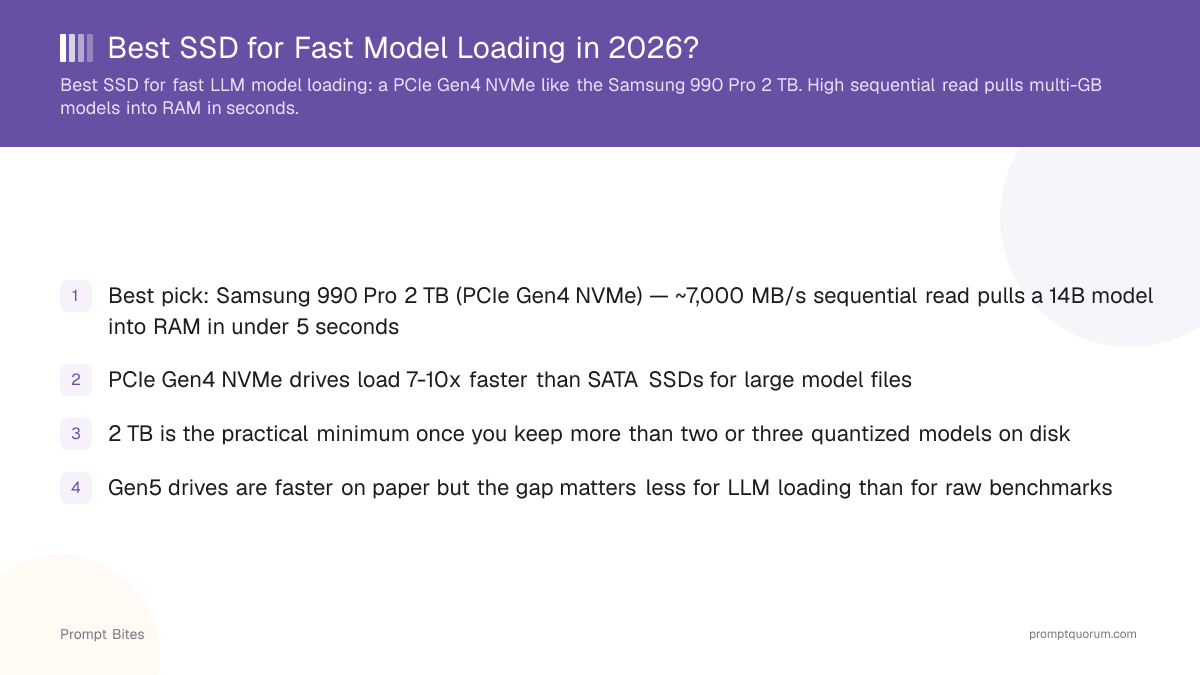
A 2 TB PCIe Gen4 NVMe SSD is the best choice for fast local LLM model loading — the Samsung 990 Pro 2 TB is the top pick, with the WD Black SN850X 2 TB as a near-identical alternative. A fast NVMe cuts the wait when starting or switching models from tens of seconds down to a few seconds. It does not, however, change tokens-per-second once a model is running — that depends on the GPU and memory bandwidth, not the drive.
This page contains links to third-party products for reference. PromptQuorum is not enrolled in any affiliate program — these are plain links that earn no commission. Clicking links and your next steps are entirely your own responsibility. These links do not represent any endorsement or verification by PromptQuorum.
Quick Answer
A 2 TB PCIe Gen4 NVMe drive, such as the Samsung 990 Pro, loads a 7B model in about a second thanks to its ~7,450 MB/s rated sequential read. The WD Black SN850X 2 TB performs almost identically — buy whichever is cheaper from a trusted retailer, since SSD prices have swung sharply in 2026.
- ▸A 2 TB Gen4 NVMe drive loads a 7B model in roughly a second and a 14B model in a few seconds — 7-10x faster than a SATA SSD.
- ▸SSD speed only changes model loading and switching time. It does not change tokens-per-second once a model is running — that is a GPU/VRAM question.
- ▸Put your Ollama or LM Studio model folder on the NVMe drive, not the OS drive, to get the full benefit.
Key Takeaways
- ✓Best overall: Samsung 990 Pro 2 TB (PCIe Gen4 NVMe). Best alternative: WD Black SN850X 2 TB — buy whichever costs less from a trusted seller
- ✓The most important fact on this page: a faster SSD speeds up model loading and switching, not text generation — tokens-per-second depends on the GPU and memory bandwidth, not storage
- ✓2 TB is the practical minimum once you keep more than two or three quantized models on disk
- ✓Don't buy a PCIe Gen5 drive purely for LLM loading — the real-world gain over Gen4 is smaller than the spec-sheet numbers suggest, unless it's already priced the same as a Gen4 drive
Best Pick: Samsung 990 Pro 2 TB (PCIe Gen4 NVMe)
The Samsung 990 Pro 2 TB is the best SSD for fast LLM model loading: its ~7,450 MB/s rated sequential read pulls a 14B Q4 model (~9 GB) into RAM in a few seconds, versus 15+ seconds on a SATA SSD and over a minute on a hard drive. If the Samsung is meaningfully more expensive when you check, buy the WD Black SN850X 2 TB instead — both are PCIe Gen4 drives with near-identical real-world performance for this job.
PCIe Gen4 NVMe is the sweet spot for most builds. If your motherboard has a PCIe 5.0 M.2 slot (Intel 700-series, AMD X670E/B650E, or newer) and a Gen5 drive such as the Samsung 9100 Pro is priced the same as or less than a Gen4 drive — which has happened repeatedly in 2026 given how volatile SSD pricing has been — it's a fine buy. Don't upgrade your motherboard just to get Gen5 for LLM loading; the real-world load-time gain over Gen4 is smaller than the sequential-read spec numbers imply.
Buy 2 TB or larger. A handful of quantized models (7B, 8B, 13B, 14B, in more than one quantization) fills 1 TB quickly. 2 TB leaves room for the OS, frameworks, and a dozen models without constantly deleting and re-downloading. If you maintain a larger model library, see our NAS and storage guide linked below for 4 TB+ and network-storage setups.
SSD Speed vs. Inference Speed: What Actually Changes
Once a model is loaded into RAM or VRAM, the SSD has essentially nothing to do with tokens-per-second. A faster SSD speeds up three things: starting a model for the first time, switching between models, and copying or downloading model files.
It does not speed up text generation, GPU inference, or tokens-per-second — those depend on the GPU, VRAM, and memory bandwidth. Buying a faster SSD expecting faster generation is the most common mistake buyers make on this topic. If tokens-per-second is what you're chasing, a GPU upgrade is the correct purchase, not a storage upgrade.
📍 In One Sentence
A faster SSD speeds up loading and switching between local LLMs; it has no effect on tokens-per-second once a model is running in RAM or VRAM.
💬 In Plain Terms
Think of the SSD as the delivery truck that brings the model to your computer's working memory — once it has arrived, the truck's speed no longer matters. How fast the model then thinks depends on the GPU and memory bandwidth.
SSD Types Compared for LLM Model Loading
Sequential read speed is the one spec that matters for model loading. The table below shows roughly how long each drive type takes to load a 14B Q4 model (~9 GB) from disk to RAM. These are calculated from each drive's rated sequential-read speed, not lab-measured — real-world load times vary with system overhead, but the ranking holds.
| Drive type | Sequential read | Time to load 9 GB model | Verdict |
|---|---|---|---|
| PCIe Gen5 NVMe (e.g. Samsung 9100 Pro) | ~13,000-14,700 MB/s | ~1-2 sec | Good if your board supports Gen5 and it is priced near Gen4 |
| PCIe Gen4 NVMe (e.g. Samsung 990 Pro) | ~7,000 MB/s | ~2-4 sec | Best pick for most builds |
| PCIe Gen3 NVMe | ~3,500 MB/s | ~3-7 sec | Acceptable |
| SATA SSD | ~550 MB/s | ~15-25 sec | Noticeably slow — upgrade if possible |
| HDD (7200 RPM) | ~150 MB/s | ~60-90 sec | Avoid for LLMs |
Related Reading
- ▸Best GPU Under $600 for Local LLMs — pair a fast SSD with the right GPU
- ▸Best Mini PC for Local LLM — many mini PCs use slower bundled SSDs
- ▸How Much RAM for a 7B Model? — RAM matters more than SSD for inference speed
- ▸Best NAS and Storage for Local AI Models — for 4 TB+ and multi-model libraries
Quick Answers About SSDs for Local LLMs
Does a faster SSD make inference faster?▾
Is PCIe Gen5 worth it over Gen4 for LLMs?▾
Why do SSD prices keep changing in 2026?▾
How much SSD storage do I need for local LLMs?▾
Does the operating-system drive need to be the same SSD?▾
Want the full breakdown?
Read the complete guide →Related Prompt Bites