Key Takeaways
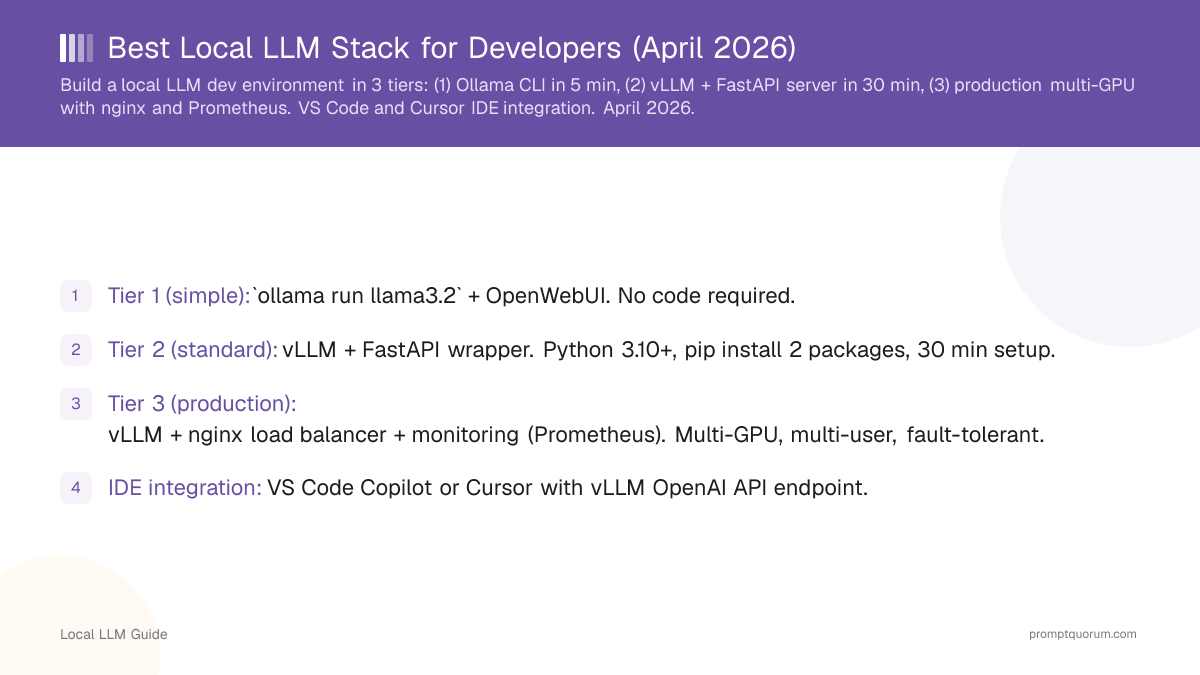
- Tier 1 (simple): `ollama run llama3.2` + OpenWebUI. No code required.
- Tier 2 (standard): vLLM + FastAPI wrapper. Python 3.10+, pip install 2 packages, 30 min setup.
- Tier 3 (production): vLLM + nginx load balancer + monitoring (Prometheus). Multi-GPU, multi-user, fault-tolerant.
- IDE integration: VS Code Copilot or Cursor with vLLM OpenAI API endpoint.
- Batch processing: Send 10 prompts at once, get 10 responses in parallel (not sequential).
- Cost: Zero (open source) vs. $20/mo (Claude Pro) or $200/mo (large team cloud).
- Speed: Tier 2 achieves 30-50 tok/s for coding. Tier 3 achieves 200+ tok/s across users.
- Complexity: Tier 1 (1/10), Tier 2 (4/10), Tier 3 (8/10).
📍 In One Sentence
Developers building production-grade local LLM inference should use vLLM + FastAPI + a VS Code Copilot extension for real-time code completions, batch processing, and OpenAI API compatibility without vendor lock-in, or the simpler Ollama + llama.cpp CLI combo for one-off scripts.
💬 In Plain Terms
There are two ways to set up local AI for development, depending on what you need. If you just want to run a quick script or test a prompt, Ollama's CLI takes minutes to get going. If you're building something that needs to feel like a real production API -- served over a network, handling many requests, wired into your editor -- vLLM behind a FastAPI server is the stack that scales.
The Three Tiers
Choose based on use case:
- Tier 1: Solo dev, casual chat, no API server. Ollama + chat UI.
- Tier 2: Single developer, IDE integration, custom scripts. vLLM + FastAPI.
- Tier 3: Team deployment, 5+ developers, always-on service. vLLM + nginx + monitoring.
Tier 1: CLI Quick Start (5 minutes)
For coding: install VS Code extension "Continue" (`continue.dev`), point to Ollama API, get completions in real-time.
- 1`brew install ollama` (macOS) or download Windows installer.
- 2`ollama run llama3.2` (downloads & runs 8B model).
- 3Open browser: `http://localhost:11434` (Ollama web UI).
- 4Start chatting. Done.
Tier 2: API Server with FastAPI (30 minutes)
Why FastAPI: OpenAI-compatible endpoint. Drop-in replacement for real OpenAI API in your code.
- 1Install Python 3.10+: `python --version`.
- 2Install vLLM: `pip install vllm torch`.
- 3Start vLLM server: `python -m vllm.entrypoints.openai.api_server --model meta-llama/Llama-3.3-8B-Instruct --port 8000`.
- 4Test endpoint: `curl http://localhost:8000/v1/chat/completions -d '{"model": "Llama-3.1-8B-Instruct", "messages": [{"role": "user", "content": "Write Python code for Fibonacci"}]}' -H "Content-Type: application/json"`.
- 5Integrate into IDE: point Copilot extension to `http://localhost:8000`.
- 6Batch requests: send multiple prompts in parallel, vLLM processes all at once.
Tier 3: Production Multi-User (2 hours)
Scales to 50+ concurrent developers (5 tok/s each) on dual-GPU rig. Cost: electricity only (~$100/month if 24/7).
- 1Deploy 2 vLLM instances on separate GPUs (GPU 0, GPU 1).
- 2Configure nginx to load-balance requests across both instances.
- 3Set up Prometheus for metrics collection (request latency, tokens/sec, errors).
- 4Add rate limiting per user (token bucket algorithm).
- 5Deploy on cloud VM or on-prem server with 10Gbps network.
- 6Monitor via Grafana dashboard (optional).
IDE Integration (VS Code, Cursor)
Setup for real-time code completions:
Alternative (native IDE support): Cursor Editor has built-in local LLM support (no extension needed).
- 1Install "Continue" extension (`continue.dev`).
- 2Open extension settings, configure custom API: `http://localhost:8000/v1` (vLLM endpoint).
- 3Set model name to match vLLM server (`meta-llama/Llama-3.3-8B-Instruct`).
- 4Press Ctrl+Shift+Space (or cmd+shift+space) to trigger completion.
- 5Completions stream in real-time (10-20 tok/s).
Debugging & Monitoring
- vLLM logs: Check stdout for errors (model loading, OOM, CUDA errors).
- Prometheus metrics: vLLM exports `/metrics` endpoint (request count, latency histogram, tokens generated).
- Token counting: Use `tiktoken` library to count tokens before sending (avoid OOM surprises).
- Latency profiling: Add timestamp logging before/after vLLM call to identify bottlenecks.
Regional Context & Compliance
- EU / GDPR (Europe): Local inference satisfies GDPR Article 28 -- no data leaves your infrastructure. No DPA required. Recommended for healthcare, legal, and financial workloads. BSI-Grundschutz-Kataloge certified for German enterprise deployments.
- Japan / METI: METI AI Governance Guidelines 2024 recommend on-premise inference for sensitive enterprise data. vLLM + Tier 3 setup meets METI audit trail requirements.
- China / PIPL: China's Personal Information Protection Law (2021) mandates data residency. Tier 2/3 local stack keeps all inference in-country. Compatible with Alibaba Cloud and Tencent Cloud GPU instances.
- United States: No federal AI data residency mandate as of 2026. HIPAA-covered entities must ensure PHI never leaves controlled infrastructure -- Tier 2/3 satisfies this by default.
Common Setup Mistakes
- Running vLLM on same GPU as another process (Discord, gaming). Causes GPU out-of-memory errors.
- Sending requests with no timeout. If vLLM hangs, client hangs forever. Always set `timeout=60` in requests.
- Assuming vLLM auto-scales across multiple GPUs. Requires explicit `--tensor-parallel-size` flag.
- Forgetting to set CUDA_VISIBLE_DEVICES if multi-GPU. vLLM uses all GPUs by default.
- Using Llama 3.3 models in 2026. Meta deprecated Llama 3.3 for commercial use in January 2026. Use Llama 3.1 8B Instruct (Apache 2.0 license, no restrictions).
- Using Llama 3.3 when Llama 3.3 is available. Llama 3.1 8B Instruct has better instruction-following and is the recommended default. Use `ollama run llama3.1:8b-instruct`.
Frequently Asked Questions
Which tier should I use?
Tier 1 if solo (casual use). Tier 2 if single dev + IDE integration. Tier 3 if team + 24/7 service.
Can I use vLLM instead of Ollama?
Yes, but more setup. vLLM is faster (batching) and more flexible (Python API).
How do I serve models across multiple GPUs?
vLLM: `--tensor-parallel-size 2`. Splits model across 2 GPUs for 2× throughput.
Can I fine-tune on top of vLLM inference?
No. Fine-tune separately (HuggingFace Transformers), then load fine-tuned model in vLLM.
What if vLLM OOMs?
Use smaller quantization (Q4 vs. Q8), lower batch size, or allocate less VRAM per model. Check `nvidia-smi`.
Is Tier 3 production-ready?
Yes, with monitoring. Add Prometheus, Grafana, alerting (Alertmanager). Standard infrastructure patterns.
Sources
- vLLM OpenAI-Compatible Server Documentation -- Official vLLM API server setup guide
- Continue.dev Configuration Documentation -- IDE extension config for custom OpenAI endpoints
- Meta Llama 3.3 Model Card -- Meta. Updated instruct model, Apache 2.0. Recommended replacement for Llama 3.1 8B.
- Qwen3-Coder Model Card -- Alibaba. 82% HumanEval, Apache 2.0 license. Top-performing coding model under 8 GB VRAM in our testing.