What MinerU Does
- Input formats: PDF, DOCX, PPTX, XLSX, HTML, EPUB, images and additional formats (per README, 2026-11-15).
- Output formats: Markdown (default), HTML, LaTeX, DOCX and EPUB (among the export targets listed in the README; the README says each CLI/API exposes a subset).
- OCR: model-based OCR for scanned PDFs and image-only documents.
- Cross-page table merging: tables that span multiple PDF pages are detected and stitched together — documented in README.
- Block-level locators: included in output for element citation (README).
- GPU acceleration: auto-detected on NVIDIA, AMD, Intel and Apple Silicon; README states approximately 2–3× speed increase over CPU on representative inference workloads.
- Default is local: documents are not uploaded by default; remote parsing requires explicit configuration.
Install MinerU
- Install:
pip install mineru - Python version: 3.11, 3.12, 3.13 or 3.14.
- Virtual environment: recommended —
python -m venv .venv && source .venv/bin/activate - CLI:
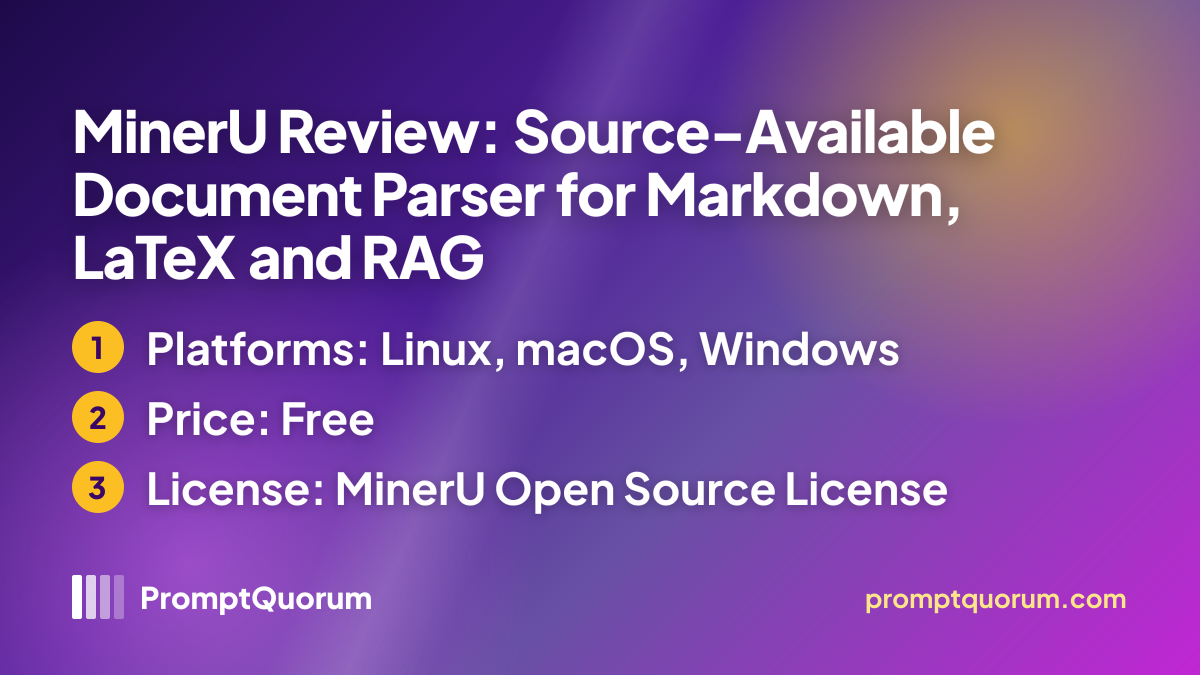
mineru parse document.pdf(command shown in the current README) - Source: github.com/opendatalab/MinerU (MinerU Open Source License).
Data Flow
- Per the README, parsing runs on your machine by default and documents are not uploaded; remote parsing needs explicit configuration.
- A remote/cloud mode exists but requires explicit configuration — it is not the default.
- Setting up local parsing may require model downloads (the README lists roughly 0.8–3 GB depending on tier), so the first setup needs a network connection. The README states that the Doclib component includes usage and diagnostic telemetry, initially enabled and excluding document contents, extracted text, file names and search queries; disable it with
mineru telemetry disableor MINERU_TELEMETRY_DISABLED=1 in the Doclib server environment. - The OpenDataLab GitHub organisation lists its location as China (GitHub profile). The hosted service at mineru.net links a privacy policy and user agreement in its footer; read them before sending confidential documents to any remote mode. Local parsing does not upload documents.
Licence and Price
- Licence: MinerU Open Source License — based on Apache 2.0 with additional terms (not plain Apache-2.0). Commercial use is permitted without a separate licence unless you and your affiliates exceed 100 million monthly active users or USD 20 million total monthly revenue; online services built on MinerU must clearly indicate that MinerU is used, and non-compliance terminates the licence. Read LICENSE.md before commercial use.
- Price: The library is free to download and run locally; the hosted service at mineru.net and its remote API were not assessed for pricing or usage limits.
- The thresholds above come from LICENSE.md, which does not mention model weights. Models downloaded at setup may carry their own licences; check them before commercial deployment.
Competitors and Alternatives
- Docling — MIT-licensed; started by IBM Research Zurich, hosted by the LF AI & Data Foundation; MCP via separate docling-mcp package; outputs DocLang/DocTags in addition to Markdown.
- Marker — code under Apache 2.0, model weights under a modified AI Pubs Open RAIL-M licence with commercial limits (check before commercial use); Surya OCR; Markdown and JSON with bounding boxes; hosted API option.
- Unstructured — Apache-2.0 Python ETL; broad format support including emails; outputs JSON elements.
- OpenDataLoader PDF — PDF-only parser with Python, Node.js and Java SDKs; outputs JSON with bounding boxes, Markdown and HTML.
Frequently Asked Questions
Is MinerU free to use commercially?
Mostly. MinerU uses the MinerU Open Source License, based on Apache 2.0 with additional terms. Commercial use is permitted without a separate licence unless you and your affiliates exceed 100 million monthly active users or USD 20 million total monthly revenue; online services built on MinerU must clearly indicate that MinerU is used. Read LICENSE.md before commercial use.
What does MinerU offer that is distinctive in its README?
MinerU's README documents LaTeX output and cross-page table merging; check the Docling and Marker documentation for the same features before choosing.
Does MinerU need a GPU?
No. MinerU runs on CPU. GPU acceleration is auto-detected on NVIDIA, AMD, Intel and Apple Silicon. The README states approximately 2–3× CPU speed on representative inference workloads; actual speed depends on your hardware and document type.
How do I install MinerU?
Run pip install mineru in a Python 3.11–3.14 environment. A virtual environment is recommended. The README does not describe a desktop installer.
Can MinerU handle scanned PDFs?
Yes. MinerU includes model-based OCR for scanned PDFs and image-only documents.
What output formats does MinerU produce?
Markdown (default), HTML, LaTeX, DOCX and EPUB (among the export targets listed in the README; the README says each CLI/API exposes a subset).
Does MinerU have an MCP server?
The README describes no MCP server as of v4.2.2. For MCP integration, consider Docling's separate docling-mcp package.
Who maintains MinerU?
OpenDataLab maintains the GitHub repository.
Does MinerU extract tables?
Yes. MinerU performs cross-page table merging — tables that span multiple pages are detected and reconstructed as single tables in output.
What version is current?
v4.2.2, released 2026-11-13 (GitHub Releases). PromptQuorum verified this on 2026-11-15.
Sources
- github.com/opendatalab/MinerU — README and release history, read 2026-11-15.
- opendatalab.com — project website, read 2026-11-15.
- GitHub Releases: v4.2.2 published 2026-11-13; repository last pushed 2026-11-13.