What Docling Does
- Input formats. PDF, DOCX, PPTX, XLSX, HTML, EPUB and images, per the README.
- Output formats. Markdown, JSON (with bounding-box coordinates), HTML, and Docling's own DocLang and DocTags structured formats.
- OCR. Docling includes OCR to handle scanned PDFs and image-based documents.
- Table extraction. Tables are detected and their structure preserved in the output.
- Bounding boxes. JSON output includes element coordinates for precise downstream use.
- MCP server. MCP support is a separate package, docling-mcp, so compatible AI assistants can call Docling.
- Version checked. v2.150.1, released 2026-11-14 per GitHub Releases.
Install Docling
Docling installs with a single pip command. Python 3.10 or newer is required (3.10-3.14 per pyproject.toml); no Java runtime is needed.
pip install docling— installs the Python library and thedoclingCLI.- To use the MCP server, run the separate docling-mcp package:
uvx --from=docling-mcp docling-mcp-server(see the MCP docs). - Official site and docs: docling-project.github.io/docling · github.com/docling-project/docling
Data Flow
- Local parsing. Document parsing runs on your machine; your files are not uploaded. PDF processing downloads model weights from Hugging Face on first use, then runs from the local cache (they can be pre-downloaded for air-gapped use).
- MCP server. The docling-mcp server converts locally by default; it can be pointed at a remote Docling Serve if you configure that.
- Telemetry. The README does not state whether telemetry is collected; check the project's settings or source if this matters for your deployment.
Licence and Price
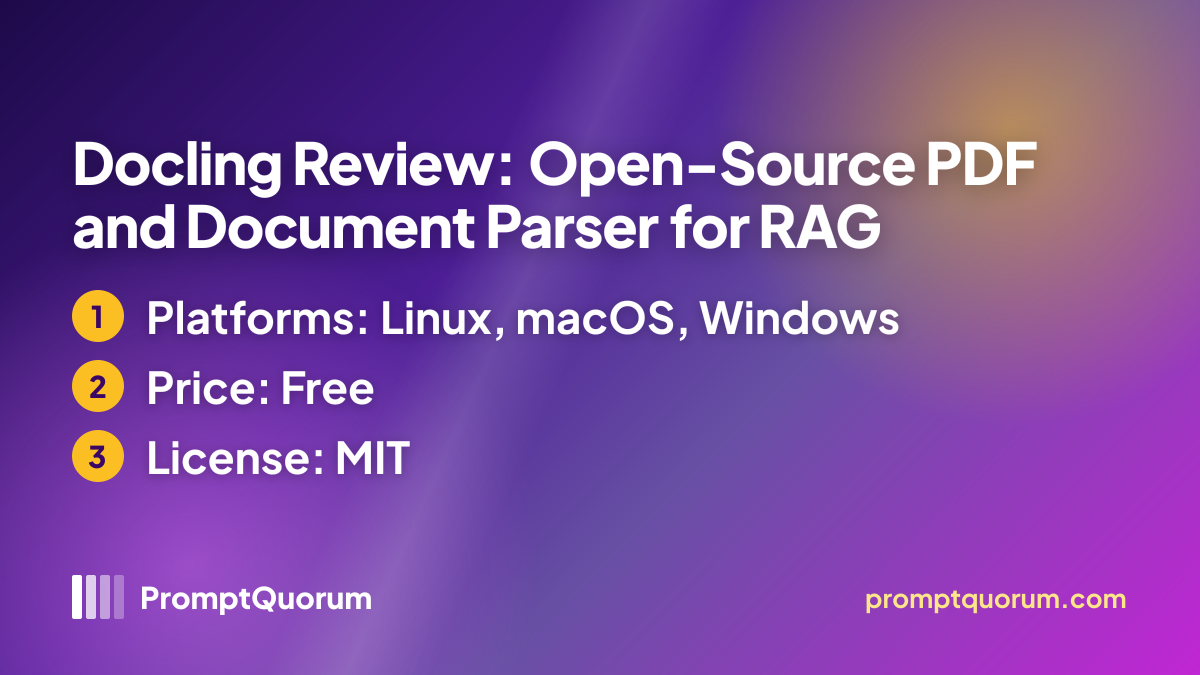
The Docling code is released under the MIT licence, which allows free use in commercial and personal projects. Model weights that Docling downloads are governed by their own licences; check them before commercial deployment. The README lists no paid tier.
- MIT licence for the code — keep the copyright and licence notice; downloaded model weights have their own licences.
- Code is free for commercial and proprietary pipelines; model weights downloaded by Docling have their own licences, so check them before commercial deployment.
- Started by IBM Research Zurich and hosted by the LF AI & Data Foundation; source at github.com/docling-project/docling.
Competitors and Alternatives
Other document parsers in the same segment of the PromptQuorum directory:
- Marker (40,000+ GitHub stars, code Apache 2.0, model weights under a modified AI Pubs Open RAIL-M licence with commercial limits, freemium) — PDF-to-Markdown with Surya OCR; also handles DOCX, PPTX; local or Datalab hosted API.
- MinerU (83,000+ GitHub stars, MinerU Open Source License (Apache 2.0 plus additional conditions), free) — multi-format parser with cross-page table merging; LaTeX output available.
- Unstructured (Apache-2.0) — wide input support including email and plain text; outputs JSON elements.
- OpenDataLoader PDF (30,000+ GitHub stars, Apache-2.0) — PDF-only parser with Python, Node.js and Java SDKs; bounding boxes.
- Nutrient — commercial multi-platform SDK; produces PDF and data output.
- Xberg — wide input range including email and e-books; many language bindings (see its review page); MCP server.
Frequently Asked Questions
Does Docling need a GPU?
The README does not state a GPU requirement for the base installation. OCR and layout analysis may be faster on a GPU, and the library can also run on CPU; check the accelerator settings in the documentation.
What Python versions does Docling support?
Python 3.10 or newer (3.10-3.14 per pyproject.toml).
What is the MCP server in Docling?
The Model Context Protocol (MCP) server exposes Docling's parsing capabilities to compatible AI assistants such as Claude. The assistant can call Docling to convert a document without you writing a wrapper script. The MCP server is the separate docling-mcp package, started with uvx --from=docling-mcp docling-mcp-server.
Does Docling send data to IBM?
Document parsing runs on your machine; your files are not uploaded. PDF processing downloads model weights from Hugging Face on first use, then runs from the local cache (they can be pre-downloaded for air-gapped use). The docling-mcp server converts locally by default; it can be pointed at a remote Docling Serve if you configure that. The README does not describe a telemetry channel.
Can Docling handle scanned PDFs?
Yes. Docling includes OCR to handle scanned PDFs and image-based documents, per the README.
What is the difference between DocLang and Markdown output?
Markdown is a plain-text format readable by most LLMs and tools. DocLang and DocTags are Docling's own structured formats that preserve more document semantics. Use Markdown for general RAG; use DocLang/DocTags if your pipeline is built on Docling.
Is Docling the same as the IBM document foundation model?
Docling is the open-source parsing library. For related IBM models and research, see the links in the Docling README.
How does Docling compare to LlamaParse?
LlamaParse is offered by LlamaIndex as a hosted parsing API; see the LlamaIndex website for current terms. Docling runs on your own hardware with Python, and its code is open-source under the MIT licence.
Can I use Docling on Windows?
The README does not list a Windows-specific restriction; the Python package is published on PyPI with no OS constraint. PromptQuorum has not verified Windows support hands-on.
What licence does Docling use?
MIT licence. You may use, copy, modify, merge, publish, distribute, sublicense and sell copies, provided the copyright notice is included. Model weights that Docling downloads are governed by their own licences.
Sources
- github.com/docling-project/docling — README and releases, read 2026-11-15.
- docling-project.github.io/docling — official documentation, read 2026-11-15.
- PromptQuorum local AI app directory — Docling tile with compare data.