LoRA vs Full Fine-Tuning: Which Should You Use?
LoRA trains a small number of added low-rank weight matrices while keeping the original model frozen, which needs far less VRAM than full fine-tuning, where every parameter in the model is updated. Full fine-tuning can reach slightly higher quality on large, well-curated datasets, but LoRA is the practical default for most local setups.
Quick Answer
Use LoRA unless you have a large, high-quality dataset and enough VRAM for full fine-tuning. LoRA trains a small set of added weights on top of a frozen base model, which uses far less memory and still adapts behavior effectively for most tasks.
- ▸LoRA freezes the base model and trains small added weight matrices — much lower VRAM cost.
- ▸Full fine-tuning updates every parameter and can edge out LoRA in quality with enough clean data.
- ▸LoRA adapters are small files that can be swapped in and out of the same base model.
Key Takeaways
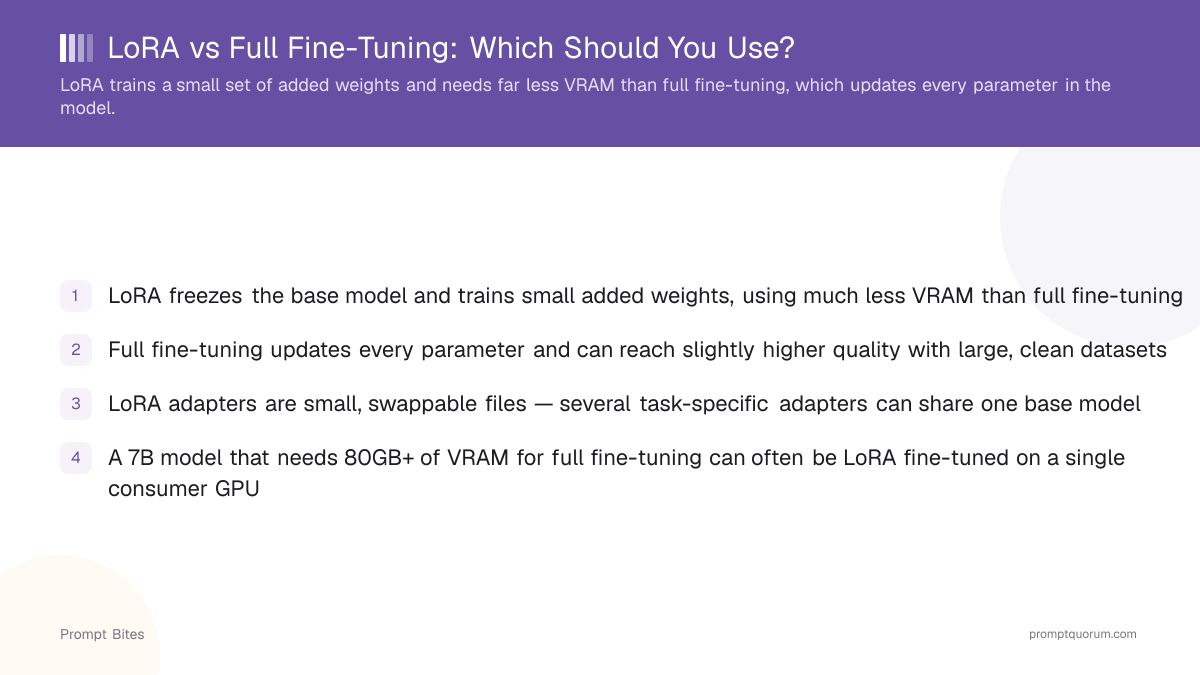
- ✓LoRA freezes the base model and trains small added weights, using much less VRAM than full fine-tuning
- ✓Full fine-tuning updates every parameter and can reach slightly higher quality with large, clean datasets
- ✓LoRA adapters are small, swappable files — several task-specific adapters can share one base model
- ✓A 7B model that needs 80GB+ of VRAM for full fine-tuning can often be LoRA fine-tuned on a single consumer GPU
Best Pick: LoRA for Most Local Setups
LoRA is the right default for adapting a local model on consumer hardware, because it trains a small fraction of the parameters while achieving results close to full fine-tuning for most instruction-following and style-adaptation tasks. Use LoRA if: you have a single consumer GPU, a dataset in the thousands (not millions) of examples, or you want to keep several task-specific variants of the same base model without storing full copies of each.
Use full fine-tuning if: you have a large, well-curated dataset (typically hundreds of thousands of examples or more), access to multiple high-VRAM GPUs, and the task requires deeper changes to the model's underlying representations than LoRA's added matrices can capture. If unsure, start with LoRA — it is faster to iterate on and can be upgraded to full fine-tuning later if quality plateaus.
Key Differences
LoRA (Low-Rank Adaptation) inserts small trainable weight matrices into a model while keeping the original weights frozen, which cuts the memory and compute needed for training by a large margin compared to updating every parameter. The frozen base model still needs to be loaded for training, but the optimizer only needs to track gradients for the small added matrices, which is where most of the VRAM savings come from.
Full fine-tuning updates the entire model and can produce marginally better results on large, well-curated datasets, but requires substantially more VRAM and storage, since the output is a full copy of the model rather than a small adapter file. The optimizer state for full fine-tuning (particularly with common optimizers like Adam) typically requires several times the model's own memory footprint, which is why full fine-tuning a 7B model often needs multiple high-VRAM GPUs.
| LoRA | Full Fine-Tuning | |
|---|---|---|
| Parameters updated | Small added matrices only | Every parameter in the model |
| Typical VRAM need (7B model) | Single consumer GPU, often under 24GB | Multiple high-VRAM GPUs |
| Output artifact | Small adapter file (megabytes) | Full model copy (gigabytes) |
| Swappable across tasks | Yes — multiple adapters, one base model | No — each result is a separate full model |
When to Use Each
Choose LoRA when adapting a model's tone, format, or narrow task behavior — these are exactly the kinds of changes LoRA's added matrices capture well without touching the model's broader knowledge. Choose full fine-tuning when the task requires the model to absorb substantial new factual knowledge or fundamentally shift its behavior across a very broad range of inputs, which benefits more from updating every parameter.
If unsure, start with LoRA and evaluate quality on your own held-out test set before considering full fine-tuning — the iteration speed of LoRA (faster training, smaller checkpoints) makes it cheaper to experiment with different data mixes and hyperparameters first.