What Hardware Do You Need to Fine-Tune a 7B Model Locally?
Fine-tuning a 7B model locally with QLoRA needs a single GPU with 16-24 GB of VRAM — an RTX 4090 24 GB is comfortable, an RTX 4060 Ti 16 GB is workable with a smaller batch size and gradient checkpointing. No multi-GPU setup is required at this model size; QLoRA's 4-bit quantization is specifically designed to make consumer-GPU fine-tuning practical.
This page contains links to third-party products for reference. PromptQuorum is not enrolled in any affiliate program — these are plain links that earn no commission. Clicking links and your next steps are entirely your own responsibility. These links do not represent any endorsement or verification by PromptQuorum.
Quick Answer
A single GPU with 16-24GB VRAM handles QLoRA fine-tuning of a 7B model locally — RTX 4090 24GB is comfortable, RTX 4060 Ti 16GB works with a smaller batch size and gradient checkpointing.
- ▸QLoRA (4-bit quantized fine-tuning) is the standard technique for consumer-GPU 7B fine-tuning — full fine-tuning needs far more VRAM.
- ▸RTX 4090 24 GB handles typical QLoRA batch sizes and sequence lengths without special tuning.
- ▸RTX 4060 Ti 16 GB works but needs a smaller batch size and gradient checkpointing enabled to avoid out-of-memory errors.
Key Takeaways
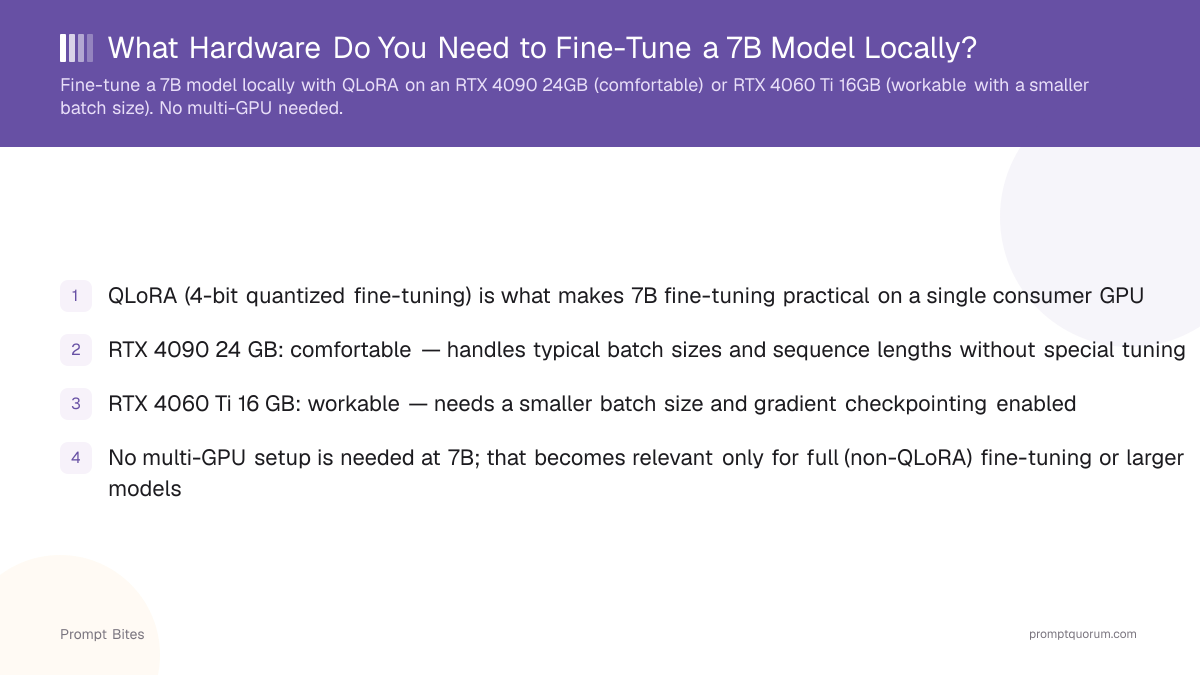
- ✓QLoRA (4-bit quantized fine-tuning) is what makes 7B fine-tuning practical on a single consumer GPU
- ✓RTX 4090 24 GB: comfortable — handles typical batch sizes and sequence lengths without special tuning
- ✓RTX 4060 Ti 16 GB: workable — needs a smaller batch size and gradient checkpointing enabled
- ✓No multi-GPU setup is needed at 7B; that becomes relevant only for full (non-QLoRA) fine-tuning or larger models
Best Pick: RTX 4090 24 GB (Comfortable) or RTX 4060 Ti 16 GB (Workable)
QLoRA is the technique that makes local 7B fine-tuning realistic on consumer hardware — it fine-tunes low-rank adapter weights on top of a 4-bit quantized base model, cutting VRAM needs dramatically versus full fine-tuning. An RTX 4090 with 24 GB of VRAM handles typical QLoRA training runs on a 7B model — batch size, sequence length, and optimizer states all fit with room to spare.
An RTX 4060 Ti 16 GB also works, but needs deliberate tuning: reduce the batch size (using gradient accumulation to compensate), and enable gradient checkpointing to trade compute time for memory. Skipping either adjustment risks an out-of-memory error partway through training.
Neither card requires a multi-GPU setup for a 7B model — that consideration only becomes relevant for full (non-QLoRA) fine-tuning, which needs far more VRAM, or for fine-tuning significantly larger models like 32B or 70B variants.
Local Fine-Tuning vs Cloud Fine-Tuning for a 7B Model
Local fine-tuning on an owned RTX 4090 has no per-hour cost once you've bought the card, and keeps training data entirely on your hardware. Cloud fine-tuning (an A40 or RTX 4090 rented on RunPod or Vast.ai) avoids the upfront hardware cost and is often cheaper for a single one-off run.
If you fine-tune occasionally, cloud GPUs are more cost-effective — a full QLoRA run typically costs $2-8 total on rented hardware. If you fine-tune regularly or need training data to never leave your premises, owning the GPU locally is the better long-term choice.
Related Reading
- ▸Best Cloud GPU for Fine-Tuning Under $1/Hour — the rented alternative
- ▸Best GPU Under $1,000 for Local LLM Inference — the RTX 4090 tier in full
- ▸GGUF vs GPTQ vs AWQ — quantization formats after fine-tuning
Frequently Asked Questions
Is QLoRA the same as LoRA?▾
Can I fine-tune a 7B model on an 8 GB GPU?▾
How long does a local QLoRA fine-tuning run take?▾
Do I need a specific dataset format?▾
Want the full breakdown?
Read the complete guide →