GGUF vs GPTQ vs AWQ: Which Quantization Format Should You Use?
GGUF is the best default quantization format for local use — it runs on both CPU and GPU through llama.cpp and Ollama, with no separate CUDA-only requirement. GPTQ and AWQ are GPU-only formats built for production serving frameworks like vLLM and TGI, where AWQ generally holds quality better than GPTQ at the same bit width.
Quick Answer
Use GGUF for local use via Ollama or llama.cpp — it runs on CPU and GPU with no extra requirements. Use AWQ over GPTQ if serving in production with vLLM or TGI, since it holds quality better at the same bit width.
- ▸GGUF: llama.cpp's native format — CPU+GPU hybrid inference, the default for Ollama and LM Studio.
- ▸GPTQ: GPU-only, calibration-based post-training quantization — an early standard for efficient 4-bit serving.
- ▸AWQ (Activation-aware Weight Quantization): GPU-only, generally better quality-per-bit than GPTQ, common in vLLM/TGI production serving.
Key Takeaways
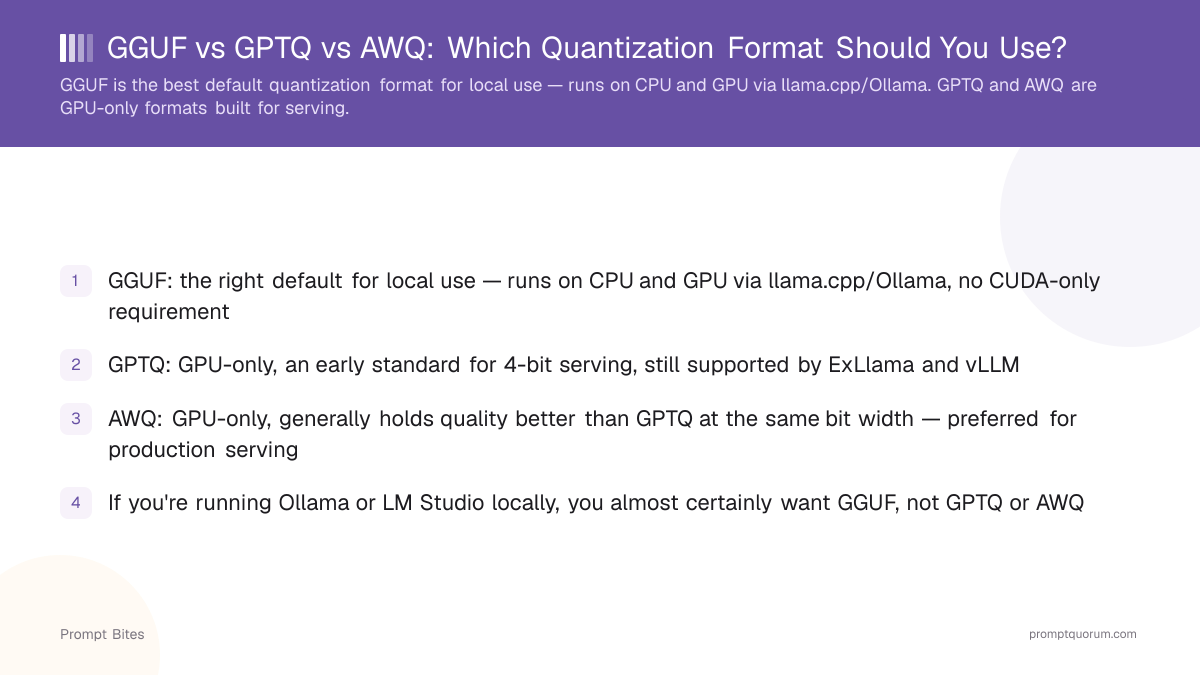
- ✓GGUF: the right default for local use — runs on CPU and GPU via llama.cpp/Ollama, no CUDA-only requirement
- ✓GPTQ: GPU-only, an early standard for 4-bit serving, still supported by ExLlama and vLLM
- ✓AWQ: GPU-only, generally holds quality better than GPTQ at the same bit width — preferred for production serving
- ✓If you're running Ollama or LM Studio locally, you almost certainly want GGUF, not GPTQ or AWQ
Best Pick: GGUF for Local Use, AWQ for Production Serving
GGUF is the right quantization format for almost anyone running models locally through Ollama, LM Studio, or llama.cpp directly — it supports both CPU and GPU inference from the same file, including partial CPU offload when a model doesn't fully fit in VRAM. This flexibility is exactly why GGUF became the standard format for consumer local LLM tools: it works whether you have a powerful GPU, a modest one, or none at all.
GPTQ was one of the earliest widely-adopted 4-bit quantization methods for efficient GPU inference. It uses a calibration dataset to minimize quality loss during post-training quantization, but it is GPU-only — there is no meaningful CPU fallback path — and generally has been superseded in quality-per-bit by newer methods.
AWQ (Activation-aware Weight Quantization) is the more modern GPU-only alternative to GPTQ. By protecting the weights that matter most for activation magnitude rather than quantizing everything uniformly, AWQ generally preserves more quality at the same bit width. It is a common choice for production serving stacks like vLLM and TGI, where GPU-only operation is already a given.
GGUF vs GPTQ vs AWQ at a Glance
Choose GGUF if you're running Ollama, LM Studio, or llama.cpp locally — it is the only one of the three with real CPU support and partial-offload flexibility. Choose GPTQ only if you're working with an existing pipeline or tool (like older ExLlama setups) that specifically expects it. Choose AWQ if you're deploying to a production GPU-serving stack (vLLM, TGI) and want the best quality-per-bit among the GPU-only options.
All three represent the same underlying model at reduced precision — the format determines which tools can load it and how gracefully it handles GPU-memory shortfalls, not the model's underlying capability.
Related Reading
- ▸What Is Q4_K_M Quantization? — GGUF's most common quant level explained
- ▸Q4_K_M vs Q8_0 — choosing a GGUF quant level
- ▸Ollama vs vLLM vs TGI — which serving tool pairs with which format
- ▸LLM Quantization Explained (Full Guide) — the complete deep dive into how quantization works under the hood