Ollama vs vLLM vs TGI: Which Should You Use for Local Serving?
Ollama is best for single-user local use; vLLM and TGI are built for serving many concurrent users at once. Ollama wraps llama.cpp for simple setup and GGUF compatibility, while vLLM's PagedAttention and TGI's continuous batching both maximize throughput across many simultaneous requests — something Ollama is not designed to optimize for.
Quick Answer
Use Ollama for single-user local use — it's the simplest setup. Use vLLM or TGI if you need to serve many concurrent users efficiently; both are built for high-throughput multi-request batching that Ollama doesn't optimize for.
- ▸Ollama: simplest setup, GGUF-native, ideal for one developer running models on their own machine.
- ▸vLLM: PagedAttention memory management + continuous batching — built for high-throughput multi-user serving.
- ▸TGI (Hugging Face Text Generation Inference): similar production-serving goals to vLLM, tightly integrated with the HF ecosystem.
Key Takeaways
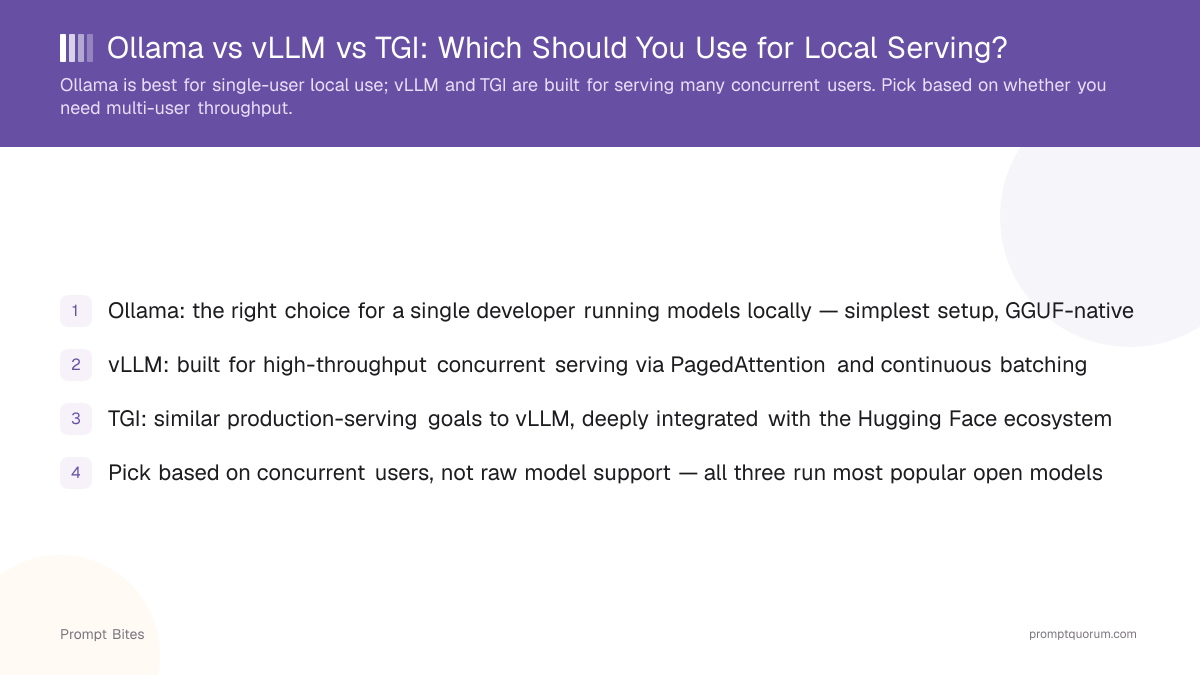
- ✓Ollama: the right choice for a single developer running models locally — simplest setup, GGUF-native
- ✓vLLM: built for high-throughput concurrent serving via PagedAttention and continuous batching
- ✓TGI: similar production-serving goals to vLLM, deeply integrated with the Hugging Face ecosystem
- ✓Pick based on concurrent users, not raw model support — all three run most popular open models
Best Pick: Match the Tool to Your Concurrency Needs
Ollama is the right choice for single-user local use — it wraps llama.cpp with a simple CLI and API, works natively with the GGUF format, and requires almost no configuration to get a model running. It is not designed to efficiently serve many concurrent requests from different users at once; that is a deliberate scope decision, not a missing feature.
vLLM is built specifically for high-throughput serving. Its PagedAttention mechanism manages GPU memory for the attention cache far more efficiently than naive approaches, and its continuous batching dynamically groups incoming requests to keep GPU utilization high even as different users' generations finish at different times. This is the right tool once you need to serve more than a handful of simultaneous users.
TGI (Hugging Face's Text Generation Inference) targets the same production-serving use case as vLLM, with especially tight integration into the Hugging Face model ecosystem and its Inference Endpoints product. Choosing between vLLM and TGI often comes down to which ecosystem and deployment tooling you're already using, more than a clear technical winner.
Ollama vs vLLM vs TGI — When to Use Each
Single developer, local machine, one request at a time: Ollama. Small team or internal tool serving a handful of concurrent users: either works, but vLLM or TGI still gives more headroom than Ollama as usage grows. Production deployment serving many external users: vLLM or TGI, chosen based on your existing infrastructure and model-format needs.
All three support most major open-weight model families, so model availability rarely decides this choice — concurrency and deployment context should.
Related Reading
- ▸Ollama vs LM Studio — comparing two single-user local tools
- ▸GGUF vs GPTQ vs AWQ — the formats each tool expects
- ▸Best Frontend for Ollama — pairing Ollama with a chat UI