Key Takeaways
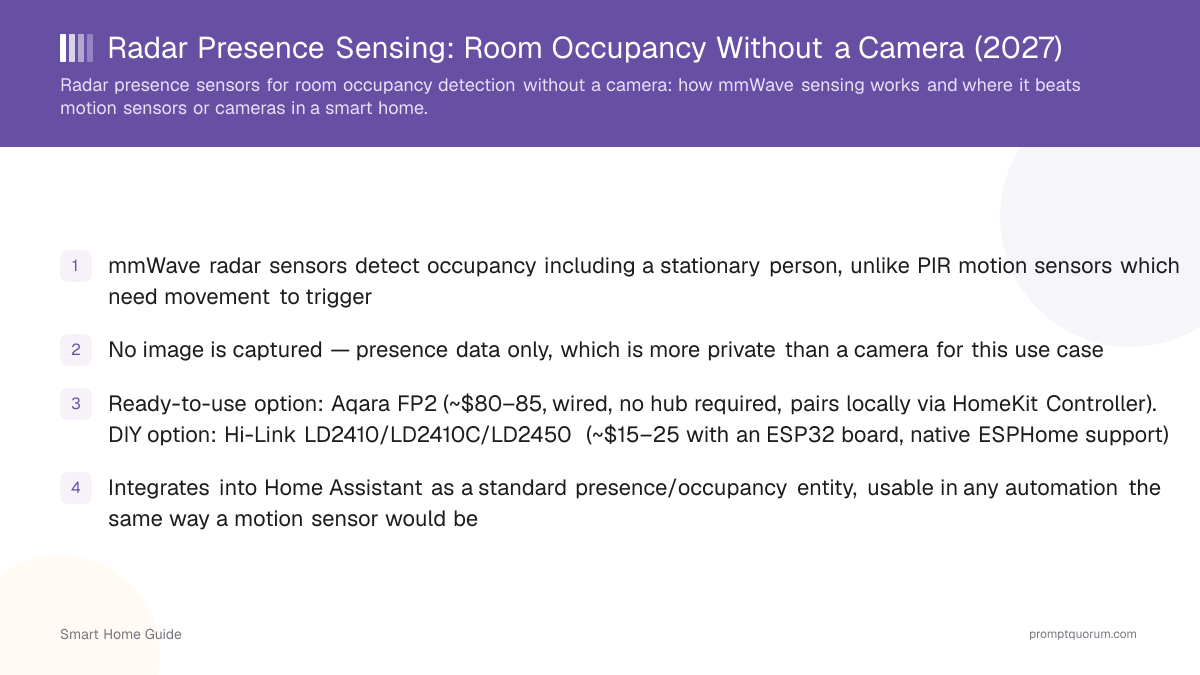
- mmWave radar sensors detect occupancy including a stationary person, unlike PIR motion sensors which need movement to trigger
- No image is captured — presence data only, which is more private than a camera for this use case
- Ready-to-use option: Aqara FP2 (~$55–85, wired, no hub required, pairs locally via HomeKit Controller). DIY option: Hi-Link LD2410/LD2410C/LD2450 (~$10–20 with an ESP32 board, native ESPHome support)
- Integrates into Home Assistant as a standard presence/occupancy entity, usable in any automation the same way a motion sensor would be
- See the sensor fusion guide for combining radar with other sensor types to reduce false positives further
How Radar Presence Sensing Works
A radar sensor emits low-power radio waves and measures the reflections to detect movement and even micro-movements like breathing, which is what lets it register a stationary person as "present" rather than timing out.
- This is fundamentally different from a passive-infrared (PIR) motion sensor, which only detects heat-signature changes from movement and cannot distinguish a stationary occupant from an empty room.
- Because it works via radio reflection rather than light or image capture, a radar sensor can also work through some materials and doesn't need line-of-sight the way an optical sensor does.
- Some radar sensors report distance and zone information in addition to a simple occupied/unoccupied state, letting automations react to where in a room someone is, not just whether the room is occupied — the Aqara FP2, for example, divides a monitored room into up to 30 zones and can track up to 5 people simultaneously.
Radar vs PIR Motion vs Camera
Choose radar when you need accurate stationary-occupancy detection without a camera; choose PIR motion sensors for simple, low-cost trigger-on-movement automations; choose a camera when you need to identify what or who is present, not just whether the room is occupied.
- PIR motion sensors are cheaper and sufficient for automations that only need to detect movement, like a hallway light that turns on when you walk through — they aren't suited to "keep the lights on while someone is sitting still" automations without workarounds.
- A camera (see the local AI security camera guide) can identify specific objects or people, which radar cannot — use a camera when identification matters, not just presence.
- Radar sensors avoid the privacy trade-off of a camera entirely for automations that only need to know "is someone here," which is a meaningful privacy improvement for rooms like bedrooms or bathrooms where a camera would be undesirable.
Home Assistant Integration
A radar presence sensor typically integrates into Home Assistant as a binary occupancy sensor (and sometimes additional zone/distance sensors), usable in any automation the same way a motion sensor entity would be.
- The Aqara FP2 connects over Wi-Fi (2.4GHz) plus Bluetooth, and pairs with Home Assistant through the local HomeKit Controller integration — no Aqara hub or cloud account required. Hi-Link LD2410/LD2410C/LD2450-based DIY builds run on an ESP32 with ESPHome, which is local by design. Check the specific product's integration method before buying if local control matters to you — not every radar sensor on the market avoids a cloud dependency.
- Because the entity behaves like a standard presence sensor, existing automations built around motion sensors can often be adapted to a radar sensor with minimal changes — replace the trigger entity, keep the automation logic.
- Combining radar with other sensor types (contact sensors, a camera, audio) via sensor fusion can reduce false positives further — see the sensor fusion in the smart home guide.
- Battery-powered option: the Aqara FP300 combines PIR and 60 GHz mmWave radar, runs on two CR2450 cells (Aqara claims about 3 years on Zigbee, about 2 years on Thread) and launched at about $50, with a claimed range of up to 6 m. It pairs through a Zigbee coordinator or Thread border router instead of Wi-Fi, which suits rooms without a nearby power outlet.
Camera-Free Monitoring: Loitering and Sensitive Areas
Radar can raise an alert when a room has been occupied longer than expected, or when movement appears in a room that should be empty, without any image ever being captured — but it reports that someone is there, never who or what they are.
- Loitering and overstay alerts are timer logic on top of a presence sensor: in Home Assistant, trigger when the presence entity stays on longer than a set time, for example a bathroom occupied for 30 minutes. Commercial restroom products use the same pattern with vendor-set timers, typically 15–45 minutes, and market it as camera-free; those privacy and accuracy claims come from vendors, not independent testing.
- For an empty-room alert, arm the automation only in away or night mode and notify when a radar entity in that room or zone turns on. Radar can mistake pets or moving objects for people unless you tune zones and sensitivity, so test for false alarms before relying on it as an alarm.
- Radar sensors such as the Aqara FP2 reach Home Assistant and HomeKit, which can send the notifications. Whether a professionally monitored alarm provider accepts third-party presence sensors depends on the provider, so ask before buying.
- Presence data can still be personal data when it is tied to a person or used to monitor employees or residents. In the EU, monitoring in a workplace or care facility can require a legal basis, notice and works-council involvement even without a camera; get legal advice before deploying it outside your own home.
Frequently Asked Questions
Does a radar sensor capture any images?
No — radar presence sensors detect occupancy via radio wave reflection, not image capture. This is the core privacy advantage over a camera for presence detection.
Can radar sensors detect a person who is sitting completely still?
Yes — this is the main advantage over PIR motion sensors, which rely on movement and typically time out when someone stops moving. Radar can detect micro-movements like breathing to register continued occupancy.
How much do radar presence sensors cost?
A ready-to-use option like the Aqara FP2 runs around $55–85 at major US retailers; a DIY build using a Hi-Link LD2410, LD2410C, or LD2450 chip with an ESP32 board runs around $10–20. Check current retailer listings before buying, since promos shift the exact figure.
Do radar sensors work through walls or doors?
To a limited, unreliable degree — community testing with Hi-Link LD2410-class sensors shows they can pick up motion through glass and thin plywood, but are often oversensitive through thin walls or doors in ways that cause false positives rather than useful detection. Don't design an automation around deliberate through-wall sensing; tune the detection range and sensitivity down if you're seeing triggers from an adjacent room.
Is a radar sensor better than a PIR motion sensor for every use case?
No — PIR sensors are cheaper and perfectly adequate for simple trigger-on-movement automations. Radar is worth the added cost specifically when you need accurate stationary-occupancy detection.
Can I use a radar sensor for security instead of a camera?
Radar can detect presence/intrusion but cannot identify who or what triggered it the way a camera can — for security applications requiring identification, a camera (or radar plus camera together via sensor fusion) is the more complete solution.
Does a radar sensor need internet access to work?
This depends on the specific product's integration — check whether it uses a local integration (Zigbee, ESPHome) versus a cloud-dependent app before buying if offline reliability matters to you.
Can radar detect loitering without a camera?
Yes, in the sense of detecting that a space has been continuously occupied for longer than a set time: a presence sensor plus a timer. It cannot tell who is there or what they are doing, so it suits overstay alerts in bathrooms or storage rooms, not identification.
Can a home security provider monitor indoor movement without a camera?
Radar and PIR sensors can supply indoor presence alerts through Home Assistant or HomeKit notifications. Whether a professionally monitored alarm service accepts third-party presence sensors depends on the provider, so ask before buying.