Ist der Mac Mini M4 2026 gut für lokale LLMs?
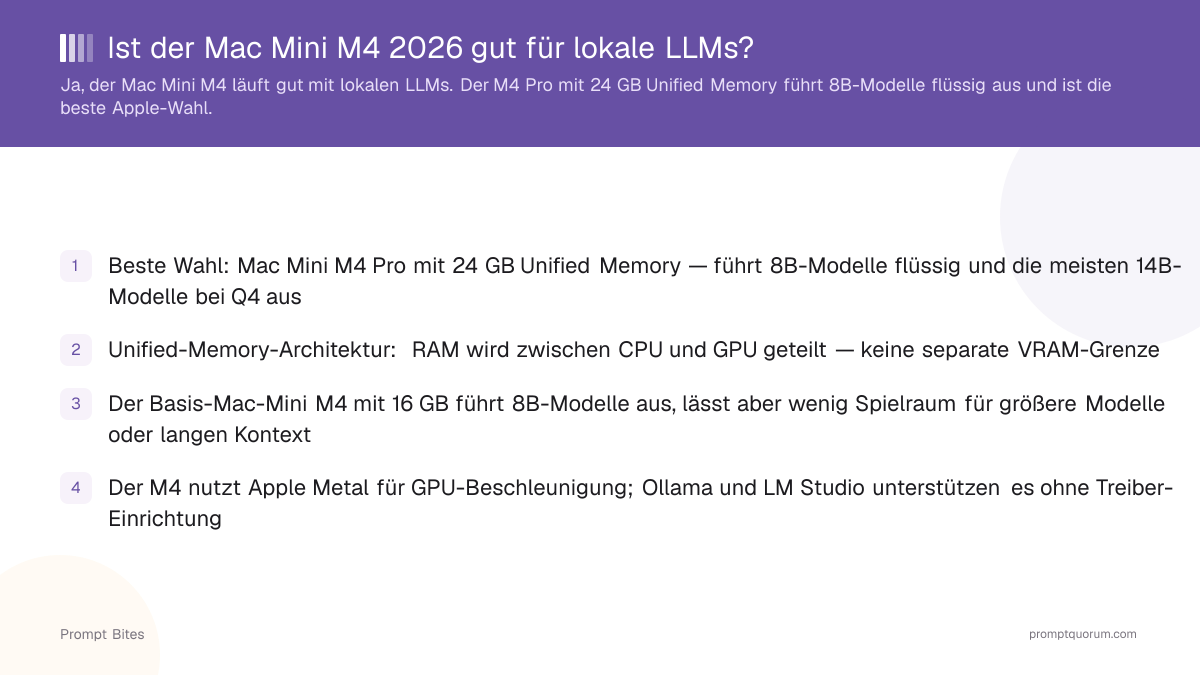
Ja, der Mac Mini M4 ist weiterhin eine gute Wahl für lokale LLMs, besonders bei einem reduzierten Preis. Unified Memory wird zwischen CPU und GPU geteilt, es gibt also keine separate VRAM-Grenze — kaufen Sie 24 GB, wenn Sie Platz für 14B-Modelle wollen, denn Speicher lässt sich später nicht nachrüsten. Apple kündigte am 25. August 2026 eine neue Mac-Mini-Generation an (M6- und M5-Pro-Chips, Auslieferung ab 22. September 2026) — vergleichen Sie den Preis mit einem reduzierten M4, bevor Sie kaufen.
Diese Seite enthält Verweislinks zu Produkten von Drittanbietern. PromptQuorum ist an keinem Partnerprogramm beteiligt — es sind reine Referenzlinks, die keine Provision erzielen. Das Anklicken von Links und Ihre nächsten Schritte liegen in Ihrer eigenen Verantwortung. Diese Links stellen keine Billigung oder Verifizierung durch PromptQuorum dar.
Schnelle Antwort
Ja, für kompakte lokale LLM-Nutzung zu einem guten Preis — besonders jetzt, da Apple eine neue Generation angekündigt hat, was M4-Preise drücken dürfte. Beste Konfiguration: M4 mit 24 GB Unified Memory. Für alles über 14B-Modelle priorisieren Sie Speicher vor CPU-Geschwindigkeit.
- ▸Basis-M4 (16 GB) läuft komfortabel mit 7-8B-Modellen; 24 GB geben echten Spielraum für 14B.
- ▸Hauptvorteil: Unified Memory zwischen CPU und GPU geteilt — keine separate VRAM-Grenze.
- ▸Hauptnachteil: Speicher ist beim Kauf fest und lässt sich später nicht nachrüsten.
- ▸Funktioniert sofort mit Ollama, LM Studio und MLX über Apple Metal — keine Treiber nötig.
- ▸Ein neuer Mac Mini (M6 / M5 Pro) wurde am 25.8.2026 angekündigt, Auslieferung ab 22.9. — Preise vor dem Kauf vergleichen.
Wichtigste Punkte
- ✓Bester Wert: Mac Mini M4 mit 24 GB Unified Memory — komfortabel für 7-8B-Modelle mit echtem Spielraum für 14B bei Q4.
- ✓Budget-Option: Basis-M4 mit 16 GB, wenn Sie nur 7-8B-Modelle planen und den niedrigsten Einstiegspreis wollen.
- ✓Größere-Modelle-Stufe: M4 Pro mit 48 GB erreicht 32B-Klasse; eine diskrete NVIDIA-GPU ist schneller, wenn reine Geschwindigkeit wichtiger ist als Größe/Effizienz.
- ✓Unterstützte Software: Ollama, LM Studio und MLX laufen alle nativ über Apple Metal — keine CUDA-Einrichtung.
- ✓Speicher ist nach dem Kauf nicht nachrüstbar — kaufen Sie für das größte geplante Modell, nicht nur für den heutigen Bedarf.
- ✓Apple kündigte am 25. August 2026 eine neue Mac-Mini-Generation an (M6 / M5 Pro), Auslieferung ab 22. September 2026 — Preis vor dem M4-Kauf vergleichen.
Beste Konfiguration für lokale LLMs
Der Mac Mini M4 mit 24 GB Unified Memory ist die Zielkonfiguration für lokale LLMs — sofern der Preis deutlich unter der neuen M6-Generation liegt. 24 GB führt 7-8B-Modelle komfortabel aus und lässt Spielraum für die meisten 14B-Modelle bei Q4-Quantisierung, plus Kontextfenster und Systemaufwand.
Kaufen Sie, wenn: Sie hauptsächlich 7B-14B-Modelle nutzen, Ollama oder LM Studio ohne Treiber-Einrichtung wollen und der aktuelle M4 24 GB spürbar unter Apples neuem M6-Einstiegspreis (949 € für 16 GB) liegt.
Verzichten Sie, wenn: Sie regelmäßig 30B+-Modelle planen (dann 48 GB oder eine diskrete NVIDIA-GPU), oder der M4-Preis nicht genug gesunken ist, um neben der neuen Generation Sinn zu ergeben — aktuelle Angebote vor dem Kauf prüfen.
16 GB vs. 24 GB vs. 48 GB: Welche Speicherstufe passt zu Ihren Modellen
Kaufen Sie den Speicher, den Sie voraussichtlich brauchen — bei Apple Silicon lässt er sich nach dem Kauf nicht nachrüsten. Die Zahlen unten sind grobe Q4-Quantisierungswerte; der tatsächlich nutzbare Spielraum hängt von Kontextlänge, Quantisierungsstufe und Laufzeit-Overhead ab — planen Sie also einen Puffer statt exakt an der Grenze zu kaufen.
| Speicher | Passt komfortabel | Am besten für |
|---|---|---|
| 16 GB (Basis-M4) | 7-8B-Modelle (Q4) | Niedrigster Preis, ein kleines Modell gleichzeitig |
| 24 GB (M4 oder M4 Pro) | 7-8B mit Spielraum, meiste 14B (Q4) | Bester Wert — empfohlene Stufe |
| 48 GB (M4 Pro) | 14B mit vollem Spielraum, 30-32B (Q4) | Power-User; diskrete GPU erwägen, wenn Geschwindigkeit wichtiger ist als Größe |
Mac Mini M4 vs. M4 Pro
Der Basis-M4 ist die Preis-Leistungs-Wahl; der M4 Pro bietet eine schnellere GPU und Zugang zur 48-GB-Stufe. Beide Chips gibt es mit 16 GB oder 24 GB — "24 GB" allein sagt also nicht, welchen Chip Sie kaufen. Prüfen Sie das Angebot.
Wählen Sie den Basis-M4, wenn das Budget knapp ist und Sie im 7-14B-Bereich bleiben. Wählen Sie den M4 Pro, wenn Sie mehr GPU-Durchsatz wollen oder später auf 48 GB für 30B-Modelle aufrüsten möchten, ohne eine zweite Maschine zu kaufen.
Was ist mit dem neuen Mac Mini?
Apple kündigte am 25. August 2026 eine neue Mac-Mini-Generation an, mit einem neuen M6-Chip und einem M5-Pro-Chip, Auslieferung ab 22. September 2026. Apple listet das M6-Modell ab 1.049 € und das M5-Pro-Modell ab 1.999 € in Deutschland — beide höher als die Einstiegspreise der auslaufenden M4-Reihe.
Kaufen Sie nicht automatisch einen M4, nur weil diese Seite ihn als Preis-Leistungs-Sieger empfiehlt. Vergleichen Sie den aktuellen, wahrscheinlich reduzierten M4-Preis mit den neuen M6/M5-Pro-Einstiegspreisen, bevor Sie kaufen — ist der Abstand klein, lohnt sich meist der neue Chip mit längerer Update-Laufzeit. Ist der M4 deutlich reduziert, bleibt er ein legitimer Kauf für lokale LLM-Nutzung.
Software für lokale LLMs: Ollama, LM Studio, MLX
Ollama, LM Studio und Apples eigenes MLX-Framework laufen alle nativ auf Apple Silicon über Metal-GPU-Beschleunigung — kein separater VRAM-Pool zu konfigurieren, keine CUDA-Treiber zu installieren.
Typischer Ablauf: Ollama oder LM Studio installieren, ein Modell laden und starten — die App übernimmt die Metal-Beschleunigung automatisch. MLX ist die schnellste Option für Power-User mit Python-Kenntnissen, Ollama der einfachste Einstieg.
Ist der Mac Mini M4 das Richtige für Sie?
Kaufen Sie einen M4 Mac Mini, wenn Sie eine leise, kompakte, stromsparende Maschine für lokale KI wollen, bereits im Apple-Ökosystem investiert sind und Ihre Zielmodelle in 24-48 GB passen.
Wählen Sie stattdessen einen PC mit diskreter GPU, wenn Sie maximale Tokens pro Sekunde brauchen (CUDA hat breitere Unterstützung bei Inferenz-Engines und übertrifft Apple Silicon bei gleichem Preis oft), aufrüstbaren RAM/VRAM über die Zeit wollen oder ein großes Multi-GPU-Setup für 70B+-Modelle benötigen.
Fazit
Ist der M4 24 GB spürbar günstiger als die neue M6-Generation, bleibt er ein solider Kauf für lokale LLMs. Ist sein Preis nah an den Einstiegspreis der neuen Reihe herangerückt, kaufen Sie stattdessen den neuen Mac Mini — Sie erhalten eine längere Update-Laufzeit für denselben oder einen kleinen Aufpreis. Wenn maximale lokale LLM-Leistung wichtiger ist als Größe und Effizienz, schlägt ein diskretes NVIDIA-GPU-System jeden Mac Mini beim gleichen Preis; siehe unseren Vergleich Apple Silicon vs. NVIDIA-GPU für die vollständige Abwägung.
Weiterführende Artikel
- ▸Bester Mini-PC für lokale LLMs — Mac Mini M4 im Vergleich zu AMD-Mini-PCs
- ▸Beste eGPU für Ollama auf einem MacBook — warum eGPUs Apple Silicon nicht helfen
- ▸Apple Silicon vs. NVIDIA-GPU für lokale LLMs — wann eine diskrete GPU den Mac Mini schlägt
Kurze Antworten zum Mac Mini M4 für lokale LLMs
Kann der Mac Mini M4 8B-Modelle ausführen?▾
Was bedeutet Unified Memory für lokale LLMs?▾
Wie viel Speicher sollte ich im Mac Mini M4 für LLMs kaufen?▾
Sollte ich jetzt einen M4 Mac Mini kaufen oder auf die neue Generation warten?▾
Brauche ich Zusatzsoftware, um LLMs auf einem Mac Mini M4 auszuführen?▾
Den vollständigen Überblick?
Die vollständige Anleitung lesen →Verwandte Prompt Bites