What Is the Model Context Protocol (MCP)?
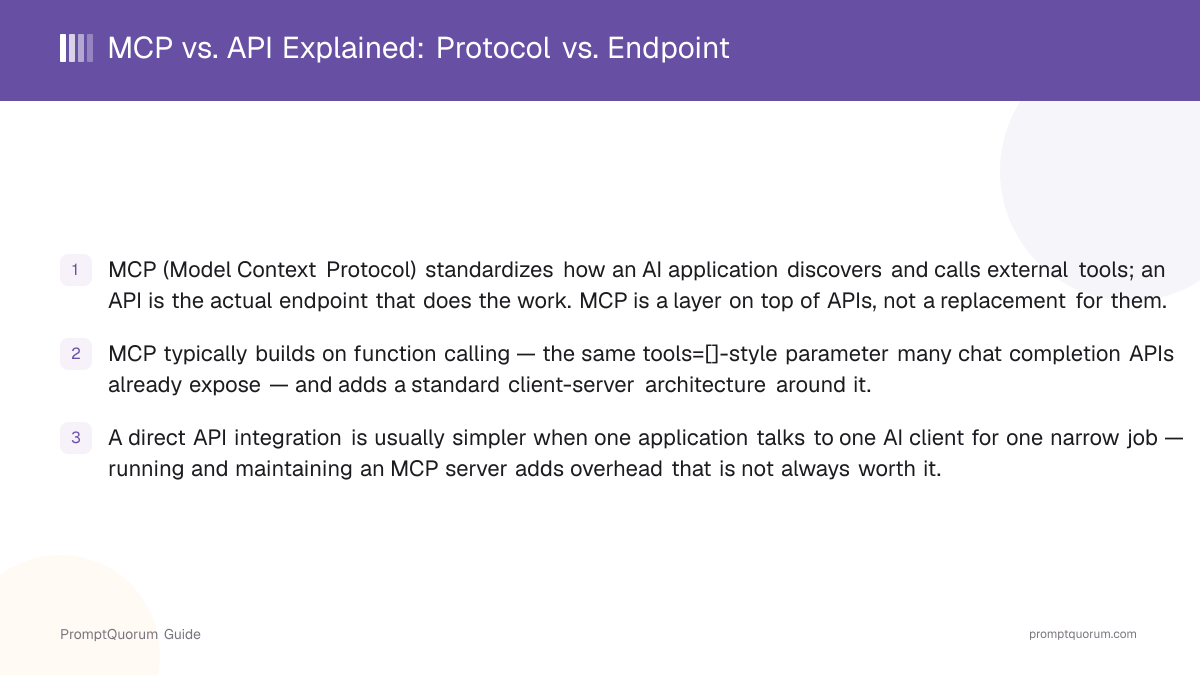
MCP is an open, standardized client-server protocol that lets an AI application discover, connect to, and call external tools, data sources, and resources in a consistent way. Rather than an AI application hard-coding how it talks to one specific tool, an MCP server exposes its capabilities through a standard interface, and any MCP-compatible AI client can connect to that server, list what it offers, and call it — without tool-specific integration code baked into the client.
The architecture has two sides. An MCP server wraps a tool, data source, or system (a file system, a search index, an internal database, a piece of business software) and exposes its capabilities using structured, standardized schemas — so a client can programmatically discover what actions are available and what inputs each one expects. An MCP client — typically embedded inside an AI application or agent — connects to one or more servers, requests the list of available tools, and passes tool calls back and forth on behalf of the AI model.
The key design goal is decoupling: the person or team who builds the MCP server does not need to know which AI application will eventually use it, and the AI application does not need bespoke code for every tool it might connect to. That decoupling is what makes a single server implementation reusable across many different AI clients.
What Is a Traditional API in This Context?
A traditional API is the direct integration point — the actual endpoint that performs a specific piece of work, such as running a search, querying a database, or writing to a file. When an AI application calls an API directly, it sends a request in a format that specific API expects, and the application's own code is responsible for knowing how to format that request, authenticate, handle the response, and manage errors.
For AI applications specifically, this direct integration is most often built on function calling (also called tool use): the AI model is given a list of available functions with a structured schema — commonly a `tools=[]` parameter in a chat completion request — and the model can choose to call one of them. The application code then executes the actual API request and returns the result to the model.
This works well, but the integration is typically written for one specific application talking to one specific tool. If a second, unrelated AI application wants to use the same underlying tool, its developers generally have to write their own integration code from scratch, because the function-calling schema and the surrounding glue code live inside that specific application, not in a reusable, standalone form.
How Do MCP and APIs Relate to Each Other?
MCP is a standardization layer on top of the API / function-calling layer — not a competing replacement for it. An MCP server still has to call the underlying API to actually do the work; MCP simply standardizes how an AI client discovers that capability exists and how it requests it, so the same server implementation can serve any number of different AI clients without each one needing its own bespoke integration.
Before protocol-level standardization like MCP existed, connecting an AI assistant to a new external tool typically meant writing integration code specific to that one assistant: its own function-calling schema, its own request/response handling, its own authentication glue. Adding a second AI assistant meant repeating most of that work, even though the underlying tool never changed.
A useful analogy: think of a printer driver standard. Before a shared standard existed, every application needed its own code to talk to every printer model. Once a common protocol existed, one driver could serve many applications, and one application could work with many printers, without either side writing custom code for the other. MCP aims to do the same thing for AI applications and external tools — one server implementation serving many AI clients, and one AI client working with many tool servers.
Practically, this means MCP and function calling are not either/or. An MCP server usually implements its tool-calling behavior using the same structured, schema-based approach that direct function calling already uses — MCP adds the discovery layer and the standard client-server transport around it. For the mechanics of how a single AI application defines and calls a function directly against an API, see the OpenAI-compatible API and function calling guide.
When Is a Direct API Integration Simpler Than MCP?
A direct API integration is the better choice when exactly one application needs to talk to exactly one AI client for a narrow, well-defined job. In that situation, the overhead of standing up and maintaining a separate MCP server rarely pays for itself.
- Single app, single AI client, tight scope: if you are building one application that calls one AI model to perform one or two specific tool calls, writing the function-calling integration directly is faster to build and has fewer moving parts to operate.
- No plan for reuse: if no other AI client or application is ever expected to need the same tool, the reusability benefit MCP provides has no audience — you would be building infrastructure for a use case that does not exist yet.
- No appetite for a running server process: an MCP server is typically a separate process that needs to be started, monitored, and kept running (or spun up on demand); a direct API call inside your existing application avoids that extra piece of infrastructure entirely.
- Latency-sensitive, simple calls: a direct function call to an API has one fewer layer to traverse than going through a separate MCP server process, which can matter for very latency-sensitive, high-frequency tool calls.
- Small team, limited maintenance capacity: every additional server is something to patch, monitor, and keep compatible with protocol updates — for a small team supporting one integration, that ongoing maintenance cost can outweigh MCP's benefits.
When Is MCP Worth the Extra Layer?
MCP earns its overhead when the same tool needs to be reachable by multiple AI clients or agents, or when you are building a general-purpose agent that should work with many tools without writing custom integration code for each one. The value of MCP scales with how much reuse and discoverability actually matter to your situation.
- Multiple AI clients need the same tool: if two or more different AI applications (for example, a chat assistant and a separate coding agent) both need to call the same underlying system, one MCP server can serve both, instead of writing and maintaining two separate integrations.
- Building a general-purpose local AI agent: an agent meant to work with many different tools — file access, search, a calendar, an internal system — benefits from MCP's standard discovery mechanism, so new tools can be added by pointing the agent at a new MCP server rather than writing bespoke handling for each one.
- Discoverability matters: MCP lets a client query a server for what capabilities it exposes at connection time, rather than the capabilities being hard-coded into the client ahead of time — useful when the set of available tools changes or grows over time.
- You want to decouple tool-building from AI-application-building: MCP lets one team build and maintain a tool server without needing to coordinate closely with every team building an AI client that might use it.
- Reusability across future AI clients: even if only one AI client uses a tool today, standardizing it as an MCP server up front avoids a rewrite later if a second client needs the same capability.
MCP vs. API: What Are the Practical Trade-Offs?
The core trade-off is setup and maintenance overhead versus reusability and discoverability. A direct API integration is faster to stand up for one use case; an MCP server takes more upfront work but pays that back once more than one AI client needs the same tool.
Factor | Direct API integration | MCP server |
|---|---|---|
| Setup complexity | Lower / faster to build | Higher — separate server to build & run |
| Reusability | Tied to one app/client | Reusable across many AI clients |
| Discoverability | Hard-coded into the client | Clients discover tools at connect time |
| Running process | None needed beyond your app | Requires a running server process |
| Latency | One fewer hop, typically faster | Extra protocol hop, usually small overhead |
| Tooling maturity | Mature, widely documented | Newer, standardization still evolving |
| Best fit | One app, one client, narrow scope | Multiple clients/agents, many tools |
Do Local AI Setups Support MCP?
Many local AI tools have started adding MCP client or server support, so a locally run model can connect to external tools using the same standardized protocol — but support varies by tool and setup, so check the specific tool before relying on it. MCP support in the local AI ecosystem is not universal or uniform: some tools ship MCP client support (letting a local AI assistant connect out to MCP servers), some ship MCP server support (exposing the local tool's own capabilities to other MCP clients), and some ship both or neither.
Because this landscape changes as individual projects add or extend support, the reliable approach is to check the specific local AI tool's own documentation or release notes for its current MCP support, rather than assuming a given feature is present. For hands-on setup of a local AI agent connected to MCP servers, see local AI agents with MCP, which covers concrete server configuration steps.
What Should You Keep in Mind About Security?
Exposing tools through any protocol — a direct API key or an MCP server — means being deliberate about exactly which capabilities and scopes you expose, since a tool that can act on your behalf can only be as safe as the permissions it is given. This applies equally to direct API integrations and MCP servers; the protocol you use does not by itself make an integration more or less secure.
- Grant only the specific permissions a tool actually needs (read-only access where write access is not required, scoped API keys instead of broad ones).
- Treat an MCP server the same way you would treat any other network-accessible service: review what it can do, who can reach it, and what credentials it holds.
- Keep a record of which tools and servers an AI client is connected to, since an agent with many connected tools has a correspondingly larger set of actions it could take.
- This is general guidance, not a security audit of any specific implementation — review the documentation and configuration of the specific tools and servers you deploy.
Common Mistakes
Most confusion between MCP and APIs comes from treating them as competing options rather than different layers.
- Assuming MCP replaces the need for an underlying API — it does not; the MCP server still has to call something that does the actual work.
- Standing up an MCP server for a single app talking to a single AI client with no plan for reuse, adding maintenance overhead with no corresponding benefit.
- Assuming every local AI tool supports MCP by default — support varies by tool and should be checked, not assumed.
- Treating MCP as inherently more or less secure than a direct API integration — the security of either depends on the specific permissions and scopes granted, not the protocol itself.
- Confusing "function calling" and "MCP" as two unrelated things, when MCP typically builds on the same function-calling mechanism as its underlying tool-calling layer.
Frequently Asked Questions
Does MCP replace REST APIs or function calling?
No. MCP is a standardization layer that sits on top of the API / function-calling layer, not a replacement for it. An MCP server still has to call an underlying API or perform the underlying work itself; MCP standardizes how an AI client discovers that capability and requests it.
Is MCP just function calling with a new name?
No, though the two are closely related. Function calling is the mechanism a single AI application uses to let a model request a specific action, typically via a `tools=[]`-style parameter. MCP adds a standardized client-server architecture around that mechanism, so the same tool-calling capability can be discovered and reused by many different AI clients instead of being wired into just one application.
When should I build a direct API integration instead of an MCP server?
When exactly one application needs to talk to exactly one AI client for a narrow, well-defined job, and no other client is expected to need the same tool. In that case, the overhead of building and maintaining a separate MCP server process rarely pays for itself compared to a direct function-calling integration.
When is MCP worth the extra setup?
When multiple AI clients or agents need to reuse the same tool, when discoverability matters because the set of available tools changes over time, or when you are building a general-purpose agent meant to work with many tools without writing custom integration code for each one.
Do local AI models and tools support MCP?
Many local AI tools have added MCP client or server support, letting a locally run model connect to external tools through the standardized protocol — but support varies by tool and setup. Check the specific tool's documentation before assuming a given MCP feature is available.
Does using MCP instead of a direct API make an integration less secure?
Not inherently. The security of either approach depends on which capabilities and scopes you expose, not on the protocol itself. Exposing a tool through a direct API key or through an MCP server both require being deliberate about permissions — grant only what the tool actually needs.
Can one MCP server be used by more than one AI application?
Yes — that reusability is the core problem MCP is designed to solve. A single MCP server implementation exposes its capabilities through a standard interface, so any MCP-compatible AI client can connect to it and use it, without the server needing to be rewritten or duplicated per client.
Does an MCP server need to keep running as a separate process?
Typically yes — an MCP server is usually a separate process that needs to be started and kept running (or launched on demand) so AI clients can connect to it. This is one of the main pieces of extra infrastructure an MCP setup adds compared to a direct API call made from inside your own application.