What Is Kition?
Kition's own GitHub README describes it as "a desktop workspace where every file opens in a real editor, and an AI agent works on the same files with the same commands you use." A video timeline, a slide deck, a spreadsheet, a Word document, a PDF, a note, or a whiteboard is an ordinary file in a workspace folder, and each is opened by a kit — the editor built for that kind of file.
- Core idea: the agent does not paste text back at you — it reads the open file through the kit, changes it with the kit's own commands, previews the result, and runs the kit's checks, per the README
- Review workflow: the agent can work in a draft that you review before anything is written over your own changes, per the README
- Protocol: the agent drives each kit's engine over the Kit Harness Protocol, the project's own name for how MCP agents talk to a kit
- Maturity: the repository has roughly 0+ GitHub stars and a single commit, tagged "Kition 0.2.0," as of this check
- What it is not: Kition ships no AI model or inference engine of its own — it is a workspace and protocol that an already-running AI agent connects to and drives
What Kition Does
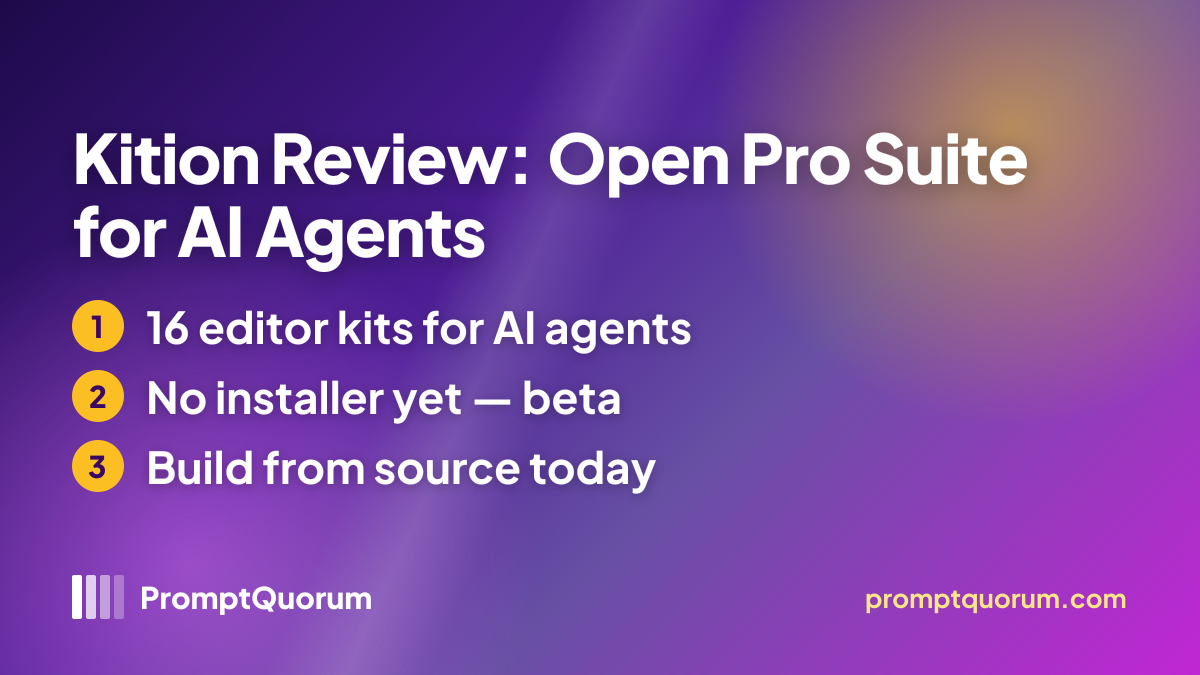
Kition's feature set, per its GitHub README and developer.kition.ai, centers on 16 kits — editors for different file types — and the SDK that lets a developer embed any of them in their own app.
- Media kits — Film (video timelines,
.kfilm) and Motion (motion graphics with keyframes and effects,.kmotion) - Office kits — Note (Markdown, saved byte for byte), Table (
.ktable), Board (an infinite whiteboard,.kboard), Doc (Word documents,.docx), Sheet (spreadsheets, including.xlsx), Slide (including.pptx), PDF, and HTML (Preview, with a live preview) - Design kits — Photo (layered images, including
.psd), Vector (.svg,.ai,.eps), Layout (flyers, posters, and books, including.idml), and Design (Preview, for interface and screen designs, including.figand.sketch) - Engineering kits — CAD (2D drawings,
.dxf) and Scene (Preview, 3D scenes) - Each kit's engine is written in Rust, compiled to WebAssembly, and runs in a Web Worker — the kit draws its own editor inside Kition, per the README
- Kit packages are pinned, not auto-updated, in the repository's [
kits/kits.lock.json](https://github.com/KitionAI/kition/blob/main/kits/kits.lock.json) - Scripting — a workspace script can edit the open document through a kit's object model, for repeatable or batch changes without an AI agent in the loop
- SDK for developers —
@kition/embedis the main npm install for embedding a kit in your own app;developer.kition.aialso lists@kition/script,@kition/embed-server,@kition/sync,@kition/kdm, and@kition/kits-mcp
Get Kition
Kition has no installer yet on macOS, Windows, or Linux. github.com/KitionAI/kition/releases shows no releases, and the GitHub README's Install section says plainly: "Desktop builds of Kition 0.2.0 for macOS, Windows and Linux will be published on GitHub Releases. Until then, Kition runs from source." The project's own kition.ai/docs/install-kition page describes future .dmg/.exe/.AppImage filenames with a literal "<version>" placeholder, which is ahead of what the Releases page currently offers.
Option | How to get it |
|---|---|
| Run from source (works today) | Clone github.com/KitionAI/kition and follow .github/CONTRIBUTING.md — see How to Get Started below |
| Desktop installer (future) | Not yet available — planned for GitHub Releases per the README |
| SDK (for developers) | npm i @kition/embed, documented at developer.kition.ai |
| Website | kition.ai |
| Privacy policy | kition.ai/privacy |
| Source code (GitHub) | github.com/KitionAI/kition |
The current version is 0.2.0, per the GitHub README, checked 2026-11-18. Running Kition today means building it from source with a terminal and a development toolchain — see the exact steps below — not a double-click install.
How to Get Started
These steps follow .github/CONTRIBUTING.md in the Kition repository, checked 2026-11-18; PromptQuorum has not run them.
- 1Install the prerequisites
Why it matters: Node.js 22.19.0, pnpm 10.33.0, Rust (stable), and the [Tauri system prerequisites](https://v2.tauri.app/start/prerequisites/) for your operating system. - 2Clone the repository and install dependencies
Why it matters: Run `pnpm install --frozen-lockfile` inside a clone of [github.com/KitionAI/kition](https://github.com/KitionAI/kition). - 3Fetch the kit packages
Why it matters: Run `make kit-fetch`, which downloads the kit packages pinned in `kits/kits.lock.json` into `public/kits/` using the GitHub CLI, and checks each one's size and SHA-256. - 4Start the desktop app
Why it matters: Run `pnpm dev`, which runs `tauri dev`, compiling the Tauri desktop shell together with the Rust runtime and starting the desktop client. A lighter `pnpm dev:web` command runs just the renderer against a mocked runtime, for interface-only work.
Kition Pricing, License, and Privacy
Kition's desktop app and SDK are free to use with no account required. The project bills separately for hosted AI compute and for real-time team collaboration beyond a small team.
- License: Apache-2.0 for the desktop app, the SDK, and the Note kit; the README states "every kit is open source in its own repository," though this review did not individually check every kit's own license file
- Pricing: the desktop app and SDK are free with no API key required; AI compute through Kition Cloud is billed only when used, per kition.ai/pricing
- Team collaboration: Kition One is free for teams of up to 8 people; real-time co-editing beyond that runs through the paid Kition Server
- Privacy: per kition.ai/privacy (last updated 2026-10-31), "Kition keeps workspace content local by default," and data leaves the device only for a networked feature the user opts into — Kition Cloud, a bring-your-own AI provider, web search/fetch tools, updates, billing, or optional analytics
- Analytics: desktop usage analytics is off by default and can be reviewed and cleared in Settings → General if enabled; website analytics (Google Analytics 4) loads only after consent
- No company name, registered address, or headquarters is stated anywhere this review checked — the privacy policy lists only a support@kition.ai contact address
Who Should Use Kition?
Whether Kition fits today depends mainly on whether you are comfortable building a beta project from source, since no installer exists yet.
Use Kition if
- You want an AI agent to directly edit real video, document, slide, spreadsheet, PDF, or note files, not just generate text
- You are comfortable with Node.js, pnpm, Rust, and Tauri for a multi-step source build
- You want the tooling itself free and Apache-2.0, with files kept local by default
- You want to embed an agent-editable file type in your own app via the SDK
Wait, or look elsewhere, if
- You want a simple double-click install — none exists yet
- You need a stable, production-ready tool — this is a 0.2.0 beta with 3 kits still marked "Preview"
- You need a privacy policy that names a company or jurisdiction
- You need every kit embeddable via the SDK today — only Note and Table currently publish a package
Kition vs. Other AI-Agent Editing Tools
Kition is one of a growing set of tools that let an AI agent edit a real file through MCP instead of only generating text. Here is how it compares to others that take a similar approach in a narrower domain — see the Local AI Directory for the full catalog.
- Fablecut — a free, open-source, zero-dependency browser video editor that AI agents can drive over MCP or REST, editing a single
project.jsontimeline; narrower than Kition (video only) but needs no desktop install at all. See the Fablecut review. - CozyClay — a free, open-source 3D previs studio that runs in the browser, with an MCP server for Claude, Cursor, and other agents; comparable to Kition's Scene kit specifically, but focused only on 3D blocking and camera setup for handoff to an AI video model. See the CozyClay review.
- YoVoice — an Apache-2.0 desktop studio for speech, voice cloning, and music with local models, exposing a CLI, HTTP API, and MCP server for AI agents; the same "AI agent drives a real creative tool" idea as Kition, applied to audio instead of documents and video. See the YoVoice review.
- PapersGPT — a Zotero plugin that chats with PDFs and research libraries, with an MCP server for Claude, Cursor, and other agents; a narrower, PDF/research-focused alternative to Kition's own PDF and document kits. See the PapersGPT review.
Frequently Asked Questions
Can I download and install Kition right now?
Not as a packaged installer. As of this review, GitHub Releases has no entries, so Kition has to be cloned and built from source with Node.js, pnpm, Rust, and Tauri's prerequisites — see How to Get Started above.
Which AI agents work with Kition?
Any client that speaks the Model Context Protocol can connect — Kition does not bundle an AI agent of its own, so one (such as Claude, ChatGPT, or Cursor) needs to already be running separately.
Do all 16 kits work the same way?
No. The README marks 3 of the 16 — HTML, Design, and Scene — as "(Preview)" and says to expect gaps in those; the other 13 are not labeled Preview.
Does my data stay on my computer?
Per the privacy policy, workspace content stays local by default; data leaves the device only for a feature you opt into, such as a bring-your-own AI provider or optional analytics.