Key Takeaways
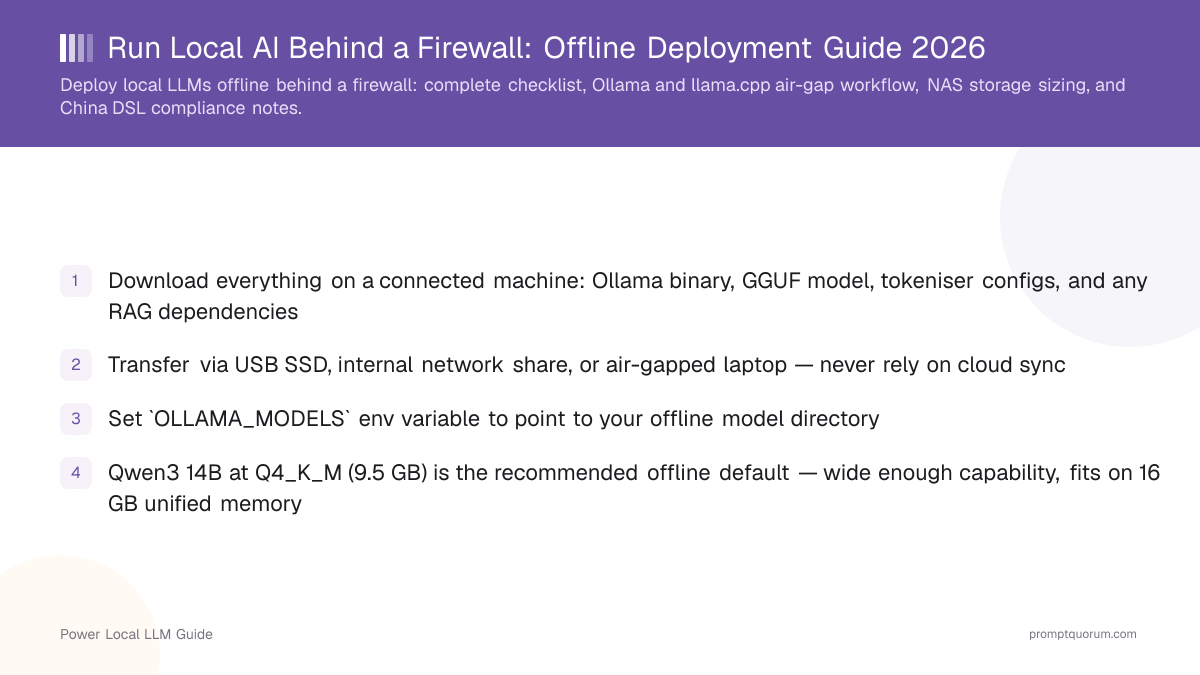
- Download everything on a connected machine: Ollama binary, GGUF model, tokeniser configs, and any RAG dependencies
- Transfer via USB SSD, internal network share, or air-gapped laptop — never rely on cloud sync
- Set
OLLAMA_MODELSenv variable to point to your offline model directory - Qwen3 14B at Q4_K_M (9.5 GB) is the recommended offline default — wide enough capability, fits on 16 GB unified memory
- NAS sizing: plan 20 GB per 7B model, 50 GB per 14B model, and 100 GB per 32B model at Q4_K_M
- China Data Security Law: local inference satisfies data residency requirements regardless of model provenance
Pre-flight Checklist — Download Before You Go Offline
Check off every item on a connected machine before moving to the air-gapped environment.
- 1Ollama binary — download from ollama.com for your OS (Linux x86_64, macOS arm64, Windows). Version ≥0.3.0 recommended.
- 2Model GGUF file — pull via
ollama pull qwen3:14bon the connected machine. Models cache to~/.ollama/models/. - 3Tokeniser + chat template — Ollama bundles these with the model manifest; no separate download needed if you use Ollama.
- 4llama.cpp binary (if using llama.cpp) — download a pre-built release from github.com/ggerganov/llama.cpp/releases.
- 5Embedding model (for offline RAG) —
ollama pull nomic-embed-textormxbai-embed-large. - 6Vector DB binary (for offline RAG) — Chroma standalone, Qdrant binary, or SQLite+sqlite-vss (no Python install required).
- 7Python wheels (if using Python tooling) — download
.whlfiles viapip downloadwith--no-depsand transfer them. - 8Verification hash — run
sha256sumon each GGUF file before transfer to detect corruption.
Download Commands for the Connected Machine
Run all of these on the internet-connected machine before transfer. Replace model tags as needed.
ollama pull qwen3:14b— 9.5 GB, recommended defaultollama pull qwen3:8b— 5.5 GB, for lower-VRAM machinesollama pull nomic-embed-text— 274 MB, for offline RAG embeddingsollama pull deepseek-r1:7b— 5.5 GB, if math/reasoning is the primary use case- Model files location:
~/.ollama/models/on Linux/macOS,%USERPROFILE%\.ollama\modelson Windows - For llama.cpp: download GGUF directly from HuggingFace and verify SHA256 before transfer
Ollama Air-Gap Workflow
After transferring files to the offline machine:
- 1Copy the entire
~/.ollama/directory from the connected machine to the same path on the offline host. - 2Install the Ollama binary:
chmod +x ollama && sudo mv ollama /usr/local/bin/ - 3Set the model directory:
export OLLAMA_MODELS=/path/to/offline/ollama/models - 4Start the server:
ollama serve— verify it starts without network calls in the logs. - 5Test offline:
ollama run qwen3:14b— should respond immediately without hitting any external URL. - 6Bind to all interfaces for LAN access:
OLLAMA_HOST=0.0.0.0:11434 ollama serve
llama.cpp Air-Gap Workflow
llama.cpp is fully self-contained after the binary + GGUF are present — no runtime dependencies needed.
- Transfer the pre-built binary and your GGUF file to the offline machine.
- Run:
./llama-server -m ./qwen3-14b-instruct-q4_K_M.gguf --port 8080 - The
--no-mmapflag disables memory-mapped I/O if running from a network share. - Use
--n-gpu-layers 35to offload layers to GPU on NVIDIA;--n-gpu-layers -1offloads all on Apple Silicon. - OpenAI-compatible API available at
http://localhost:8080/v1— drop-in for any OpenAI SDK.
NAS Storage Sizing for Offline Model Libraries
A model library for a small team typically holds 3–6 models at different sizes. Plan storage before purchase.
- Recommended NAS for model storage: Synology DS923+ with 4× 4 TB drives in RAID 5 (~12 TB usable)
- Minimum for a 2–3 model library: 2 TB SSD (portable drive works for single-machine deployments)
- NFS mount the NAS to the inference server; set
OLLAMA_MODELSto the NFS path
Model | Q4_K_M Size | Q8_0 Size | VRAM Required |
|---|---|---|---|
| Qwen3 8B | 5.5 GB | 8.5 GB | ~6 GB |
| Qwen3 14B | 9.5 GB | 15 GB | 12 GB |
| Qwen3 32B | 20.5 GB | 34 GB | 24 GB |
| Qwen3 72B | 46 GB | 75 GB | 48 GB |
| nomic-embed-text | 0.27 GB | 0.5 GB | 1 GB |
China Data Security Law and CAC Compliance
China's Data Security Law (DSL, 2021) and Cybersecurity Law (CSL) require that important data processed in China be stored domestically. The Cyberspace Administration of China (CAC) additionally requires that AI systems providing public-facing services complete a security assessment before launch.
- Data residency: Local inference means data never leaves your hardware. This satisfies DSL Article 31 (important data stored in China) regardless of model origin.
- Model provenance: Qwen3 (Alibaba) simplifies internal compliance documentation for enterprises — the model vendor is a PRC company. DeepSeek (DeepSeek AI, Hangzhou) is also PRC-origin.
- Public-facing AI services: If your deployment is user-facing (not purely internal), CAC's Algorithm Security Assessment rules require filing. Internal/offline deployments used by employees only are generally out of scope.
- Network isolation verification: Use
iptablesor a firewall rule to confirm no outbound connections from the inference server — document this for compliance records. - Audit logs: Log prompt-response pairs locally (not to cloud) if required by internal data-governance policy. Ollama does not log by default; add middleware if needed.
Offline RAG Setup
Retrieval-Augmented Generation (RAG) fully offline requires: a local LLM + a local embedding model + a local vector store.
- 1Embedding model: Pull
ollama pull nomic-embed-texton the connected machine. Transfer with the rest of the Ollama models directory. - 2Vector store: Chroma can run as a standalone binary (no Python needed); alternatively use Qdrant binary release or SQLite with the
sqlite-vssextension. - 3Document ingestion: Use LangChain or LlamaIndex offline (install wheels before going offline). Point the document loader to local files — no web crawling.
- 4Query flow: Document → embed via local nomic-embed-text → retrieve top-k chunks from local vector DB → pass to local Qwen3 → response. Zero external calls.
- 5Testing: Confirm with
tcpdump -i any -n port 443that zero HTTPS traffic is generated during a full RAG query cycle.
Frequently Asked Questions
Does Ollama make any network calls when running offline?
By default, Ollama does not make network calls when serving a locally cached model. It contacts ollama.com only to pull or update models. Running OLLAMA_MODELS pointed at a local cache with ollama serve makes no outbound calls.
Can I run Qwen3 72B on a NAS-mounted path?
Yes, but expect slower load times (10–30 seconds) due to NFS latency during model loading. Once loaded, inference performance depends only on GPU/CPU VRAM — not storage speed.
What is the smallest model that handles Chinese text well offline?
Qwen3 8B at Q4_K_M (5.5 GB VRAM). It handles Chinese with native tokenisation and produces coherent responses at 50–80 tok/s on an RTX 3060.
Do I need a CAC security assessment for an internal offline deployment?
Generally no. CAC's Algorithm Security Assessment rules target public-facing AI services. Internal deployments accessible only to employees are out of scope. Consult a compliance professional for your specific situation.
Can llama.cpp run without any system dependencies?
On Linux, the pre-built binary requires GLIBC 2.28+ (standard on Ubuntu 20.04+). On macOS arm64, the binary is self-contained. On Windows, the CUDA build requires CUDA runtime DLLs.
How do I update models in an air-gapped environment?
Download the updated GGUF on a connected machine, verify the SHA256 hash, transfer via USB/SSD, and replace the old GGUF in your model directory. Restart the Ollama server to pick up the new file.