2026年、15万円以下のベストAIノートPCは?(ローカルLLM & ML)
ローカルLLM向けに1,000ドル以下で選ぶベストAIノートPCは、NVIDIA RTX 4050・RTX 4060・RTX 5050(VRAM 8GB)搭載&RAM 16GBの値引きゲーミングノートです。2026年8月26日時点の確認では、Acer Nitro V、ASUS TUF F16、Lenovo LOQなどのモデルがこのスペックで約580〜1,000ドルの価格帯に定期的に出回っています。OllamaやCUDA対応llama.cppによるGPU推論は、CPU限定推論を大きく上回ります。GPU搭載モデルが見つからない場合の現実的な代替はRyzen 7 + RAM 16GBのCPU限定機ですが、あくまで代替であり第一候補ではありません。ローカルLLM用途では、CPUの速さのためにVRAMを犠牲にしないでください。
このページには参考用の第三者製品へのリンクが含まれています。PromptQuorumはいかなるアフィリエイトプログラムにも参加しておらず、これらはコミッションを得ない単なる参照リンクです。リンクのクリックと次のステップはご自身の責任です。これらのリンクはPromptQuorumによる推奨や検証を表すものではありません。
重要なポイント
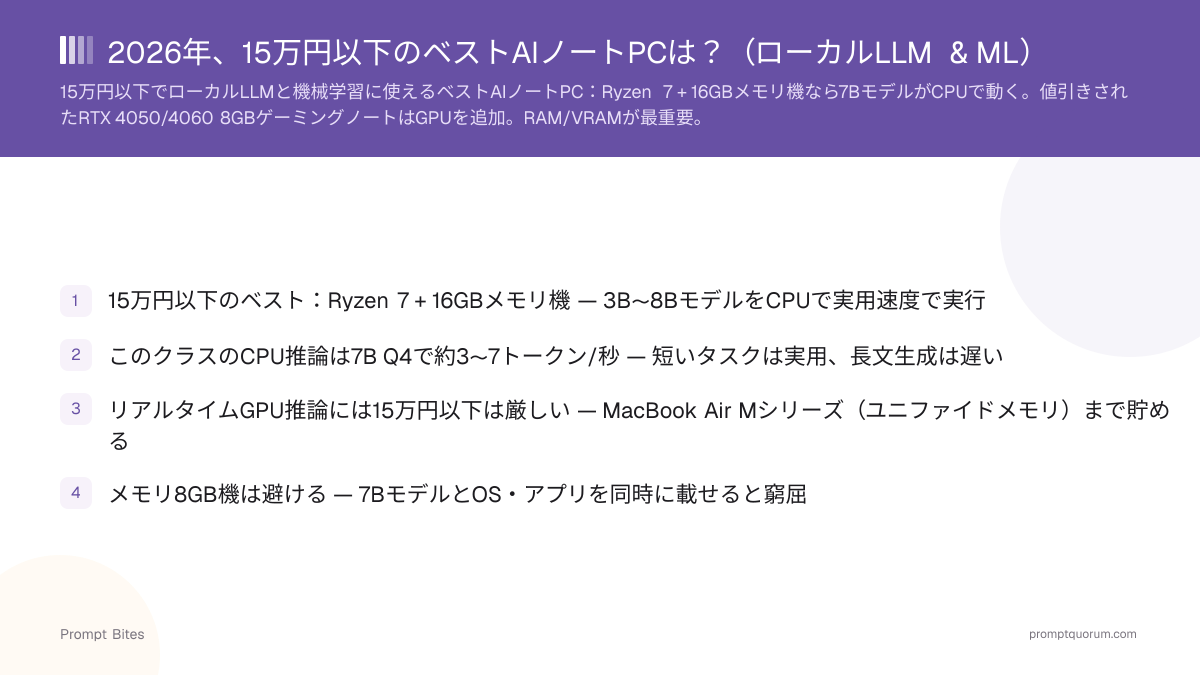
- ✓1,000ドル以下のベスト:値引きされたRTX 4050/4060/5050搭載&RAM 16GBノート — 同価格帯ならGPU推論がCPU限定推論に勝ります
- ✓CPUの速さのためにVRAMを犠牲にしない — VRAM 8GBなら7B-8B量子化モデルをCPU限定機よりはるかに高速に処理できます
- ✓GPU搭載機が見つからない場合の予算代替案:Ryzen 7(またはCore i7)+ RAM 16GB、7B Q4モデルでCPU推論は約3〜7 tok/s
- ✓システムRAM 8GBやGPU 4GBは避ける — どちらも7Bモデルを快適に扱えません
- ✓Apple MacBook Airは有力なアップグレード先ですが、現行世代は1,000ドルを大きく上回る価格から始まります — 下記の比較を参照
ベスト:値引きされたRTX 4050/4060/5050ノート
1,000ドル以下のローカルAI用途では、PromptQuorumは同価格帯のCPU限定ノートより、NVIDIA GPU搭載の値引きゲーミングノートを選びます。CUDAとVRAM 8GBの組み合わせは、Ollama、llama.cpp、その他多くのローカルAIツールでGPU推論を可能にします — これは見た目のスペックではなく、CPU限定推論に対する実際の速度優位です。
2026年8月26日時点の確認:RTX 4050・RTX 5050搭載&RAM 16GBのノートは実際に1,000ドル以下で購入可能で、RTX 4060構成もしばしば999ドル前後に収まります。Acer Nitro V(RTX 5050またはRTX 4050)、ASUS TUF Gaming F16(RTX 4050)、Lenovo LOQ(RTX 4050)などのモデルがこの価格帯に定期的に登場し、セール時にはRTX 5050構成が580〜750ドルまで下がる例も見られます。ノートPCのセール価格は変動が速いため、ここに記載の価格はあくまで確認時点のスナップショットです — 購入前に必ず最新の販売価格を確認してください。
確認すべきスペック:RTX 4050・RTX 4060・RTX 5050のいずれか(VRAM 8GBが実用上の最低ライン)、RAM 16GB以上、SSD 512GB以上。選ぶ基準はブランドではなくこのスペックの組み合わせです — 知名度の低いブランドでもGPU/RAMの組み合わせが正しく低価格なら、スペックの劣る有名ブランド機より優れています。
予算別AIノートPCの比較
ローカルLLM用途では、CPUのブランドやクロック速度ではなく、GPUのVRAMが決め手です。個別モデルの価格は変動が速いため、ここに記載の数値を固定値として扱わず、最新の販売価格を確認してください。
| 構成 | 推論方式 | ローカルLLM適性 | 評価 |
|---|---|---|---|
| RTX 4060 + RAM 16GB | GPU(CUDA) | 7B-8B量子化、高速 | 最良 |
| RTX 4050 + RAM 16GB | GPU(CUDA) | 7B-8B量子化、高速 | 優秀 |
| RTX 5050 + RAM 16GB | GPU(CUDA) | 7B-8B量子化、高速 | 優秀 — 新しく割安な傾向 |
| RTX 4050/5050 + RAM 32GB | GPU(CUDA) | コンテキスト拡大、余裕あり | 掘り出し物なら最良 |
| Ryzen 7 + RAM 16GB(GPUなし) | CPUのみ | 3B-8B、約3〜7 tok/s | 予算時の代替 |
| RAM 8GB + GPU 4GB(内蔵/エントリー) | CPUのみ・窮屈 | 7Bモデルは快適に載らない | 回避 |
CPU限定の代替案:Ryzen 7 + RAM 16GB
在庫やセール状況は地域や時期によって異なるため、1,000ドル以下で適切なRTX 4050/4060/5050ノートがどうしても見つからない場合、Ryzen 7(またはIntel Core i7)+ RAM 16GBが代替案です。第一候補ではありません。CPU上で3Bおよび7-8Bモデルを約3〜7トークン/秒で実行します — 長文生成には遅いですが、短いプロンプトや学習用途には許容範囲です。
メリット:安価、静音、汎用ノートPCとして優秀、NVIDIA GPUの管理が不要。デメリット:推論速度が大幅に遅い、実質的に小型量子化モデルに限定される、GPU加速MLが本来の目的なら不向きです。
高速なローカルAIではなく、予算内での学習・実験を優先するならこの選択が最適です。高速なローカル推論が目的なら、上記のGPUノートを探す価値がありますし、下記のMacBook Air比較まで予算を貯めるのも選択肢です。
ノートPC vs MacBook Air:1,000ドルを超える判断基準
価格に関する注記(2026年8月26日時点の確認):MacBook Airはもはや「1,000ドルをわずかに超える程度」ではありません。Appleは2026年半ばにMacBook Airの価格を引き上げました — 現行のM5世代Airは1,299ドル(13インチ)/1,499ドル(15インチ)からスタートします。在庫限りのM4世代クリアランス品は999〜1,099ドル程度で見つかることもありますが、これはもはや標準的な想定価格ではありません。
NVIDIAノート(RTX 4050/4060/5050)は、CUDA+GPU加速+各種ローカルAIツールとの柔軟な互換性で優れています。MacBook Airは静音性、ユニファイドメモリ、ワットあたりの効率的なローカル推論で優れています — Apple SiliconのユニファイドメモリはシステムRAMをそのままモデル用メモリとして使えるため、同価格帯のWindowsノートの独立したVRAMプールでは太刀打ちできません。
PromptQuorumの結論:1,000ドル以下ならRTX GPU搭載機のセールを狙うべきです。約1,300ドルを超える予算なら、決定前にMacBook Airのメモリ構成と直接比較してください — CUDA互換性とユニファイドメモリの効率、どちらが実行したい用途により重要かで判断が変わります。
関連記事
- ▸16GBメモリ ノートPCに最適なローカルLLM — 16GBクラス向けモデル選び
- ▸Mac Mini M4はローカルLLMに向いていますか? — MacBook Airのデスクトップ版
- ▸MacBookでOllamaに最適なeGPU — eGPUが予算解にならない理由
予算重視AIノートPCに関するよくある質問
1,000ドル以下でローカルLLMや機械学習に使えるベストな予算ノートPCは?▾
CPU限定のRyzen 7ノートとRTX 4050/4060ノート、1,000ドル以下ではどちらが優れていますか?▾
予算ノートPCでローカルLLMに必要なVRAMはどれくらいですか?▾
予算重視AIノートPCでRAM 8GBは十分ですか?▾
予算重視Windowsノートの次のステップとして、MacBook Airは今も良い選択肢ですか?▾
予算重視ノートPCにeGPUを追加してローカルLLMに使えますか?▾
詳しく読みたいですか?
コンプリートガイドを読む →