Best Budget AI Laptop Under $1,000 in 2026 (Local LLM & ML)?
The best budget AI laptop under $1,000 for local LLMs is a discounted gaming laptop with an NVIDIA RTX 4050, RTX 4060, or RTX 5050 GPU (8 GB VRAM) and 16 GB of RAM — checked August 26, 2026, models like the Acer Nitro V, ASUS TUF F16, and Lenovo LOQ regularly sell in the $580-1,000 range with this spec, and GPU-accelerated inference via Ollama or llama.cpp beats CPU-only inference by a wide margin. A CPU-only Ryzen 7 + 16 GB laptop is a real fallback if you can't find a GPU deal, not the primary pick. For local LLM work specifically, don't sacrifice VRAM for a faster CPU.
This page contains links to third-party products for reference. PromptQuorum is not enrolled in any affiliate program — these are plain links that earn no commission. Clicking links and your next steps are entirely your own responsibility. These links do not represent any endorsement or verification by PromptQuorum.
Key Takeaways
- ✓Best pick under $1,000: a discounted RTX 4050/4060/5050 laptop with 16 GB RAM — GPU-accelerated inference beats CPU-only at a similar price
- ✓Don't sacrifice VRAM for a faster CPU — 8 GB of VRAM handles 7B-8B quantized models far faster than any CPU-only chip
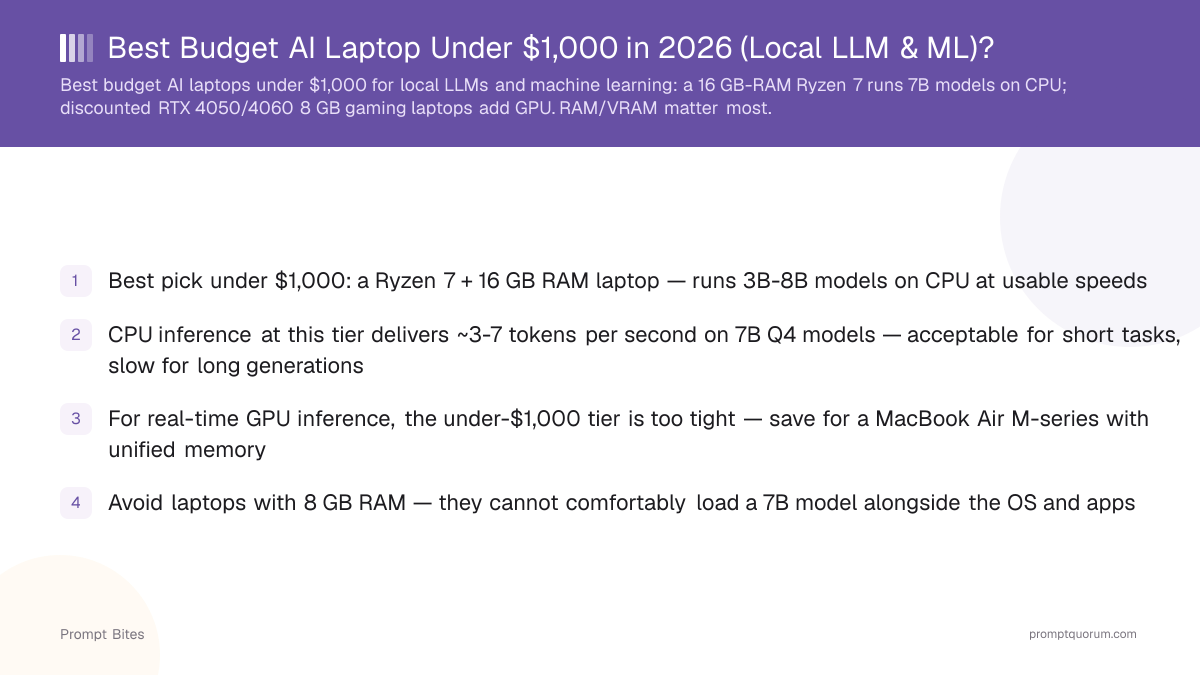
- ✓Budget fallback if no GPU deal is available: Ryzen 7 (or Core i7) + 16 GB RAM, CPU inference at ~3-7 tok/s on 7B Q4 models
- ✓Avoid 8 GB system RAM and 4 GB GPUs — neither comfortably handles a 7B model
- ✓The Apple MacBook Air is a real upgrade path but now starts meaningfully above $1,000 for the current generation — see the comparison below
Best Pick: A Discounted RTX 4050/4060/5050 Laptop
For local AI under $1,000, PromptQuorum would rather buy a discounted gaming laptop with an NVIDIA GPU than a CPU-only laptop at the same price. CUDA plus 8 GB of VRAM gives GPU-accelerated inference with Ollama, llama.cpp, and most other local-AI tools — a real speed advantage over CPU-only inference, not just a marketing spec.
Checked August 26, 2026: RTX 4050 and RTX 5050 laptops with 16 GB RAM are genuinely available under $1,000, and RTX 4060 configurations often land right around $999. Models like the Acer Nitro V (RTX 5050 or RTX 4050), ASUS TUF Gaming F16 (RTX 4050), and Lenovo LOQ (RTX 4050) show up regularly in this price band — some RTX 5050 configurations have been seen as low as $580-750 on sale. Laptop deals change fast, so treat any specific price here as a snapshot, not a quote — check the live listing before buying.
What to look for: RTX 4050, RTX 4060, or RTX 5050 (8 GB VRAM is the practical minimum), 16 GB RAM minimum, 512 GB SSD minimum. Buy on that spec combination, not on brand — a lesser-known brand with the right GPU/RAM combo at a lower price beats a name brand with weaker specs.
Budget AI Laptop Options Compared
For local LLM work, GPU VRAM is the deciding factor — not CPU brand, not clock speed. Specific model pricing moves fast — check current listings rather than treating any figure here as fixed.
| Configuration | Inference type | Local LLM fit | Verdict |
|---|---|---|---|
| RTX 4060 + 16 GB RAM | GPU (CUDA) | 7B-8B quantized, fast | Best |
| RTX 4050 + 16 GB RAM | GPU (CUDA) | 7B-8B quantized, fast | Great |
| RTX 5050 + 16 GB RAM | GPU (CUDA) | 7B-8B quantized, fast | Great — newer, often cheaper |
| RTX 4050/5050 + 32 GB RAM | GPU (CUDA) | Larger context, more headroom | Excellent if you find the deal |
| Ryzen 7 + 16 GB RAM, no discrete GPU | CPU only | 3B-8B, ~3-7 tok/s | Budget fallback |
| 8 GB RAM + 4 GB integrated/entry GPU | CPU only, cramped | Cannot fit a 7B model comfortably | Avoid |
CPU-Only Fallback: Ryzen 7 + 16 GB RAM
If you genuinely can't find a suitable RTX 4050/4060/5050 laptop under $1,000 — stock and deals vary by region and time — a Ryzen 7 (or Intel Core i7) with 16 GB of RAM is the fallback, not the first choice. It runs 3B and 7-8B models on CPU at roughly 3-7 tokens per second: slow for long generations, acceptable for short prompts and learning.
Pros: cheaper, quieter, a good general-purpose laptop, no NVIDIA GPU to manage. Cons: substantially slower inference, effectively limited to smaller quantized models, a poor choice if GPU-accelerated ML work is the actual goal.
Best if your priority is learning and experimentation on a budget, not fast local AI — if fast local inference is the actual goal, the GPU laptop above is worth the search, or save for the MacBook Air comparison below.
Laptop vs MacBook Air: When to Go Above $1,000
Note on price (checked August 26, 2026): the MacBook Air is no longer "just above $1,000." Apple raised MacBook Air pricing in mid-2026 — the current M5-generation Air starts at $1,299 (13-inch) / $1,499 (15-inch). Clearance M4-generation units can sometimes still be found closer to $999-1,099 while stock lasts, but that is no longer the default price to expect.
An NVIDIA laptop (RTX 4050/4060/5050) is best for CUDA + GPU acceleration + flexibility across local-AI tools. A MacBook Air is best for quiet operation, unified memory, and efficient local inference per watt — Apple Silicon's unified memory turns system RAM into usable model memory, which a Windows laptop's separate VRAM pool can't match at the same price.
PromptQuorum's take: under $1,000, buy the RTX GPU deal. Above roughly $1,300, compare it directly against a MacBook Air's memory configuration before deciding — the right call depends on whether CUDA compatibility or unified-memory efficiency matters more for what you're running.
Related Reading
- ▸Best Local LLM for a 16 GB RAM Laptop — model picks for the 16 GB tier
- ▸Is the Mac Mini M4 Good for Local LLMs? — the desktop counterpart to MacBook Air
- ▸Best eGPU for Ollama on a MacBook — why eGPUs are not the budget fix
Quick Answers About Budget AI Laptops
What is the best budget laptop for local LLMs and machine learning under $1,000?▾
Is a CPU-only Ryzen 7 laptop or an RTX 4050/4060 laptop the better pick under $1,000?▾
How much VRAM do I need for local LLMs on a budget laptop?▾
Is 8 GB of system RAM enough for a budget AI laptop?▾
Is the MacBook Air still a good next step up from a budget Windows laptop?▾
Can I add an external GPU to a budget laptop for local LLMs?▾
Want the full breakdown?
Read the complete guide →