What Is Aider?
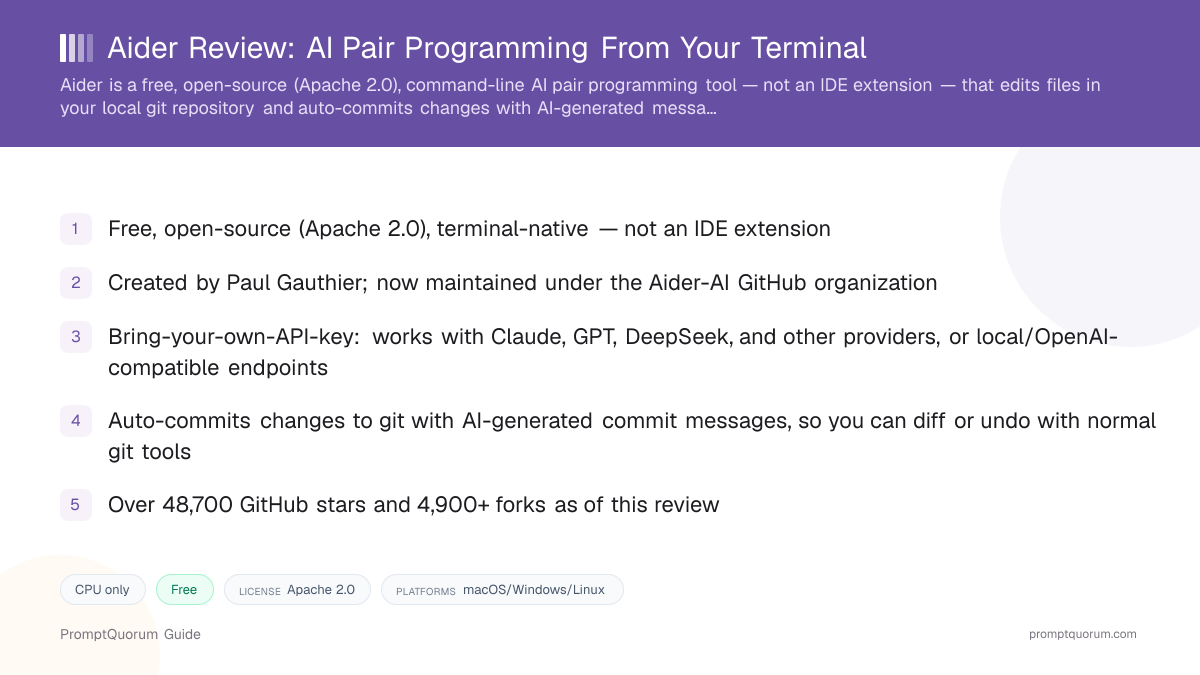
Aider is a free, open-source, terminal-native AI pair programming tool that works directly with your local git repository, rather than living inside an IDE. It was created by Paul Gauthier, and its canonical GitHub repository is now hosted under the Aider-AI organization.
- Product type: a command-line tool, not an IDE extension — works with any editor, or no editor at all
- Creator: Paul Gauthier
- Repository: now canonically at Aider-AI/aider on GitHub, created May 9, 2023; this review found third-party corroboration of a rename from an earlier "paul-gauthier/aider" path, but no official Aider blog post announcing that rename specifically
- License: Apache 2.0, confirmed via the repository's LICENSE.txt file
- Funding: no funding round, investor, or commercial backing was found for this review — treat Aider as an apparently independent, community-supported open-source project
- Scale: over 48,700 GitHub stars, 4,900+ forks, as of this review
What Does Aider Actually Do?
Aider pair-programs with you from the command line: it reads your codebase, makes edits directly to your files based on your instructions, and automatically commits each change to git with an AI-generated commit message.
- Git-aware auto-commits: every AI-made change is committed with a generated message, so you can review, diff, or revert using normal git tools
- Repo map: Aider builds a map of your codebase to give the model relevant context without needing to paste entire files
- Four modes: "code" (default, makes edits), "ask" (discussion only, no edits), "architect" (a reasoning model proposes a plan, a separate editor model implements it — recommended for pairing with reasoning-focused models), and "help"
- Model support: Claude, OpenAI models (including o1 and o3-mini), DeepSeek, and other providers, plus local or OpenAI-compatible endpoints, per Aider's own documentation
- Voice-to-code: Aider's own GitHub README describes implementing features through spoken requests
- Self-published benchmark: Aider maintains its own "Aider polyglot" benchmark (225 hard Exercism exercises across C++, Go, Java, JavaScript, Python, and Rust) with a public leaderboard tracking how different models perform when used with Aider
Platform, Pricing, and Licensing
Platform
- What Aider states:
- A terminal/command-line tool, editor-agnostic — works alongside any IDE, editor, or none at all, inside a local git repository.
Cost
- What Aider states:
- Free and open source. Bring-your-own-API-key — you pay your chosen model provider directly; there is no separate paid Aider tier.
Licensing
- What Aider states:
- Apache 2.0, confirmed via the GitHub repository's LICENSE.txt file.
Install method
- What Aider states:
- Per aider.chat's own documentation:
python -m pip install aider-installfollowed by runningaider-install. The PyPI package itself is namedaider-chatand can also be installed directly viapip install aider-chat.
Verify the current recommended install method on aider.chat before running either command, since install instructions can change between releases.
Install Aider
Aider installs free via pip, and its source code is on GitHub.
Source | Link |
|---|---|
| Official site (install instructions) | aider.chat |
| GitHub repository (source code, Apache 2.0) | github.com/Aider-AI/aider |
| PyPI package | pypi.org/project/aider-chat |
| Benchmark leaderboards | aider.chat/docs/leaderboards |
Aider requires a terminal and a Python environment (via pip) — there is no GUI installer.
Who Should Use Aider?
Aider fits developers who are comfortable working from the terminal and want git-integrated, model-agnostic AI pair programming without an IDE dependency.
Use Aider if you
- Are comfortable working from the command line and want an editor-agnostic tool rather than one tied to a specific IDE
- Want AI-made changes automatically committed to git with clear messages, so you can review or revert using tools you already know
- Want to choose your own model provider (Claude, GPT, DeepSeek, or others) rather than being locked into one
- Value Aider's repo-map approach to codebase context over pasting files manually
- Are interested in trying voice-to-code requests as part of your workflow
Look elsewhere if you
- Want inline, IDE-embedded autocomplete as you type — Aider has no built-in tab-completion feature
- Prefer a graphical interface over a terminal-based workflow
- Are new to git or command-line tools and want a gentler onboarding curve — an IDE extension may suit you better initially
- Need a single, all-in-one editor rather than a tool that pairs with your existing setup
What Aider Is Not Good For
Aider is not a good fit if you want inline IDE autocomplete or prefer a graphical interface over the terminal.
- Not for inline, as-you-type autocomplete — Aider has no built-in tab-completion feature; it works through explicit instructions, not passive suggestions
- Not a graphical tool — it is entirely terminal-based, which can be a steeper starting point for developers less comfortable with the command line
- Not a fixed-cost tool — since it is bring-your-own-API-key, your costs scale with your chosen model provider's own pricing and how much you use it
- Not guaranteed to have a recent tagged release matching its latest code — this review found a gap between its most recent commit push and its most recent version tag, so verify current release status before assuming feature parity with the latest GitHub commits
- Not backed by a funding round or company that this review could verify — treat it as an independently maintained, community-supported project rather than a venture-backed product with guaranteed long-term roadmap support
Common Mistakes When Evaluating Aider
Most confusion about Aider comes from expecting IDE-style features it does not have, or assuming outdated organizational details.
Mistake 1: Expecting inline autocomplete like an IDE extension
Aider is not an autocomplete tool — it works through explicit chat-style instructions that result in direct file edits and git commits, not as-you-type suggestions.
Mistake 2: Looking for Aider under its old GitHub path
The canonical repository is now Aider-AI/aider. Older links or bookmarks referencing "paul-gauthier/aider" may be stale — verify you land on the current organization's repository.
Mistake 3: Assuming a specific benchmark score is still current
Aider's self-published "polyglot" leaderboard changes as new models are tested. Don't cite a specific model or score from an older article — check aider.chat/docs/leaderboards/ directly for the current standings.
Mistake 4: Assuming Aider is backed by a funded company
This review found no evidence of a funding round or commercial company behind Aider — treat it as an independently maintained open-source project unless you find a specific, dated source stating otherwise.
Competitors and Alternatives
Aider is most often compared to Cline, Continue.dev, Claude Code, and GitHub Copilot CLI — its main differentiator is being one of the earliest and most established terminal-native, git-centric AI pair-programming tools.
Tool | Best known for | Link |
|---|---|---|
| Cline | Open-source, autonomous agent extension for VS Code and JetBrains | Cline review |
| Continue.dev | Open-source autocomplete/chat extension, discontinued (acquired by Cursor, June 2026) | Continue.dev review |
| OpenHands | Free, open-source, self-hosted autonomous coding agent platform | OpenHands review |
| GitHub Copilot | Microsoft/GitHub's mainstream, IDE-embedded AI autocomplete and chat | github.com/features/copilot |
This list reflects tools commonly compared to Aider, not an independent PromptQuorum ranking — verify each tool's current pricing and feature set before choosing.
Frequently Asked Questions
What is Aider?
Aider (aider.chat) is a free, open-source (Apache 2.0), terminal-native AI pair programming tool created by Paul Gauthier, now maintained under the Aider-AI GitHub organization.
Is Aider free?
Yes, Aider itself is free and open source. It is bring-your-own-API-key, so you pay your chosen AI model provider directly, not Aider.
How do I install Aider?
Per Aider's own documentation, run python -m pip install aider-install followed by aider-install. The underlying PyPI package is named aider-chat. Verify current install instructions on aider.chat before running these commands.
Does Aider work inside an IDE?
No, Aider is a terminal/command-line tool that works alongside any editor rather than as an IDE extension. It edits files directly in your local git repository.
Does Aider auto-commit changes?
Yes, Aider automatically commits AI-made changes to git with generated commit messages, so you can review, diff, or revert them using normal git tools.
Which AI models does Aider support?
Claude, OpenAI models (including o1 and o3-mini), DeepSeek, and other providers, plus local or OpenAI-compatible endpoints, per Aider's own documentation.
Who created Aider?
Paul Gauthier created Aider. The canonical GitHub repository is now hosted under the Aider-AI organization.
Does Aider have inline autocomplete like GitHub Copilot?
No, Aider has no built-in tab-completion feature. It works through explicit chat-style instructions rather than as-you-type suggestions.
What is the "Aider polyglot" benchmark?
It is Aider's own self-published benchmark of 225 hard Exercism coding exercises across six languages, with a public leaderboard tracking how different AI models perform when used with Aider. Check aider.chat/docs/leaderboards/ for current standings.
Has PromptQuorum independently tested Aider's claims?
This review is based on Aider's own site and documentation, its GitHub repository, and its PyPI package listing, rather than hands-on benchmarking by PromptQuorum.