Overview
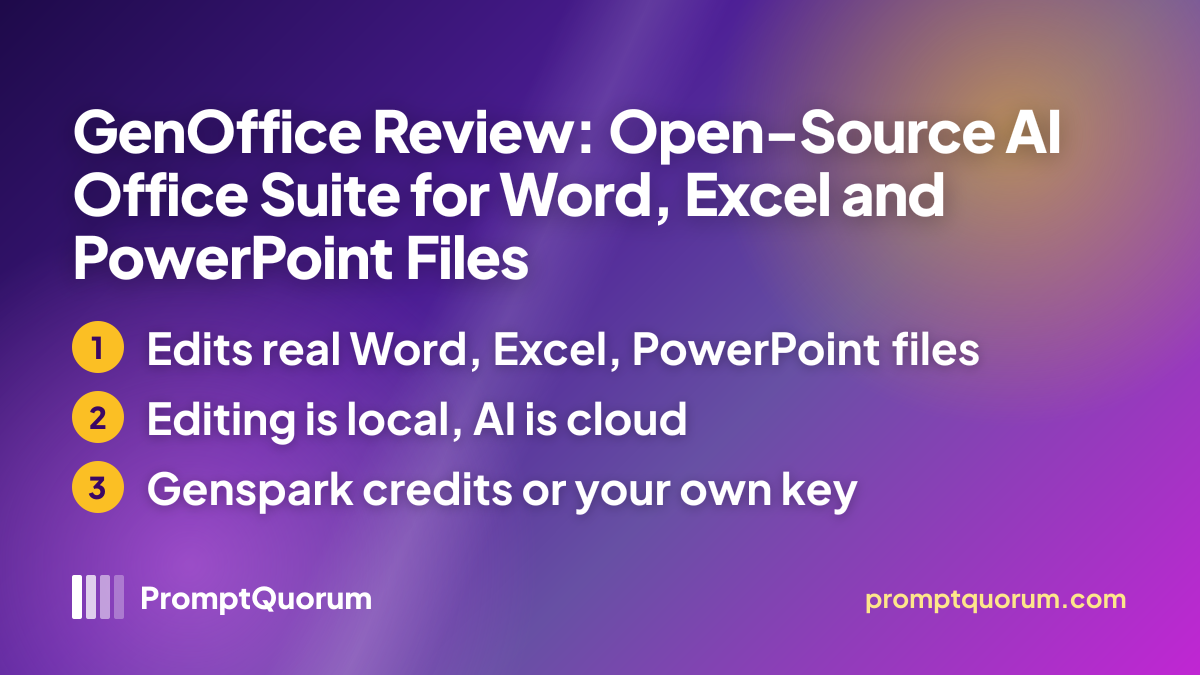
GenOffice is an Electron-based office suite with six editors (Docs, Sheets, Slides, PDF, HTML and Markdown) that saves back into the real file formats.
The project is published by Genspark under the genspark-ai GitHub organization. The latest release is version 0.13.615, published on 19 November 2026, and the last push to the repository was the same day, so development is ongoing and no stale-project warning applies. Earlier releases came on 12, 4 and 2 November and on 30 October 2026, which shows a fast release pace.
Per the README, edits to a .docx are applied as narrow patches so the parts you did not touch survive byte for byte, and AI edits arrive as tracked changes or diffs with one-click rollback. The maker also says the app can search your folders from a local index, answer questions over starred files with citations, and ship a command line, an agent skill and an MCP server so coding agents such as Claude Code, Codex and Cursor can create and edit Office files.
These descriptions are maker statements. PromptQuorum has not run the app and has not measured how well it handles real Word, Excel or PowerPoint files.
How to Get It
You install GenOffice with a normal download from the official website or the GitHub releases page; no terminal is needed.
The v0.13.615 release lists a .dmg for Apple Silicon and one for Intel, Windows setup .exe files for x64 and Arm, an AppImage, a .deb and an .rpm. The README says the macOS and Windows installers are signed and that the Linux packages need x86_64 and glibc 2.34 or newer. The AppImage also needs the FUSE 2 runtime.
Platform | How to get it |
|---|---|
| macOS | .dmg for Apple Silicon or Intel, macOS 11+ |
| Windows | Setup .exe for x64 (Windows 10+) or Arm (Windows 11) |
| Linux | .deb, .rpm or AppImage, x86_64 |
| Website | Official site, FAQ and downloads |
| Privacy notice | Maker's notice, last updated November 12, 2026 |
| GitHub | Source code and release downloads |
The maker states no RAM or GPU figures. The AI runs at the provider unless you connect your own server.
Features
GenOffice combines document editors with an AI agent, local file search and automation hooks. All items below are maker claims from the website and README.
- Docs, Sheets and Slides open and save real .docx, .xlsx and .pptx files; Sheets keeps live formulas and charts.
- PDF editing in place, and PDF to Word, Excel or PowerPoint conversion that the maker says runs on the device, with system OCR for scans on macOS and Windows.
- Markdown and HTML editors with the same AI panel, and local export to Word.
- Home-screen search over your documents from a local index, and an Ask AI feature that answers from starred files with citations.
- An optional reranking step for search that sends excerpts to a model endpoint you choose; it is off by default.
- A genoffice command line, an agent skill and an MCP server (29 tools per the README) for coding agents.
- Legacy .doc, .xls and .ppt, OpenDocument and Hancom files open as converted OOXML copies; saving never writes the old format.
Local or Cloud: Where Your Data Goes
Document editing is local, but the AI is cloud-based unless you connect your own server. This is the most important point for readers who want local AI.
Per the README and FAQ, opening, editing, saving, converting PDFs and indexing files for search happen on your computer. The AI features need a network connection and use either a Genspark sign-in, which routes requests through the Genspark proxy to Claude, GPT and Gemini models, or your own API key for providers such as OpenAI, Anthropic, Google, DeepSeek and OpenRouter.
The README also lists a custom slot for any OpenAI-compatible endpoint "including local model servers". It does not name Ollama or LM Studio, and PromptQuorum has not tried a local model with GenOffice, so treat local use as possible but unverified.
PRIVACY.md says official packaged builds send limited Google Analytics 4 events by default, from the first launch, and that you can opt out in Settings. It lists events such as app launch and file type, and says analytics never include document content, file names or paths. Optional search reranking sends up to 20 excerpts of document text to the endpoint you select. PromptQuorum has not verified these statements.
Who Should Use It
GenOffice fits people who want an open-source Office alternative with AI and accept cloud AI calls.
- Users who work in .docx, .xlsx and .pptx and want an AI panel without a Microsoft 365 subscription.
- Developers who want their coding agent to create or edit Office files through a command line or MCP.
- Teams who can connect their own OpenAI-compatible server and want to test it with an Office editor.
Limits and What We Could Not Verify
GenOffice has stated limits, and several details remain unverified.
- Not a fit: anyone who needs AI to run fully offline out of the box. The default AI paths are cloud-based and the README does not describe a bundled model.
- Stated limit: the maker's FAQ says complex formatting can vary and recommends checking important files before sharing them.
- Stated limit: legacy and OpenDocument files are imports only, converted one way into OOXML, and can lose features the old format had.
- Unverified: how well the AI edits documents, and how faithfully Word, Excel and PowerPoint files round-trip. PromptQuorum has not tested either.
- Unverified: Genspark credit prices and limits. No price for the credits was read.
- Unverified: the Genspark privacy policy, which returned an access error when PromptQuorum tried to open it. PromptQuorum found no privacy page on the genoffice.ai site.
- Not checked: independent reviews and user reports. The project is young, with the repository created on 31 July 2026.
Competitors and Alternatives
No other desktop office suite has a PromptQuorum review yet. The tools below are the closest reviewed document-creation tools, and each covers only part of what GenOffice does.
Presenton
- Platforms:
- macOS, Linux, Docker, web
- Price / license:
- Free desktop / Apache 2.0
- Key difference:
- Generates slide decks only; supports Ollama and LM Studio
Articles about Presenton (1)
- Presenton Review: Open-Source AI Presentation GeneratorUpdated October 24, 2026
SoloMD
- Platforms:
- macOS, Windows, Linux, iOS, Android
- Price / license:
- Free / MIT
- Key difference:
- Markdown notes app with local-model detection; Word only via import and export
Articles about SoloMD (2)
- SoloMD Review: Free Markdown Notes App with AI Chat for Local Models and MCPUpdated November 18, 2026
- Local Knowledge & Retrieval Tools Compared (2026): RAG, Document Chat, Vector Databases, Notes and SearchUpdated November 20, 2026
Oleafly
- Platforms:
- macOS, Windows, Linux
- Price / license:
- Free / AGPL-3.0
- Key difference:
- LaTeX, Typst and Markdown papers with optional AI agents
Articles about Oleafly (1)
- Oleafly Review: Free Open-Source LaTeX and Typst Editor with AI AgentsUpdated November 18, 2026
Also mentioned in:
- Local Knowledge & Retrieval Tools Compared (2026): RAG, Document Chat, Vector Databases, Notes and SearchUpdated November 20, 2026
- Reactive Resume Review: Free Open-Source Resume BuilderUpdated November 18, 2026
FAQ
Is GenOffice free?
The apps are free, open-source and ad-free per the website and README FAQ. The AI features use Genspark credits or your own provider key, and your provider may charge usage fees.
Can GenOffice use a local model?
Possibly. The README says a custom OpenAI-compatible endpoint can be a local model server, but it names no Ollama or LM Studio setup, and PromptQuorum has not tested it.
Does it work offline?
Editing, saving and PDF conversion work without the AI per the FAQ. The AI features need a network connection unless your own server is reachable.
Can I turn the AI panel off?
Yes, according to the README: Settings has a switch to hide the AI sidebar, though an explicit AI action still opens it.
Can Claude Code or Cursor use it?
The README says yes, through the genoffice command line with an installable skill, or through the MCP server. Both run on your machine; only search and media calls go to the configured provider.
Verdict
GenOffice is worth a look if you want an open-source Office alternative with built-in AI and can accept cloud AI calls.
On paper it covers a lot: real Word, Excel and PowerPoint formats, PDF editing, signed installers on three systems, a command line and MCP for agents, and active development with a release on 19 November 2026.
The trade-offs are clear from the maker's own pages: the AI is cloud-based by default, local models are an untested custom-endpoint option, official builds send usage statistics unless you opt out, and the project is only a few months old. PromptQuorum has not tested the app, so try it on copies of your files first.
Sources
- GenOffice website — maker's description, FAQ and download buttons, checked 20 November 2026.
- GenOffice GitHub repository — README, license and enterprise folder notice, checked 20 November 2026.
- GenOffice privacy notice — analytics and search reranking, last updated November 12, 2026, checked 20 November 2026.
- Release v0.13.615 — latest version, date and installer files, checked 20 November 2026.
- Genspark terms — linked from the genoffice.ai footer; company name and governing law, checked 20 November 2026.