What Is Orca?
The repository describes Orca as a way to run "a fleet of coding agents" with your own subscription, and the website calls it "the agent development environment."
- Core idea: an IDE built around agents rather than around an editor. Agents run in chat or terminal panes, each in an isolated worktree, next to diffs, a browser, and task lists
- Company: Stably AI, which the privacy policy says operates as Lovecast Inc. with a San Francisco, California business address; the website says "Backed by Y Combinator"
- Agents: the website names 27 agents, including Claude Code, Codex, Grok, Gemini, Cursor, GitHub Copilot, OpenCode, Goose, and Qwen Code, and says any other agent CLI works
- What it is not: Orca ships no model and hosts no agents of its own, so agent subscriptions and API keys are a separate cost
How Orca Works: Worktrees, Orchestration, and Remote Runtimes
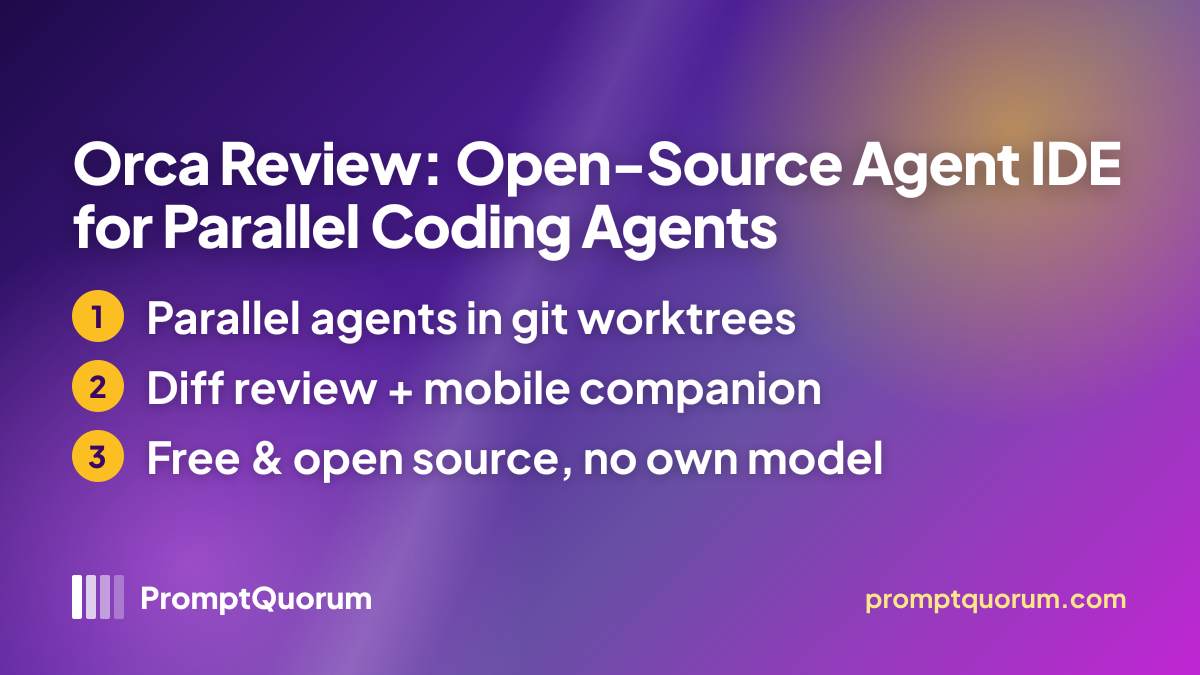
- Worktrees, chat or terminal — each task runs in its own git worktree, an agent can be used as a chat UI or a raw CLI without losing context, and agents, terminals, browsers, and diffs can sit side by side in split panes
- Orchestration — a coordinator agent can split a large task and start worker agents in their own workspaces; the Orca CLI also lets agents create worktrees, drive the browser and desktop apps, and schedule automations
- Review and Git — review diffs, comment on specific changed lines, draft commit messages and pull requests, and send failing checks or review comments back to an agent
- Browser and Design Mode — click an element in Orca's embedded Chromium browser to pass its HTML, CSS, and a cropped screenshot to an agent chat; a mobile emulator and previews for images, PDFs, and Markdown are included
- Run anywhere — pair a Remote Orca Server, work over SSH, or give a worktree its own cloud VM; the iOS and Android apps send notifications, show agent progress, and accept chat replies
- Integrations and extras — GitHub and Linear tasks can start a workspace, community plugins (themes, editors, languages, panels) install from a catalog, and voice dictation and usage tracking are listed; the README calls its changelog the authoritative feature list
Get Orca
Orca installs from a downloaded installer or package on every desktop OS and from the app stores on iOS and Android, per the GitHub release assets and the official site, checked 2026-11-19.
Platform | How to get it |
|---|---|
| macOS (Apple silicon or Intel) | DMG from GitHub Releases |
| Windows | EXE installer from GitHub Releases |
| Linux | AppImage, DEB, or RPM from GitHub Releases; AUR: stably-orca-bin |
| macOS (Homebrew) | brew install --cask stablyai/orca/orca |
| iOS | Orca on the App Store |
| Android | Orca on Google Play or APK from GitHub Releases |
| Website | orca.dev |
| Privacy policy | orca.dev/privacy |
| Source code (GitHub) | github.com/stablyai/orca |
The current version is 1.4.264, published November 19, 2026, per github.com/stablyai/orca/releases, checked 2026-11-19. The project's last update is therefore the day of this check, so no stale-project warning applies.
Privacy and Data Handling
Orca's privacy policy separates local work from account, relay, and telemetry data, and agent traffic goes to whichever model provider you configure.
- The policy says much of the software runs locally and that local projects are not uploaded as product telemetry
- Telemetry is optional and can be turned off in Settings; the policy says it is designed to exclude project contents, prompts, agent responses, terminal output, and free-form local paths, and usage events go to PostHog Cloud's US service
- Coding agents send the context needed for your requested inference to the providers and accounts you configure, so those providers' terms apply; the policy says Orca does not use customer code or prompts to train its own models
- Mobile and remote connections pass through relay infrastructure run for Orca on Cloudflare Workers and Durable Objects, which the policy says uses US and Hong Kong regions and may store pairing and session identifiers and connection state; push notifications use Apple or Firebase services
- Account and sign-in records (identity and organization information, machine identifiers, possibly IP addresses) are processed, and the policy says turning telemetry off does not affect account, security, or feature processing
Orca License and Pricing
Orca is free and open source; the costs found are the agent subscriptions or API keys you connect.
- License: MIT, per the GitHub license field; the website says "Free and open source"
- No paid Orca tier was found on the website or in the README
- Agent costs: Claude Code, Codex, and other agents bill under their own subscriptions or API keys, and Orca does not meter that usage
- The sources checked do not say who provides or bills for the cloud VM option
Who Should Use Orca?
Orca fits people who already use cloud coding agents and want to run several at once without managing worktrees by hand.
Use Orca if
- You already pay for Claude Code, Codex, or another CLI agent and want several running in parallel on one repository
- You review agent output line by line and want diffs, comments, CI results, and pull requests in the same window as the agents
- You want agents to keep running on a remote machine or cloud VM and check on them from your phone
- You want a free, MIT-licensed tool whose source you can read and modify
Wait, or look elsewhere, if
- You want models to run on your own hardware by default: Orca runs no model, and local-model support depends on the agent you connect; see OpenCode or Goose for agents with documented local-model paths
- You need a long track record: the repository was created in March 2026 and ships new releases almost daily, so behavior changes fast
- You need all traffic to stay off third-party infrastructure: mobile and remote connections use a relay run for Orca
- You need a verified result: this review did not test the app, so try it on a throwaway repository first
Orca vs. Other Agent Tools
Orca is a workspace that runs agents rather than an agent itself. Here is how it compares to others in the same general agent-workbench segment; see the Local AI Directory for the full catalog.
- MyAgents — a free AGPL-3.0 desktop workbench for macOS and Windows that schedules recurring agent tasks, connects agents to Feishu, DingTalk, and Telegram, and links your own computers; Orca instead centers on git worktrees, line-level diff review, and iOS and Android apps, and also runs on Linux. See the MyAgents review.
- Goose — an open-source, Linux Foundation-governed AI agent with a documented local-model path; Goose is one of the agents Orca lists, so you could run it inside an Orca worktree rather than choose between them. See the Goose review.
- OpenCode — a terminal-first open-source coding agent supporting 75+ model providers, including local models; it is also on Orca's agent list, so the two are complementary rather than rivals. See the OpenCode review.
Frequently Asked Questions
Does Orca run AI models locally?
No. Orca launches the CLI coding agents you install and sign in to, and where the model runs depends on that agent. The sources checked describe no built-in model and no local-inference mode.
Which agents does Orca work with?
The website lists 27 named agents, including Claude Code, Codex, Grok, Gemini, Cursor, GitHub Copilot, OpenCode, Amp, Goose, Cline, and Qwen Code, and says any other agent CLI works. You supply each agent's subscription or key.
How do I install Orca with Homebrew?
Use brew install --cask stablyai/orca/orca. The README warns that the bare name orca points to an unrelated Plotly cask and that the release-candidate cask orca@rc conflicts with the stable one.
Are the Windows builds code-signed?
The README says Windows code signing is provided through SignPath.io, with the certificate issued by the SignPath Foundation.
How often is Orca updated?
The releases page shows four stable releases between November 16 and November 19, 2026 (v1.4.261 to v1.4.264), and the repository was created on March 17, 2026.