What Is Pooled?
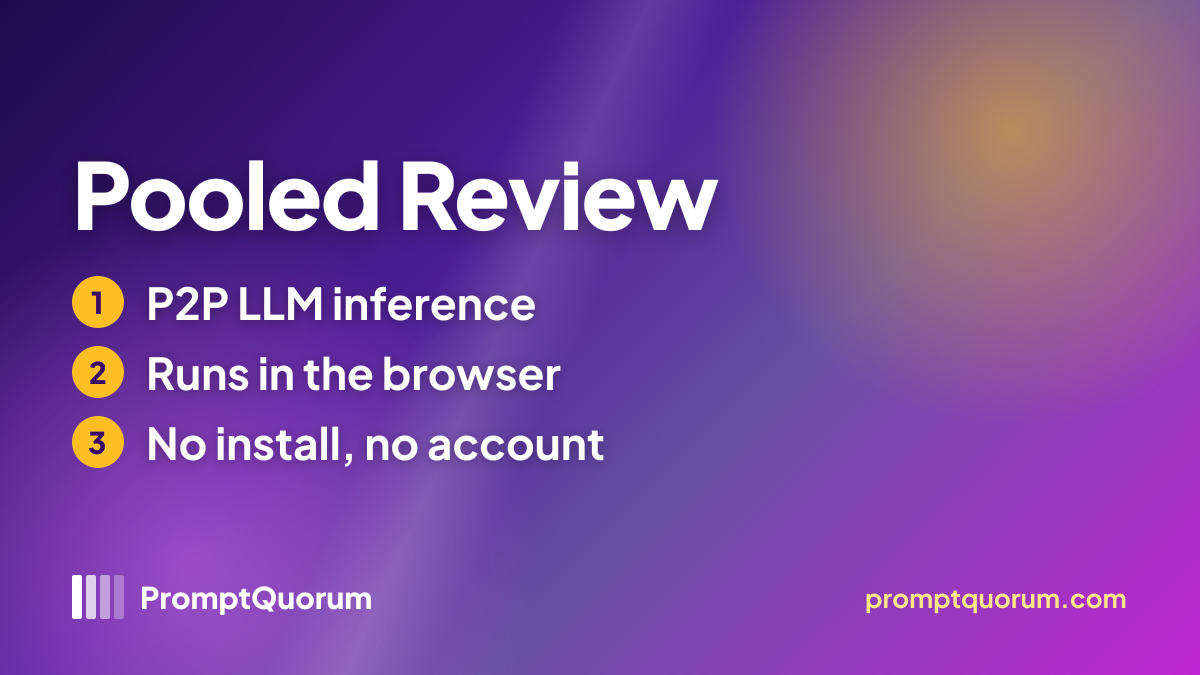
Pooled's own homepage describes it in four words: "Peer-to-peer LLM inference in the browser." Instead of running on one computer or in a data center, the model's computation is spread across whichever devices join the same "room" — each device runs its assigned layers in its own browser tab, using WebGPU for the computation and WebRTC to exchange data with the other devices.
- Core idea: combine the memory of several ordinary devices so a group can run an open model too large for any one of them alone, per the GitHub README
- A room is created by one device, which gets a shareable code; other devices join with that code, an invite link, or a QR code
- Each device downloads and caches only the layers assigned to it, not the full model
- Maturity: the repository has roughly 0+ GitHub stars and 3 tagged releases (v0.2.0, v1.0.0, v2.0.0) as of this check
- What it is not: Pooled runs no server-side inference of its own — per the README, "no server does any of the thinking." A lightweight signaling server only helps devices find each other; it never sees message content
How a Pooled Room Works
Per pooled.run/docs and the GitHub README, using Pooled has three steps and two modes.
- Start or join — one device opens pooled.run/room, starts a room, and gets a code; other devices (laptops, desktops, phones) join with that code, a link, or a QR code
- Pick a model and start it — someone in the room chooses an open model and presses "Start the model"; each device then downloads only its assigned layers
- Chat mode — the room works as a shared conversation; by default everyone in the room sees the questions and answers
- Code mode — the pooled model acts as a coding agent that writes, serves, and fixes a small app in a sandboxed preview (for example, on port 5173), rather than only answering in text
- Terminal / CLI (preview feature) — the optional
@pooled/clipackage (Node.js 22+, no GPU required to run it) canjoin <ROOM CODE>to lend a headless device's GPU to a room, orserve "<invite link or code>"to expose a local OpenAI-/Anthropic-compatible API bridge on127.0.0.1:8080, optionally gated by aPOOLED_TOKEN - Room visibility controls — the host can set who sees chat text to "Everyone," "Only me," or "Whoever asked" in Room settings, though this only changes which screens display the text (see Privacy below)
Get Pooled
Pooled needs no installation. Open pooled.run/room in a WebGPU-capable browser to start or join a room — the homepage and docs both say plainly: "Nothing to install and no account."
Option | How to get it |
|---|---|
| Use it in the browser (the normal path) | Open pooled.run/room, start a room or join one with a code, link, or QR code |
| Command line (preview, headless devices) | npx @pooled/cli join <code> — Node.js 22+, see docs |
| Website | pooled.run |
| Privacy policy | pooled.run/docs/privacy |
| Source code (GitHub) | github.com/Nehanth/pooled |
The current version is 2.0.0, per github.com/Nehanth/pooled/releases, checked 2026-11-18. No installer, package, or app-store download exists or is needed — the browser tab is the whole app.
Privacy: What a Room Can and Cannot Hide
Per pooled.run/docs/privacy, checked 2026-11-18, a Pooled room is a shared conversation on purpose — everyone who joins is meant to see what is being asked, unless the host limits that.
- The room host sees every question and answer by default
- Other participants see them too, unless the host sets visibility to "Only me" or "Whoever asked" in Room settings — but this setting only changes which screens display the text
- Devices running model layers handle a "hidden form" of each message (the intermediate activations the model computes) — the privacy page states this form is not plain text, but is explicitly "not private against a determined peer," so it is not a privacy guarantee
- The signaling server that helps devices find each other learns only that they want to connect and their network addresses, never message content
- pooled.run itself receives nothing from a room, since the site is static files with no backend storing conversations
- Cached model weights and conversation checkpoints stay on each device and can be cleared or disabled in Room settings (checkpoints can also be turned off with a
?ckptdisk=0URL parameter)
Pooled License and Pricing
Pooled is free and open source, with no paid tier of any kind found on the site.
- License: MIT, per the GitHub repository
- Pricing: no pricing page exists — pooled.run/pricing returns an HTTP 404, checked 2026-11-18 — and no part of the product requires payment or an account
- No company name, registered address, or headquarters is stated anywhere this review checked — only the GitHub project (maintained by the account "Nehanth") and the pooled.run site, with no separate "About" or company page
Who Should Use Pooled?
Whether Pooled fits depends mainly on whether a shared-visibility room is an acceptable trade-off for free, no-install access to a larger model than any one of your devices can run.
Use Pooled if
- You have two or more devices and want to run a model too large for any one of them alone, right now, with no install and no account
- You are comfortable with a room host and, by default, other participants seeing the conversation
- You want a free, MIT-licensed tool with no pricing tier to evaluate
- You want a quick way to let a coding agent write and preview a small app without setting up a local inference server
Wait, or look elsewhere, if
- You need a guarantee that no other device or person can see or reconstruct your prompts — Pooled's own privacy page says this cannot be guaranteed against a determined peer
- You only have one device and no one to pool with
- You need a stated company, support contact, or jurisdiction behind the product — none is published
- You want a persistent, headless multi-node cluster rather than an ad hoc browser room — see Pooled vs. Other Distributed Inference Tools below
Pooled vs. Other Distributed Inference Tools
Pooled is one of several tools that run a model across more than one device instead of a single machine. Here is how it compares to others in the same distributed-inference space — see the Local AI Directory for the full catalog.
- exo — an open-source (Apache-2.0), CLI-based distributed inference engine that pools everyday devices (including heterogeneous CPU/GPU hardware) to run large models, with an OpenAI-compatible API server; unlike Pooled, exo is installed and run as a standalone process rather than a browser tab. See the exo review.
- GPUStack — an open-source cluster manager for running and serving LLMs across a pool of GPUs you already own, aimed at teams standing up a persistent shared inference cluster rather than an ad hoc one-off room. See the GPUStack review.
- Dynamo — NVIDIA's open-source distributed inference framework for disaggregating and scaling large-model serving across GPU clusters, built for data-center-scale deployments rather than a handful of personal devices. See the Dynamo review.
Frequently Asked Questions
Does Pooled require a GPU on every device?
The browser side needs a WebGPU-capable device to run model layers, but the optional @pooled/cli join command can lend a device's GPU to a room without a GPU being required just to run the CLI itself; a device with no GPU at all cannot run layers.
Can other people in a room read what I type to the model?
By default, yes — a Pooled room is a shared conversation. The host can restrict visibility to "Only me" or "Whoever asked," but the privacy page is explicit that devices holding model layers can still partially reconstruct message content, so full privacy is not guaranteed.
Do I need to create an account to use Pooled?
No. Per the homepage and docs, there is nothing to install and no account needed to start or join a room.
Does Pooled have a paid tier?
No pricing page exists on pooled.run as of this review (checked 2026-11-18, returns HTTP 404), and no part of the product requires payment.