Best Copilot+ PC for Local LLMs in 2026: NPU vs GPU
Don't buy a Copilot+ PC just because it has a powerful NPU. For local LLMs, prioritize RAM, GPU performance, and memory bandwidth first — the NPU is valuable for Windows AI features like Recall and Live Captions, but Ollama, llama.cpp, and LM Studio still run on the CPU or GPU, not the NPU,. The best Copilot+ PC for local LLMs depends on what you actually need: an AMD Ryzen AI machine for the best all-round integrated setup, an NVIDIA RTX laptop if local-LLM performance is the real priority, or a Snapdragon X2 Elite machine if battery life matters most.
This page contains links to third-party products for reference. PromptQuorum is not enrolled in any affiliate program — these are plain links that earn no commission. Clicking links and your next steps are entirely your own responsibility. These links do not represent any endorsement or verification by PromptQuorum.
Quick Answer
There isn't one best Copilot+ PC — there's a best pick per priority. An AMD Ryzen AI laptop (400-series, 60 TOPS NPU + capable integrated GPU) is the best all-round integrated option. An NVIDIA RTX laptop is the best choice if local-LLM performance itself is the priority, since Ollama and llama.cpp accelerate on GPU via CUDA, not the NPU. A Snapdragon X2 Elite laptop is the best pick for battery life and portability, with an ARM software-compatibility caveat to check first.
- ▸The NPU TOPS number (Snapdragon X2 Elite: 80 TOPS, AMD Ryzen AI 400: 60 TOPS, Intel Panther Lake: 50 TOPS) does not predict local-LLM chat speed — Ollama, llama.cpp, and LM Studio still run on CPU or GPU.
- ▸For local LLMs, the buying priority is VRAM/GPU and RAM first, NPU last — a laptop with a weaker NPU and more RAM will usually run larger models better than the reverse.
- ▸Microsoft's Windows AI Foundry and an emerging WSL3 GPU/NPU passthrough path are starting to open NPU access to tools like Ollama, but this is early and opt-in, not the default experience.
Key Takeaways
- ✓Don't buy a Copilot+ PC for NPU TOPS alone — for local LLMs, RAM and GPU performance matter far more
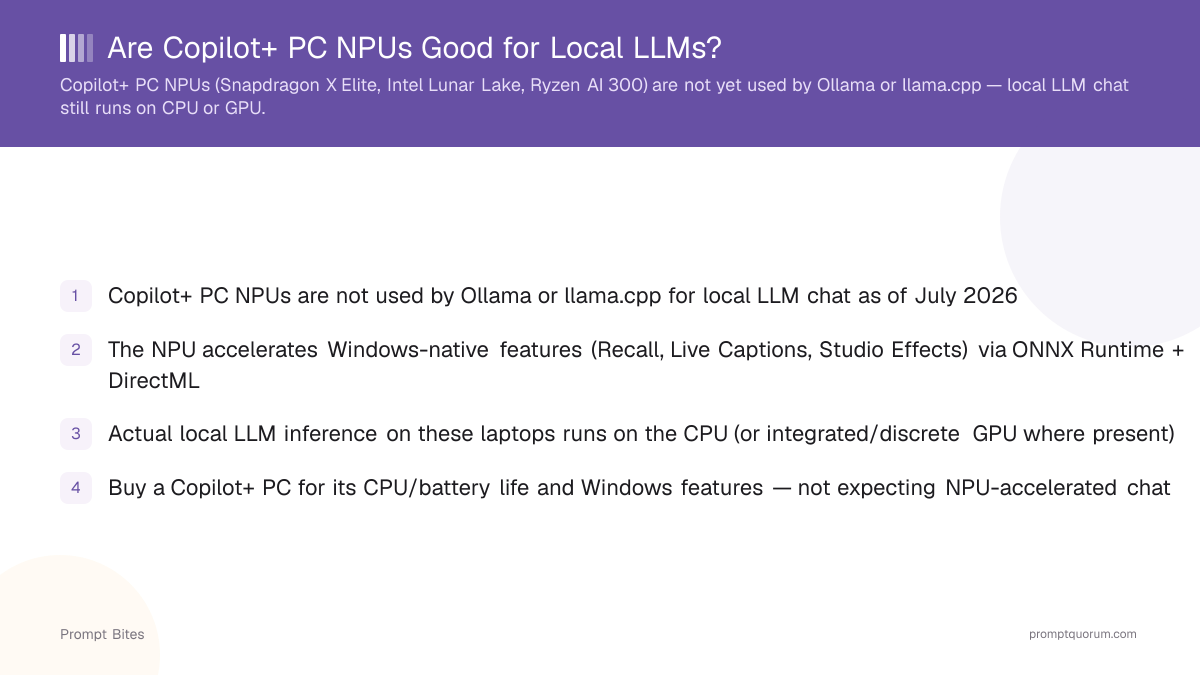
- ✓Ollama, llama.cpp, and LM Studio still run on CPU or GPU — none has a mainstream NPU backend
- ✓Best all-round integrated pick: AMD Ryzen AI 400-series (60 TOPS NPU + capable RDNA 3.5 GPU)
- ✓Best for actual local-LLM performance: a Copilot+ PC with a discrete NVIDIA RTX GPU
- ✓Best battery life: Snapdragon X2 Elite (80 TOPS NPU) — check ARM software compatibility first
Quick Answer
Don't buy a Copilot+ PC just because it has a powerful NPU. For local LLMs, prioritize RAM, GPU performance, and memory bandwidth first. The NPU is valuable for Windows AI features, but it is not the main accelerator for Ollama.
- ▸🥇 Best overall: AMD Ryzen AI PC — best combination of CPU + integrated GPU + NPU for a Windows AI laptop
- ▸🚀 Best for local LLM performance: Copilot+ PC with a discrete NVIDIA GPU
- ▸🔋 Best battery life: Snapdragon X2 Elite Copilot+ PC
- ▸🧠 Most important specification: RAM / GPU, not NPU TOPS
The Big Local-AI Mistake: NPU TOPS ≠ LLM Speed
A Copilot+ PC can have a powerful NPU and still be a mediocre local-LLM machine, because your local LLM is almost certainly running on the CPU or GPU, not the NPU. Microsoft's Copilot+ architecture uses the NPU for supported on-device AI experiences — Recall, Live Captions translation, Studio Effects, and Microsoft's own on-device models like Aion — built through ONNX Runtime and DirectML. That does not mean every local LLM application automatically runs on the NPU.
Ollama, llama.cpp, and LM Studio still don't route chat inference to the NPU. Using the NPU requires a model hand-converted to ONNX and compiled for the vendor's own execution provider (Qualcomm's QNN, Intel's OpenVINO) — a specialist, opt-in pipeline, not something that happens automatically when you `ollama run` a model. Microsoft's Windows AI Foundry (which folds in Foundry Local and catalogs including Ollama) and an early WSL3 GPU/NPU passthrough path, both introduced around Build 2026, are starting to change this — but they're early and require deliberate setup, not the default experience today.
For Ollama specifically: NPU TOPS does not equal LLM performance. A laptop advertising 80 TOPS is not necessarily faster at running your 14B model than one advertising 50 TOPS — the TOPS number describes a specific type of AI compute capability, not a universal local-LLM benchmark.
Best Integrated-GPU Choice: AMD Ryzen AI
For a Windows laptop without a discrete GPU, AMD's Ryzen AI systems are the strongest current pick. The Ryzen AI 400 series ("Gorgon Point"), AMD's current generation, pairs Zen 5 CPU cores with a 60 TOPS XDNA 2 NPU and RDNA 3.5 integrated graphics — the prior Ryzen AI 300 series (50-55 TOPS) is still widely sold and often discounted, and remains a reasonable choice if the price gap is meaningful.
The reason to consider these machines for local AI isn't the NPU — it's the combination: a strong CPU, a genuinely capable integrated Radeon GPU that llama.cpp can target via Vulkan, full Windows compatibility, and good power efficiency. Look for 32 GB RAM, a 1 TB SSD, and decent cooling — the RAM and GPU capability matter far more than which Ryzen AI generation you land on.
Best for Local LLM Performance: NVIDIA
If local-LLM performance is the actual priority, don't get distracted by the NPU — buy a laptop with an NVIDIA RTX GPU and 32 GB+ RAM. That gives you the CUDA ecosystem and dedicated VRAM, which is a much more important distinction than NPU TOPS for anyone running Ollama, LM Studio, llama.cpp, Stable Diffusion, local coding models, or larger quantized LLMs.
A Copilot+ PC with a discrete NVIDIA GPU still qualifies for Copilot+ certification and gets the NPU-powered Windows features — you're not giving those up, you're just not relying on the NPU for the LLM workload itself.
Snapdragon X2 Elite: Best for Efficiency
Snapdragon X2 Elite Copilot+ PCs are attractive if your priority is battery life, portability, and Windows AI features. Qualcomm's current-generation platform ships an 80 TOPS Hexagon NPU (up from 45 TOPS on the original X Elite) specifically designed for on-device AI, and Copilot+ PCs expose NPU-accelerated experiences through Windows APIs.
There is an important local-LLM caveat: ARM software compatibility. Snapdragon's ARM cores run local LLMs on the CPU reasonably well — comparable to a mid-range x86 CPU for 3B-8B models at Q4 — but if your workflow depends on a specific x86 application, a CUDA package, or an AI library without ARM support, check compatibility before buying.
How Much RAM Do You Need?
For local AI, this matters enormously — don't spend extra on a higher-TOPS NPU while buying a machine with only 16 GB RAM. Memory capacity is usually a much more important buying decision than NPU tier.
| RAM | Verdict |
|---|---|
| 16 GB | 🟡 Basic — workable for small models only |
| 32 GB | 🏆 Recommended for local AI |
| 64 GB+ | 🚀 Much better for larger models |
What Can You Run?
| Model size | Verdict |
|---|---|
| 7B-8B | 🟢 Excellent |
| 12B-14B | 🟢 Good with sufficient memory |
| 20B-30B | 🟡 Hardware dependent |
| 70B | 🔴 Not what a typical Copilot+ laptop is designed for |
Don't Pay for NPU Marketing
For buying a local-AI laptop, use this priority order — from most to least important for local-LLM performance:
| Your priority | Best choice |
|---|---|
| Local LLM performance | 🏆 NVIDIA GPU |
| Integrated graphics | AMD Ryzen AI |
| Battery life | Snapdragon X2 Elite |
| Windows AI features | Any current Copilot+ PC |
| Ollama | NVIDIA / AMD GPU |
| Larger models | More RAM / VRAM |
- ▸1. VRAM (if a discrete GPU is present)
- ▸2. RAM
- ▸3. GPU (integrated or discrete)
- ▸4. Memory bandwidth
- ▸5. CPU
- ▸6. NPU
Related Reading
- ▸Best Local LLM for a 16 GB RAM Laptop — model picks for CPU-bound laptops
- ▸Best Budget AI Laptop Under $1,000 — CPU-only inference expectations
- ▸Best Windows Laptop for Local LLMs Under $1,500 — the full laptop buying comparison
- ▸The AI PC / NPU Normalization Trend — where NPU-accelerated local AI is actually headed