Best Windows Laptop for Local LLMs Under $1,500 in 2026?
For local AI under $1,500, don't buy the fastest laptop — buy the one with the most usable VRAM. Look for an NVIDIA RTX 5060 or RTX 5070 laptop with the highest available VRAM and at least 32 GB of system RAM. The RTX 5060 (8 GB VRAM) is the safer value choice; the RTX 5070 is worth buying instead when you find one — ideally the newer 12 GB VRAM configuration — at a similar price.
This page contains links to third-party products for reference. PromptQuorum is not enrolled in any affiliate program — these are plain links that earn no commission. Clicking links and your next steps are entirely your own responsibility. These links do not represent any endorsement or verification by PromptQuorum.
Quick Answer
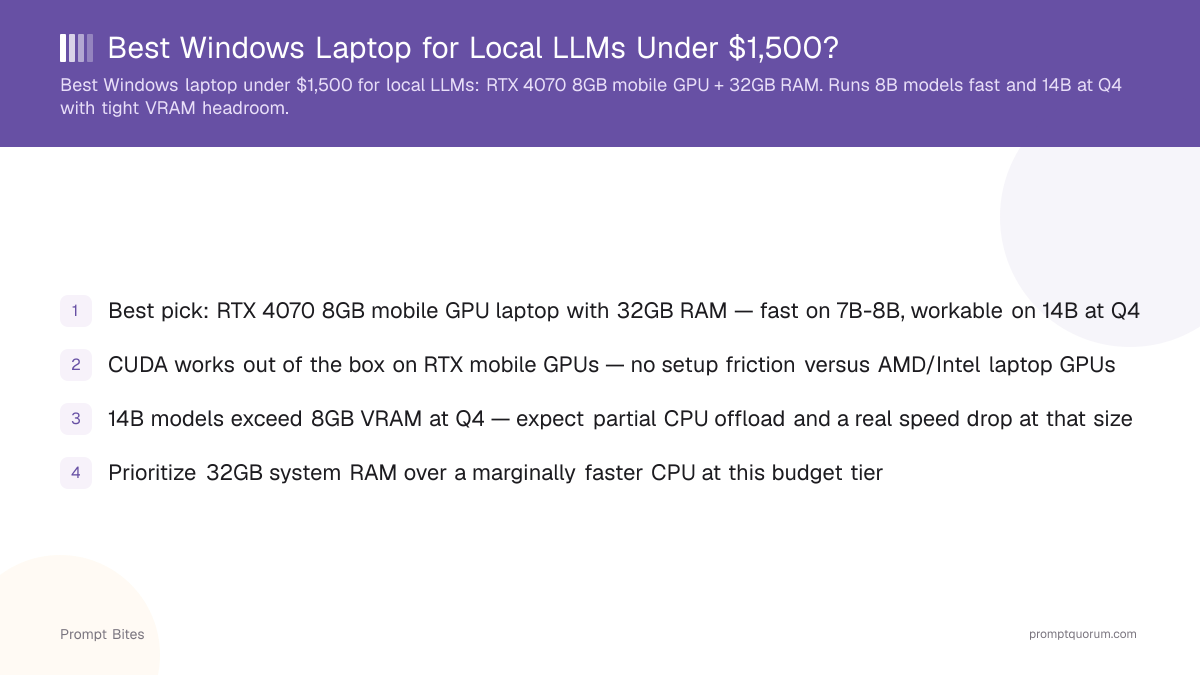
For local AI under $1,500, VRAM is the specification that decides which models actually fit — GPU speed is secondary. An RTX 5060 laptop (8 GB VRAM) with 32 GB system RAM is the safe value pick; an RTX 5070 laptop, especially the newer 12 GB VRAM configuration, is the better buy if you find one near the same price.
- ▸VRAM determines which model sizes fit at all; GPU speed only determines how fast a model that fits will run.
- ▸RTX 5060 mobile ships with 8 GB VRAM. RTX 5070 mobile ships in both 8 GB and a newer 12 GB configuration — check which one a specific listing has before buying.
- ▸Prioritize 32 GB system RAM over a slightly faster CPU or a better screen at this budget — RAM headroom matters more for local AI than either.
Key Takeaways
- ✓VRAM is the specification that matters most for local LLMs — it decides which model sizes fit at all, not just how fast they run
- ✓Best value: an RTX 5060 laptop (8 GB VRAM) with 32 GB system RAM
- ✓Best deal: an RTX 5070 laptop, especially a 12 GB VRAM configuration, if you find one near the same price as an RTX 5060
- ✓Don't buy an 8 GB configuration if you plan to run 14B+ models regularly — check the specific VRAM number on the listing, not just the GPU name
Quick Answer
For local AI under $1,500, an NVIDIA RTX 5060 or RTX 5070 laptop with the highest available VRAM and at least 32 GB system RAM is the target. The RTX 5060 is the safer value choice; buy an RTX 5070 instead when you find one at a similar price — ideally the newer 12 GB VRAM configuration rather than the original 8 GB one.
- ▸🏆 Best value: RTX 5060 laptop, 32 GB RAM — the dependable entry point for local AI
- ▸🚀 Best deal: RTX 5070 laptop, ideally the 12 GB VRAM configuration, if priced near the RTX 5060
- ▸💰 Budget: RTX 5060 laptop, 16 GB RAM — the cheapest sensible option; upgrade the RAM later if the laptop allows it
RTX 5060 vs RTX 5070: Which VRAM to Buy
The RTX 5060 mobile ships with 8 GB of VRAM. The RTX 5070 mobile ships in two different configurations — an original 8 GB version and a newer 12 GB version — with identical core specs otherwise. Memory is the only difference, but for local LLMs it is the difference that matters most: 12 GB comfortably fits 14B models with room to spare, where 8 GB does not.
Don't buy the RTX 5070 just because the model number is higher — check which VRAM configuration a specific listing actually has. An RTX 5070 with 8 GB VRAM has the same model-size ceiling as an RTX 5060; the only thing you gain is raw speed on models that already fit. The 12 GB RTX 5070 is the one worth paying extra for.
If an RTX 5060 with 32 GB RAM costs meaningfully less than any RTX 5070 configuration, it is a reasonable choice — you keep a workable VRAM ceiling and only give up raw speed, not capability. A poorly configured RTX 5070 (weak cooling, low power limit, 16 GB RAM) can end up a worse local-AI machine than a well-configured RTX 5060.
How Much RAM Do You Need?
Don't spend an extra $200 on a better screen or a slightly faster CPU if that money could buy 32 GB of RAM instead. System RAM headroom matters more for local AI than most of the specs gaming-laptop marketing pages emphasize.
| RAM | Verdict | Notes |
|---|---|---|
| 16 GB | 🟡 Minimum | Workable for smaller models, but you'll outgrow it quickly |
| 32 GB | 🏆 Recommended | The right default for local AI development |
| 64 GB | 🚀 Excellent | Worth it if the laptop supports a RAM upgrade later |
What Models Can You Actually Run?
Think in terms of VRAM, not marketing names. Model size determines whether it fits comfortably, fits with compromises, or does not realistically fit on this class of laptop at all.
| Model size | Verdict |
|---|---|
| 7B-8B | 🟢 Excellent target for either GPU |
| 12B-14B | 🟢 Very practical, especially with 12 GB VRAM |
| 20B-30B | 🟡 Depends on quantization and CPU offloading |
| 70B | 🔴 Not a realistic reason to buy a sub-$1,500 gaming laptop |
Don't Buy on GPU Name Alone
Two laptops with the same GPU model can perform very differently for local AI. Check these before buying:
- ▸GPU power limit — a laptop GPU is constrained by the chassis' thermal and power design; the same GPU name can ship at very different wattages between models.
- ▸Cooling — local LLM inference can run continuously for minutes at a time, unlike a quick game benchmark; weak cooling throttles sustained performance.
- ▸RAM — 32 GB is the target; 16 GB is the floor.
- ▸1 TB NVMe SSD — a reasonable starting point for a model library beyond one or two downloads.
- ▸Upgradeability — a laptop with replaceable RAM and SSD slots extends the machine's useful life significantly more than a soldered configuration.
Why NVIDIA?
For local AI on Windows, NVIDIA remains the safer choice: CUDA support in Ollama, LM Studio, llama.cpp, and the PyTorch ecosystem is mature and well-documented, with a large community to troubleshoot against. AMD mobile GPUs rely on ROCm, which has meaningfully less mature Windows laptop support than desktop ROCm — workable if you enjoy troubleshooting, more friction if you just want to install local AI software and start using it.
Laptop vs. Desktop
If portability isn't actually a requirement, a desktop at the same budget generally gets you more GPU power, more VRAM options, better cooling, and easier upgrades — the laptop premium is largely the cost of portability. Buy the laptop specifically because you need local AI while traveling, studying, or working from different locations; buy a desktop if you don't.
Related Reading
- ▸Best Laptops for Running Local LLMs: Buying Guide 2026 — compares MacBooks, RTX laptops, and high-memory workstations in full
- ▸Best Budget AI Laptop Under $1,000 — the CPU-only tier below this one
- ▸Best Local LLM for a 16 GB RAM Laptop — model picks for lower-RAM machines
- ▸What Hardware Do You Need to Fine-Tune a 7B Model Locally? — a step up for fine-tuning work
- ▸Are Copilot+ PC NPUs Good for Local LLMs? — why the NPU doesn't help yet, and what actually runs local LLM chat on these laptops
- ▸Ollama on WSL2 vs Native Windows: Which Should You Pick? — GPU passthrough and performance tradeoffs if you run Ollama on this machine through WSL2
Frequently Asked Questions
Is 8 GB of mobile VRAM enough for local LLMs?▾
Should I prioritize GPU or RAM at this budget?▾
Do AMD mobile GPUs work as well for local LLMs?▾
Is this laptop tier good enough for fine-tuning?▾
How do I know if an RTX 5070 laptop has 8 GB or 12 GB VRAM?▾
Want the full breakdown?
Read the complete guide →