Ollama on WSL2 vs Native Windows: Which Should You Pick?
Native Windows Ollama is simpler to set up and has direct GPU access with no passthrough layer, so it is the right default for most users. WSL2 is worth the extra setup mainly when you need a Linux-only tool alongside Ollama in the same environment.
Quick Answer
Run Ollama natively on Windows unless you specifically need a Linux-only tool alongside it. Native Windows Ollama has direct GPU access with no passthrough layer, while WSL2 adds a GPU passthrough step and generally is not necessary for Ollama alone.
- ▸Native Windows Ollama has direct GPU access — no passthrough configuration needed.
- ▸WSL2 adds a GPU passthrough layer, useful mainly for Linux-only tooling alongside Ollama.
- ▸Most users get simpler setup and equal performance from the native Windows build.
Key Takeaways
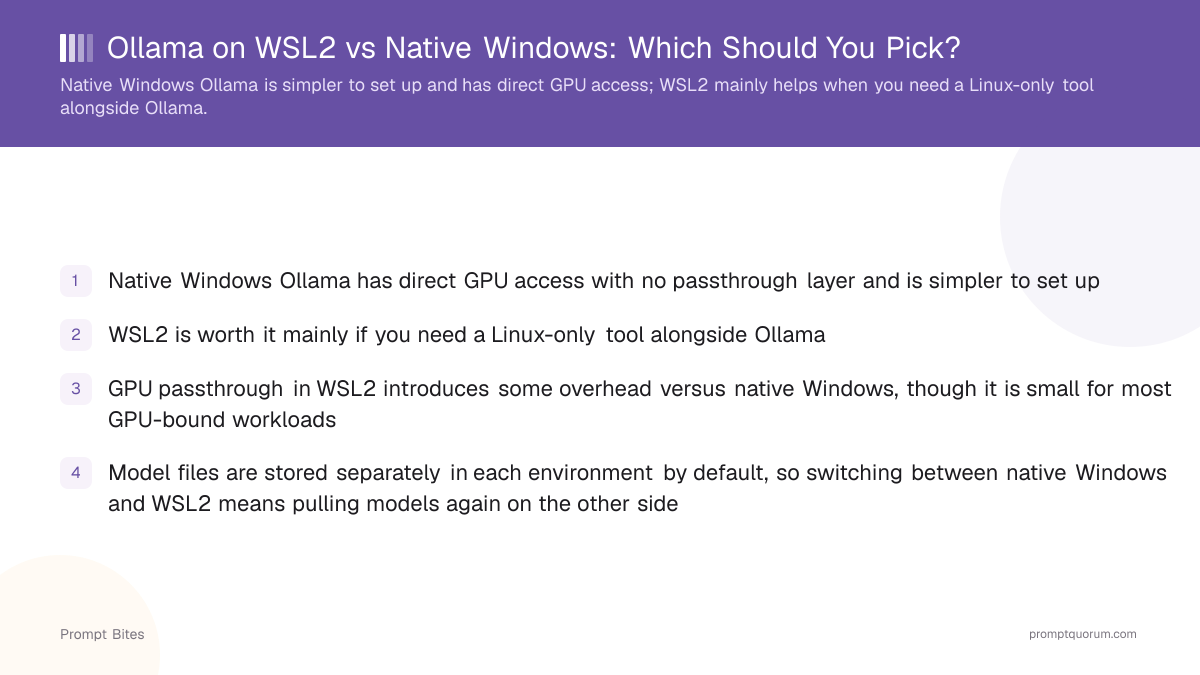
- ✓Native Windows Ollama has direct GPU access with no passthrough layer and is simpler to set up
- ✓WSL2 is worth it mainly if you need a Linux-only tool alongside Ollama
- ✓GPU passthrough in WSL2 introduces some overhead versus native Windows, though it is small for most GPU-bound workloads
- ✓Model files are stored separately in each environment by default, so switching between native Windows and WSL2 means pulling models again on the other side
Best Pick: Native Windows for Most Users
Native Windows Ollama is the right default because it installs directly, accesses the GPU without any passthrough configuration, and requires no separate Linux environment to maintain. Use native Windows if: you only need Ollama itself, you want the simplest possible setup, or you are not already comfortable managing a WSL2 environment.
Use WSL2 if: your workflow already depends on a Linux-only tool or driver stack that needs to run alongside Ollama in the same environment, or you are building a pipeline that assumes a Linux shell. If unsure, start with native Windows — it is faster to set up, and you can add WSL2 later if a specific need arises.
How to Set Up Each Option
Both paths end with the same Ollama command-line interface and the same model files — the difference is entirely in the setup and the GPU access path, not in daily usage once installed.
When to Use Each
Native Windows Ollama installs directly and accesses the GPU without any passthrough configuration, which makes it the simpler and generally recommended path. WSL2 introduces a GPU passthrough layer between the Linux environment and the Windows host, and becomes worthwhile mainly when a specific Linux-only tool or driver stack needs to run in the same environment as Ollama.
Avoid WSL2 purely for the sake of using a Linux shell if you have no other Linux-only dependency — the added passthrough layer and separate environment maintenance is not worth it for Ollama alone. Switch from WSL2 to native Windows if you find you no longer need the Linux-only tool that originally justified the setup.