What Is the Latest Ollama Version?
Quick Answer
Check ollama.com or the Ollama GitHub releases page for the current version. On Linux, run the install script to update. On Mac/Windows, download the latest installer.
- ▸Check: github.com/ollama/ollama/releases for the latest version
- ▸Linux update: curl -fsSL https://ollama.com/install.sh | sh
- ▸Mac/Windows: re-download installer from ollama.com
Key Takeaways
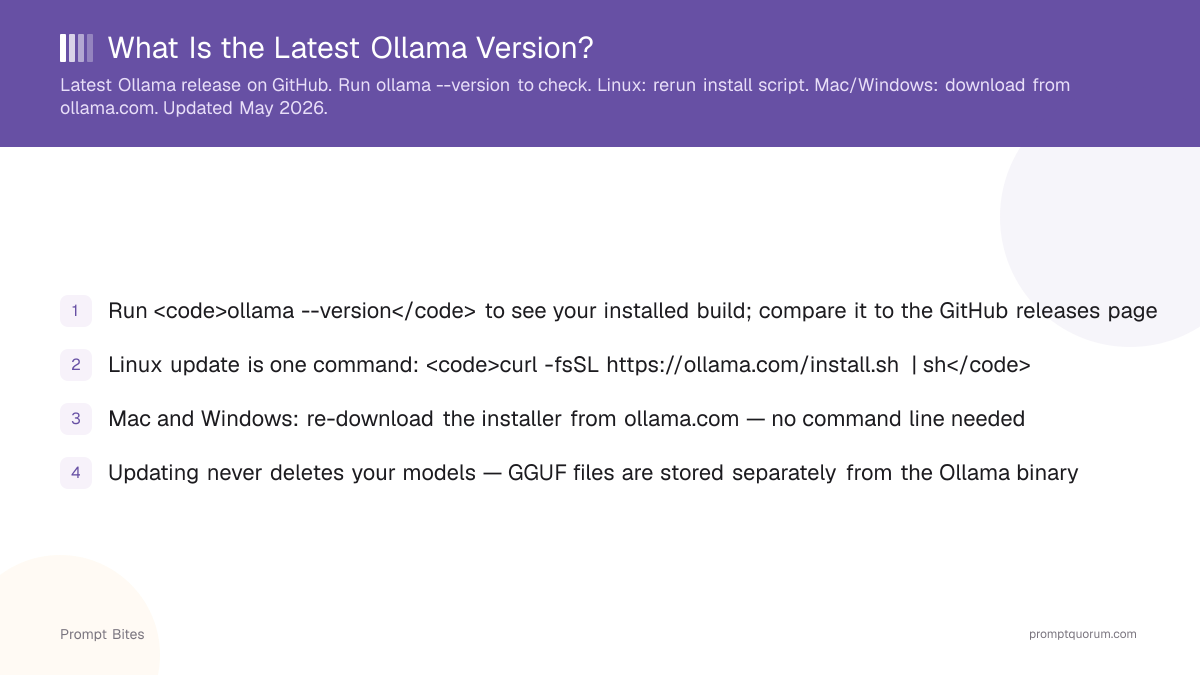
- ✓Run <code>ollama --version</code> to see your installed build; compare it to the GitHub releases page
- ✓Linux update is one command: <code>curl -fsSL https://ollama.com/install.sh | sh</code>
- ✓Mac and Windows: re-download the installer from ollama.com — no command line needed
- ✓Updating never deletes your models — GGUF files are stored separately from the Ollama binary
Where to Check Ollama's Version
The latest stable Ollama release is always listed at github.com/ollama/ollama/releases — that page shows the exact version number and release notes.
Run ollama --version in a terminal to see your installed build. The output is one line. If the GitHub releases page shows a higher version number, your install is behind.
New model families — including gpt-oss and Qwen3.5 — require a minimum Ollama version to load correctly. Recent releases also include faster GGUF loading and better multi-GPU context handling — improvements that compound across daily use.
How to Update Ollama Safely
Updating is safe: your downloaded models are stored in a separate directory and are never removed by an Ollama update. The user-facing REST API has maintained backwards compatibility since version 0.1.
If you are several versions behind, run ollama list before updating to note your current models. Nothing will break, but this 30-second step eliminates uncertainty before a major version jump.
For a complete changelog of what each Ollama release changed and which model families benefit, see the local LLM model updates guide for 2026.
| Platform | Update Method | Notes |
|---|---|---|
| Linux | Run install script (one command) | Overwrites binary, keeps models |
| macOS | Re-download from ollama.com | Drag to Applications, models kept |
| Windows | Re-download .exe from ollama.com | Run installer, models kept |
curl -fsSL https://ollama.com/install.sh | shRelated Guides
- ▸Best VPN for Downloading AI Models -- VPN for AI downloads
- ▸Ollama 128K Context Models -- long context models
Quick Answers About Ollama Updates
How do I check which Ollama version I have installed?▾
ollama --version in a terminal. It prints your build number in one line, for example ollama version 0.x.y.Will updating Ollama delete my downloaded models?▾
~/.ollama/models/ on Linux and macOS, separate from the application binary. Updates never touch that directory. See the best Ollama models right now if you want to add new ones after updating.Is it safe to skip multiple Ollama versions when updating?▾
Does updating Ollama require updating my installed models?▾
Want the full breakdown?
Read the complete guide →Related Prompt Bites