Can You Run a Local LLM on an Xperia Phone?
Yes. The Xperia 1 VIII (16 GB RAM, Snapdragon 8 Elite Gen 5, released June 2026) is now the top Xperia for local LLMs, with headroom for Phi-4 Q4 and Qwen3-8B Q4 together. The Xperia 1 VI (12 GB) remains capable of Phi-4 Q4 and Rinna 3.6B. The Xperia 5 V (8 GB) handles 3B models, and the Xperia 10 VI (6 GB) is limited to TinyLlama and Gemma 2B — all via MLC Chat, no root required.
Quick Answer
Yes — the Xperia 1 VIII (16 GB RAM, Snapdragon 8 Elite Gen 5) runs Phi-4 Q4 and Qwen3-8B Q4 together via MLC Chat. The Xperia 1 VI (12 GB) still handles Phi-4 Q4 and Rinna 3.6B. The Xperia 5 V (8 GB) handles lightweight models. The Xperia 10 VI (6 GB) is limited to TinyLlama and Gemma 2B.
- ▸Xperia 1 VIII: 16 GB RAM — runs Phi-4 Q4, Rinna 3.6B, Qwen3-8B Q4
- ▸Xperia 1 VI: 12 GB RAM — runs Phi-4 Q4, Rinna 3.6B, Qwen3-3B
- ▸Xperia 5 V: 8 GB RAM — runs Rinna 3.6B and Gemma 2B Q4
- ▸Xperia 10 VI: 6 GB RAM — TinyLlama and Gemma 2B only
- ▸Sony does not include Galaxy AI-style features — local LLM via MLC Chat fills that gap
Key Takeaways
- ✓Xperia 1 VIII (16 GB RAM, Snapdragon 8 Elite Gen 5, released June 2026) is the new top pick — it has headroom for Phi-4 Q4 and Qwen3-8B Q4 together
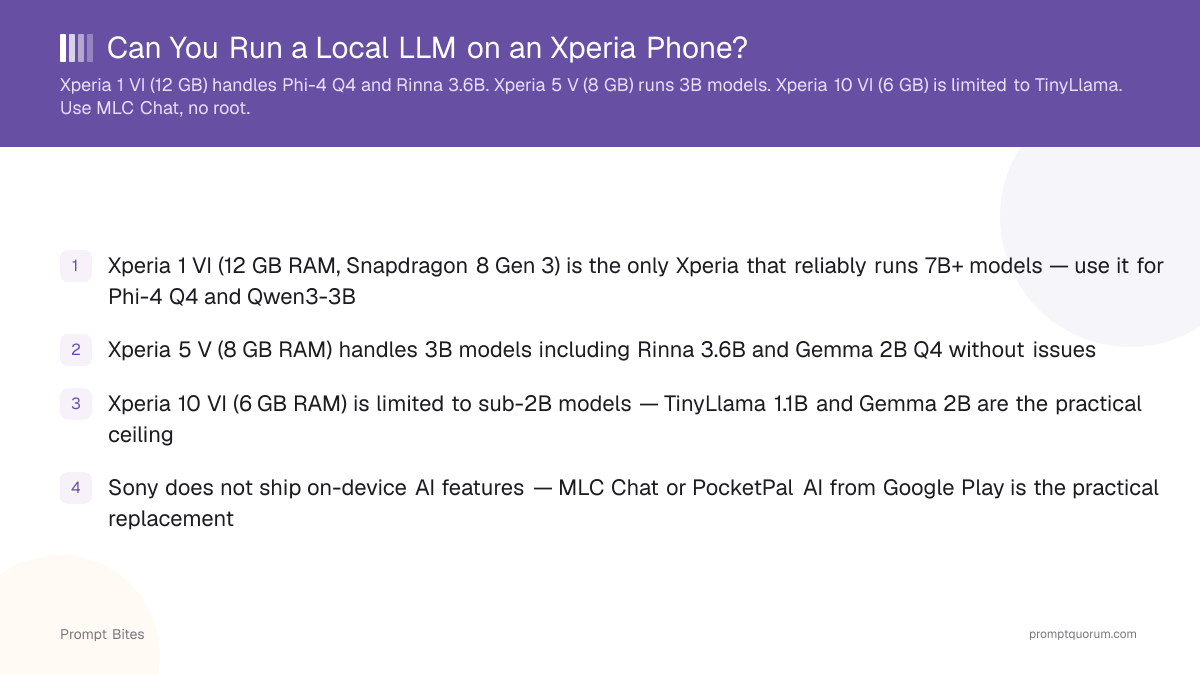
- ✓Xperia 1 VI (12 GB RAM, Snapdragon 8 Gen 3) remains capable of 7B+ models — use it for Phi-4 Q4 and Qwen3-3B
- ✓Xperia 5 V (8 GB RAM) handles 3B models including Rinna 3.6B and Gemma 2B Q4 without issues
- ✓Xperia 10 VI (6 GB RAM) is limited to sub-2B models — TinyLlama 1.1B and Gemma 2B are the practical ceiling
- ✓Sony does not ship on-device AI features on any current model — MLC Chat or PocketPal AI from Google Play is the practical replacement
- ✓Battery drain is approximately 15% per hour with screen on during continuous inference on the Xperia 1 VI/VIII; use airplane mode to reduce drain
Xperia Model Compatibility
Four current Xperia models support local LLM inference, with capability determined entirely by RAM and chipset — the new Xperia 1 VIII leads, the Xperia 1 VI remains a strong second tier, the Xperia 5 V covers the mid-range, and the Xperia 10 VI is limited to the smallest models. Sony does not pre-install on-device AI assistants on any of them (unlike Samsung Galaxy AI), so local LLM apps are the only route to private, offline AI on Xperia devices.
The Xperia 1 VIII, released June 2026 with a Snapdragon 8 Elite Gen 5 SoC and up to 16 GB of LPDDR5X RAM, is now the most capable Xperia for local inference. Its extra RAM over the Xperia 1 VI gives it comfortable headroom to run Phi-4 Q4 (~8 GB) and Qwen3-8B Q4 (~5 GB) at the same time, alongside normal app usage. The Xperia 1 VI (Snapdragon 8 Gen 3, 12 GB RAM) is still capable of quantized 7B+ models — Phi-4 Q4 and Qwen3-3B run reliably, just with less multitasking headroom than the VIII. The Xperia 5 V with Snapdragon 8 Gen 2 and 8 GB RAM is the sweet spot for 3B models — Rinna 3.6B and Gemma 2B Q4 run reliably. The Xperia 10 VI uses the mid-range Snapdragon 6 Gen 1 with only 6 GB RAM; at this tier, stick to TinyLlama 1.1B or Gemma 2B — larger models will crash or OOM during loading.
Use Xperia 1 VIII or Xperia 1 VI for 7B+ models; use Xperia 5 V for 3B models; stick to sub-2B models on Xperia 10 VI.
For app setup instructions, see our Android LLM apps for Japan guide.
| Xperia Model | RAM / Chip | Recommended Models |
|---|---|---|
| Xperia 1 VIII | 16 GB / Snapdragon 8 Elite Gen 5 | Phi-4 Q4, Rinna 3.6B, Qwen3-3B, Qwen3-8B Q4 |
| Xperia 1 VI | 12 GB / Snapdragon 8 Gen 3 | Phi-4 Q4, Rinna 3.6B, Qwen3-3B |
| Xperia 5 V | 8 GB / Snapdragon 8 Gen 2 | Rinna 3.6B, Gemma 2B Q4 |
| Xperia 10 VI | 6 GB / Snapdragon 6 Gen 1 | TinyLlama 1.1B, Gemma 2B only |
📍 In One Sentence
The Xperia 1 VIII (16 GB RAM, Snapdragon 8 Elite Gen 5) is the most capable current Xperia for local LLMs, running Phi-4 Q4 and Qwen3-8B Q4 together via MLC Chat.
💬 In Plain Terms
A local LLM is an AI model that runs directly on the phone's chip, with no internet connection needed. On Xperia, you install it through the MLC Chat app — no root access required.
3-Step Setup Guide
Installing a local LLM on an Xperia takes three steps and under 30 minutes, including model download time. The process requires no root access, no developer mode, and no special Xperia settings — it runs entirely through standard Android app and file management.
Step 1: Install MLC Chat or PocketPal AI from Google Play (Google Playストア). Both are free and available in Japan without a VPN or region workaround. MLC Chat is faster to first inference; PocketPal AI supports a broader range of GGUF model files from Hugging Face.
Step 2: Download your model over Wi-Fi. Model download sizes vary: TinyLlama 1.1B Q4 is approximately 0.7 GB, Rinna 3.6B Q4 is approximately 2 GB, Gemma 2B Q4 is approximately 1.5 GB, Phi-4 Q4 is approximately 8 GB, and Qwen3-8B Q4 is approximately 5 GB. Use a 128 GB or larger storage Xperia for Phi-4. Close all other apps before loading Phi-4 Q4 — it uses approximately 8 GB of the Xperia 1 VI's 12 GB RAM (or the Xperia 1 VIII's 16 GB) and requires maximum available memory to load without crashing. Do not download over mobile data — the files are large and your carrier plan will not thank you.
Step 3: Switch your keyboard to Japanese input. Gboard with Japanese enabled or ATOK (popular in Japan for business use) both work directly with MLC Chat and PocketPal AI — you type in Japanese, the model responds in Japanese. No extra configuration is required for Japanese language input to function.
Battery note: expect approximately 15% battery drain per hour with screen on during continuous inference on the Xperia 1 VI or Xperia 1 VIII — the newer chipset improves efficiency, but sustained on-device inference still taxes the battery at a similar rate. Enable airplane mode (機内モード) during inference sessions to reduce background radio drain and extend session time. Power-saving mode further reduces drain but may throttle the Snapdragon's AI cores and slow inference speed.
Sony Xperia AI Agent (currently in beta) connects to cloud AI services and does not run on-device. Local LLM via MLC Chat is the only way to run AI inference entirely on the Xperia without sending data to external servers — an important distinction for privacy under Japan's Act on the Protection of Personal Information (APPI / 個人情報保護法). For a full guide to Android LLM setup including hardware requirements, see running AI on tablets and Android phones.
Quick Answers About Xperia LLMs
Should I get the Xperia 1 VIII or the Xperia 1 VI for local LLMs?▾
Does local LLM work on the Xperia 10 VI?▾
How much storage does a model need on Xperia?▾
How much battery does running an LLM drain on Xperia?▾
Does it work offline on Xperia?▾
What is the difference between Sony Xperia AI Agent and a local LLM?▾
Want the full breakdown?
Read the complete guide →