What Are the Best Local LLM Apps for Android in Japan?
Quick Answer
MLC Chat, PocketPal AI, and Ollama via Termux are the best options for Android users in Japan. Japanese models like Rinna 3.6B and ELYZA-7B run fully locally and support the Japanese Play Store.
- ▸MLC Chat: easiest setup, preoptimized models including Rinna 3.6B for Japanese
- ▸PocketPal AI: any GGUF model including ELYZA-7B, full Japanese support
- ▸Termux + Ollama: full Ollama library including Qwen3 8B, requires 8 GB RAM
Key Takeaways
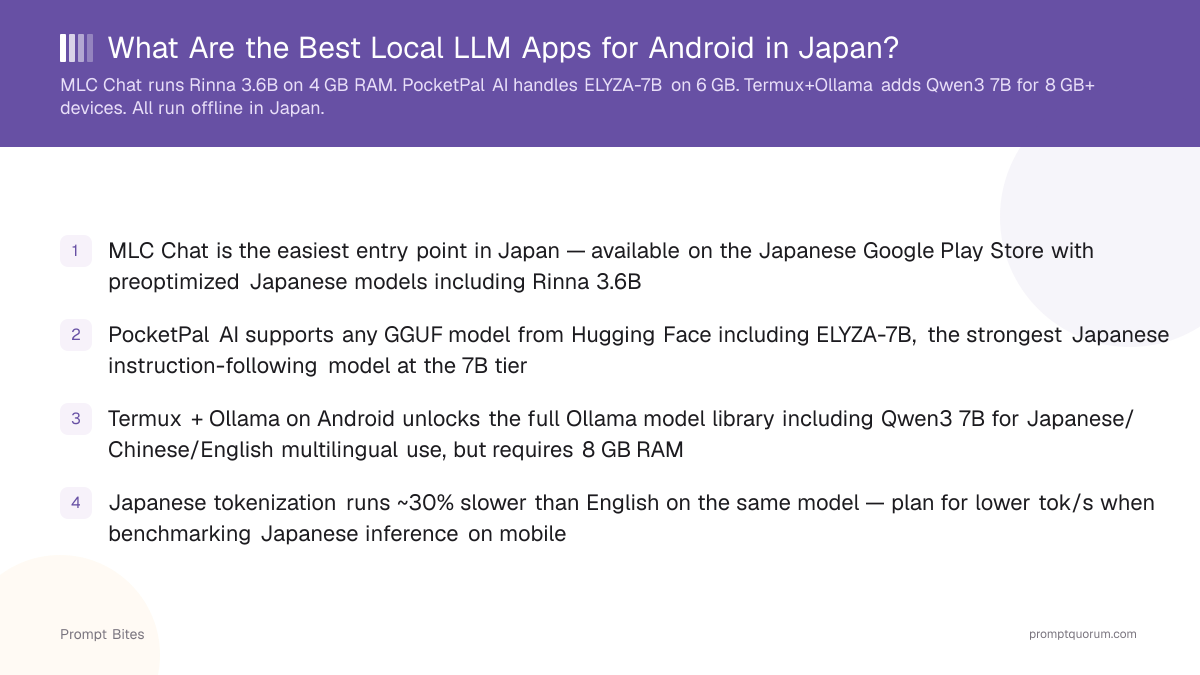
- ✓MLC Chat is the easiest entry point in Japan — available on the Japanese Google Play Store with preoptimized Japanese models including Rinna 3.6B
- ✓PocketPal AI supports any GGUF model from Hugging Face including ELYZA-7B, the strongest Japanese instruction-following model at the 7B tier
- ✓Termux + Ollama on Android unlocks the full Ollama model library including Qwen3 8B for Japanese/Chinese/English multilingual use, but requires 8 GB RAM
- ✓Japanese tokenization runs ~30% slower than English on the same model — plan for lower tok/s when benchmarking Japanese inference on mobile
The 3 Best Apps with Japanese Language Support
Three Android apps support Japanese-language local LLMs on the Japanese Play Store: MLC Chat, PocketPal AI, and Ollama via Termux. All three run fully offline after the initial model download — no data ever reaches a cloud server, which directly addresses APPI (個人情報保護法, Japan's Personal Information Protection Act) compliance for personal conversations.
MLC Chat offers the fastest time to first token. Its preoptimized model list includes Rinna 3.6B, a lightweight Japanese-native model that fits in 3 GB RAM. On a Xperia 1 VI or Samsung Galaxy S24 with 12 GB RAM, Rinna 3.6B Q4 runs at 6–10 tok/s — comfortable for conversational use. Setup takes under 10 minutes with no command-line experience required.
PocketPal AI, developed by the Hugging Face community, loads any GGUF file directly from Hugging Face. This makes ELYZA-7B and Qwen3 8B available without waiting for an app-curated release. The tradeoff is a slightly longer setup requiring manual model selection. See the Xperia local LLM guide for device-specific RAM and storage tips.
| App | Min RAM | Japanese Model Support |
|---|---|---|
| MLC Chat | 4 GB | Preoptimized models incl. Rinna 3.6B |
| PocketPal AI | 4 GB | Any GGUF incl. ELYZA-7B |
| Termux + Ollama | 8 GB | Full Ollama library incl. Qwen3 8B |
How to Choose the Right Japanese Model
Three Japanese-capable models cover the practical use cases on mid-range to flagship Android devices. The right choice depends on your RAM, your primary task, and whether you need multilingual output.
Rinna 3.6B is the lightweight option: Japanese-native, trained on Japanese web corpus, and runs on 3 GB RAM minimum. It handles casual conversation, text summarization, and short-form generation well. It is the right pick for an Xperia 10 VI (4–6 GB RAM) or any mid-range device where a 7B model would be too slow.
ELYZA-7B delivers the strongest Japanese instruction-following performance at the 7B tier. It requires 6 GB RAM minimum and runs comfortably on a Xperia 5 V, Xperia 1 VI, or Samsung Galaxy S24. Use ELYZA-7B for tasks requiring multi-step instructions, structured output, or nuanced Japanese writing.
Qwen3 8B is the multilingual pick: trained on Japanese, Chinese, and English corpora. It requires 6 GB RAM minimum and produces fluent output in all three languages within a single conversation. Use Qwen3 8B when your workflow spans JA/ZH/EN — for example, translating or summarizing cross-language business documents.
Important: Japanese tokenization is approximately 30% heavier than English for the same model. A device that runs a 7B English model at 8 tok/s will produce roughly 5–6 tok/s in Japanese. Factor this into your hardware decision. For CPU-only model recommendations, see best CPU-only LLMs. For a full setup guide, see the best local LLM apps for Android guide.
Quick Answers About Android LLMs in Japan
Do Japanese local LLM models work offline?▾
Which model runs best on a Xperia with 6 GB RAM?▾
What are the APPI benefits of running a local LLM?▾
Can you use Japanese voice input with these LLM apps?▾
Want the full breakdown?
Read the complete guide →Related Prompt Bites